EasyManua.ls Logo

JVC AV-27D503 - User Manual

JVC AV-27D503
56 pages
Print Icon
To Next Page IconTo Next Page
Loading...
COLOR TELEVISION
USER'S GUIDE
For models:
AV-36D503
AV-36D303
AV-36D203
AV-32D503
AV-32D303
AV-32D203
AV-27D503
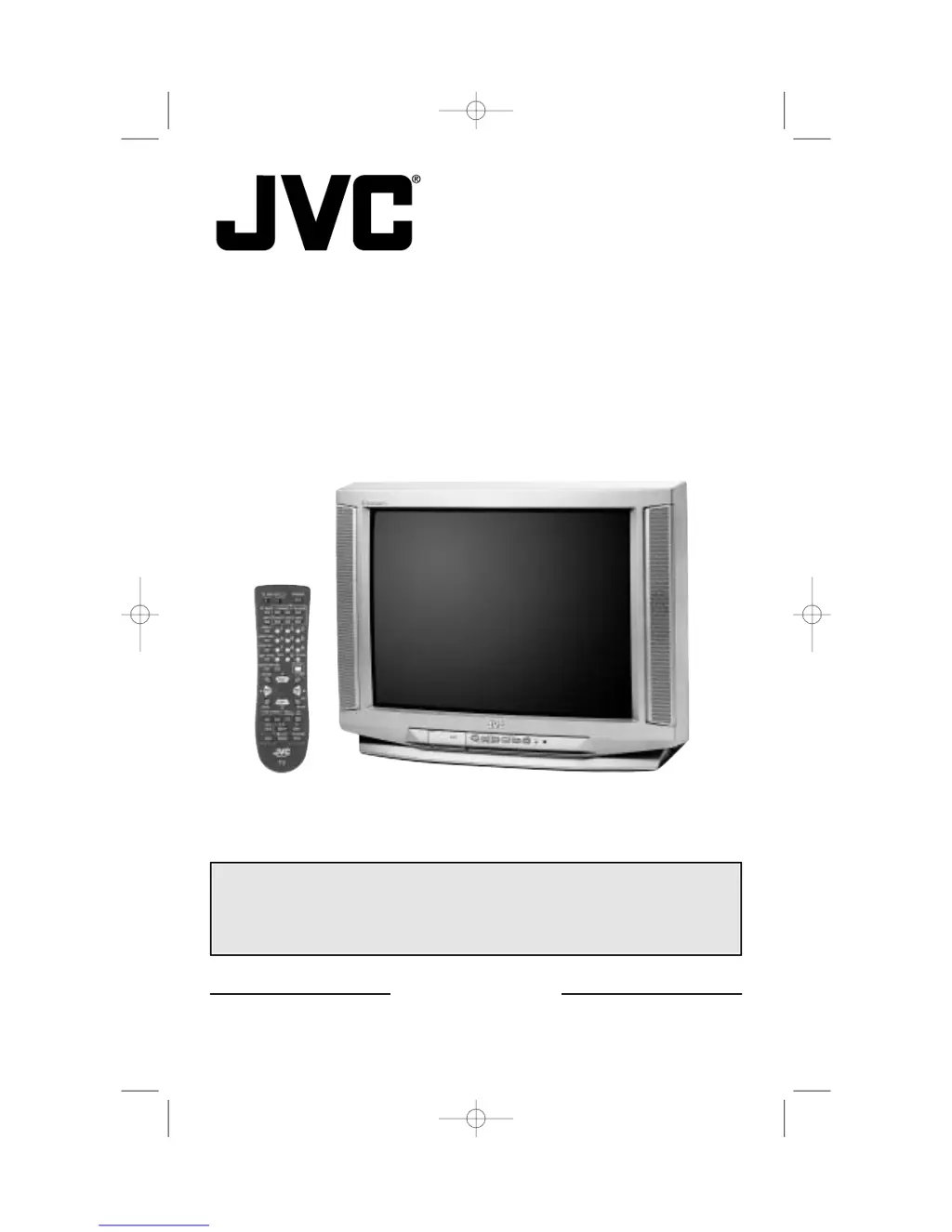
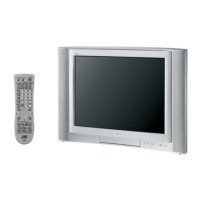
Illustration of AV-32D503 and RM-C251
IMPORTANT NOTE TO THE CUSTOMER
In the spaces below, enter the model and serial number of your television (located at the
rear of the television cabinet). Staple your sales receipt or invoice to the inside cover of this
guide. Keep this user's guide in a convenient place for future reference. Keep the carton and
original packaging for future use.
Model Number
Serial Number
LCT1128-001A-A
0302-TN-FAA-JIM
GE D-Series English 3/12/02 2:52 PM Page 1

Questions and Answers

  • T
    Tyler HunterAug 20, 2025
    Why is there no picture or sound on my JVC AV-27D503?
    • H
      Helen BurnettAug 20, 2025
      If your JVC TV shows no picture or sound, the antenna might be disconnected. Also, the input mode or tuner (Auto Tuner Setup) could be set improperly. The TV station itself may also be experiencing difficulties; try checking other channels to see if they are working.
  • M
    mcleanjasmineAug 22, 2025
    How to fix a JVC AV-27D503 TV remote that is not working?
    • B
      bacostaAug 22, 2025
      If the remote control isn't working with your JVC TV, first check the batteries to ensure they are working and correctly installed. Ensure there's a clear path between the remote and the TV. Verify that the TV/CATV switch is in the correct position. Also, make sure you are within 23 feet (7 meters) of the TV.
  • J
    Justin MosleyAug 25, 2025
    Why does my JVC AV-27D503 TV power off by itself?
    • J
      Jeremy CookAug 25, 2025
      If your JVC TV turns off by itself, ensure the power cord hasn't become unplugged. Another possibility is that the On/Off Timer or Sleep Timer is set. Check these settings to make sure they are disabled if you want the TV to stay on.
  • G
    goldendouglasAug 26, 2025
    How to improve poor color quality on JVC TV?
    • K
      Kelsey NguyenAug 27, 2025
      If the color quality on your JVC TV is poor, the Tint and Color settings may need adjustment. Also, the Video Status mode might be set to the wrong setting. Adjust these settings to improve the color.
  • D
    davidweissAug 28, 2025
    Why is the picture snowy on my JVC TV?
    • J
      jesusaveryAug 28, 2025
      If the picture on your JVC TV is snowy, your antenna may be damaged, disconnected, or turned. Check the antenna connection, and if the antenna is damaged, consider replacing it.
  • S
    stephenbrownAug 29, 2025
    What to do if my JVC AV-27D503 has no power?
    • M
      Michael SwansonAug 30, 2025
      If your JVC TV isn't turning on, check to see if the power cord is securely plugged in. Also, check your fuse or circuit breaker for any issues, and ensure there isn't a power outage in your area.
  • L
    Lisa EvansAug 31, 2025
    Why can't I select a certain channel on my JVC AV-27D503?
    • R
      Ricardo WalkerAug 31, 2025
      If you cannot select a certain channel on your JVC TV, first make sure the channels have been programmed. Also, check to see if the channel is locked.
  • D
    Douglas DavisSep 2, 2025
    How to fix JVC AV-27D503 TV when stereo or bilingual programs can't be heard?
    • J
      jordanchristopherSep 2, 2025
      If you are unable to hear stereo or bilingual programs on your JVC TV, ensure that the MTS settings are configured correctly.
  • C
    Christopher MaciasSep 4, 2025
    How to fix a JVC AV-27D503 screen that is 40% black?
    • J
      james11Sep 4, 2025
      If the screen on your JVC TV is 40% black, the Closed Caption Text mode is likely turned on. Turn it off in the Closed Caption Menu.
  • C
    Chad EvansSep 6, 2025
    Why are there lines across the picture on my JVC AV-27D503 TV?
    • J
      Jessica WoodSep 6, 2025
      If you see lines across the picture on your JVC TV, it could be due to interference from another electrical appliance like a computer, another TV, or a VCR. Try moving these appliances further away from the TV to reduce interference.

JVC AV-27D503 Specifications

General IconGeneral
BrandJVC
ModelAV-27D503
CategoryTV
LanguageEnglish

Related product manuals