Connections
17
1) Connect the yellow video cable out from the Camcorder’s Video Output, in to the TV’s Video
Input jack.
2) Connect the white audio cable out from the Camcorder’s Left Audio Output, in to the TV’s
Left Audio Input Jack.
3) Connect the red audio cable out from the Camcorder’s Right Audio Output, in to the TV’s
Right Audio Input Jack.
• If your Camcorder is a mono sound model it will have only one audio jack. Connect it to the
TV’s Left Audio Jack.
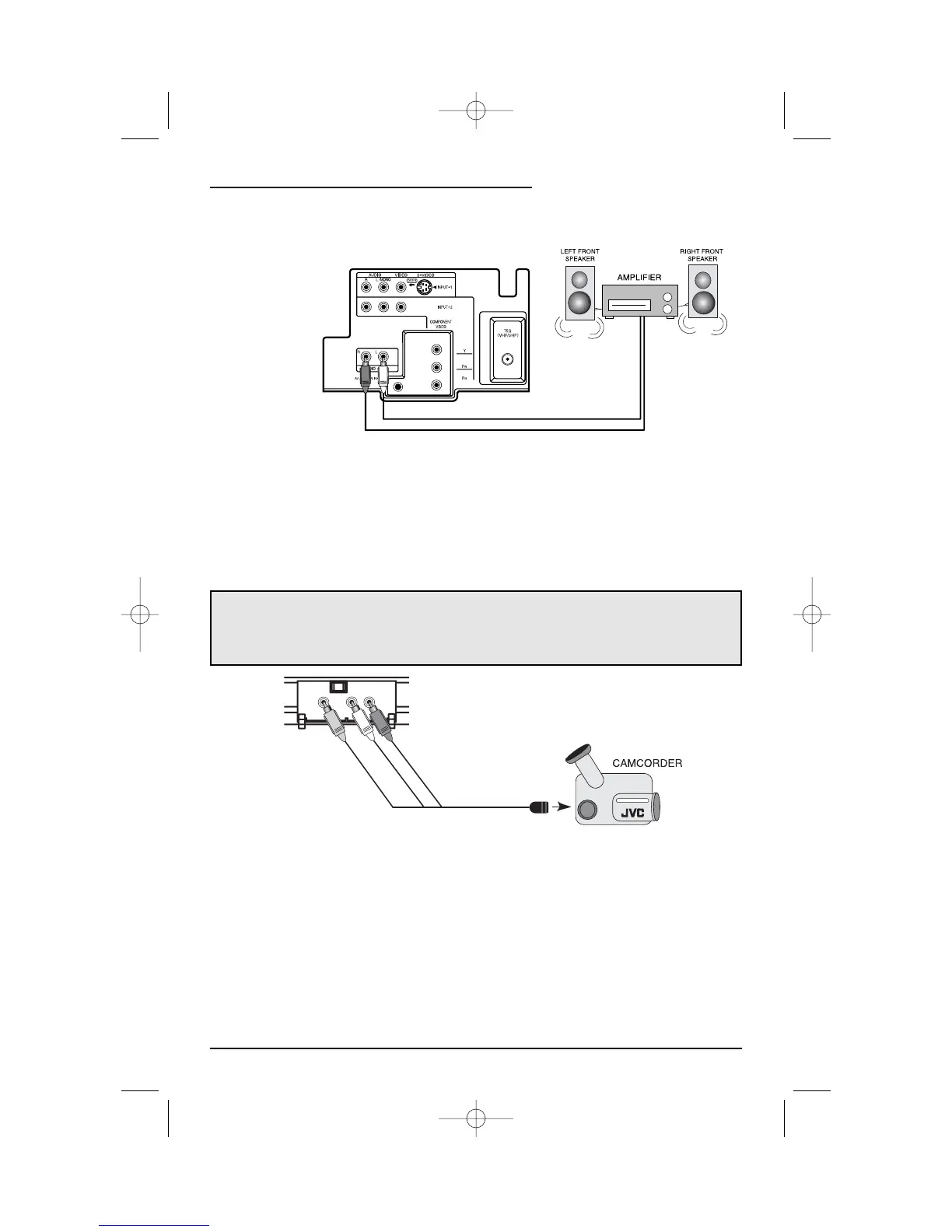
Connecting to an External Amplifier
Connecting to a Camcorder
1) Connect the white audio cable from the TV’s Left Audio Output jack to the Amplifier’s Left
Audio Input jack.
2) Connect the red audio cable from the TV’s Right Audio Output jack to the Amplifier’s Right
Audio Input jack.
You may connect a camcorder to your television by using the front Input Jacks (Input 3)
located under the front panel door. To access, pull lightly on the door to open it.You may also
connect a game console or other equipment using these jacks. Camcorders may also be
connected to the television’s rear input jacks.
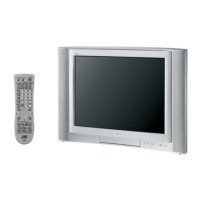
Illustration of AV-32D503
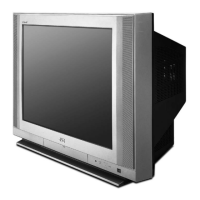
Illustration of AV-32D503



 To Next Page