26
Setup Menu
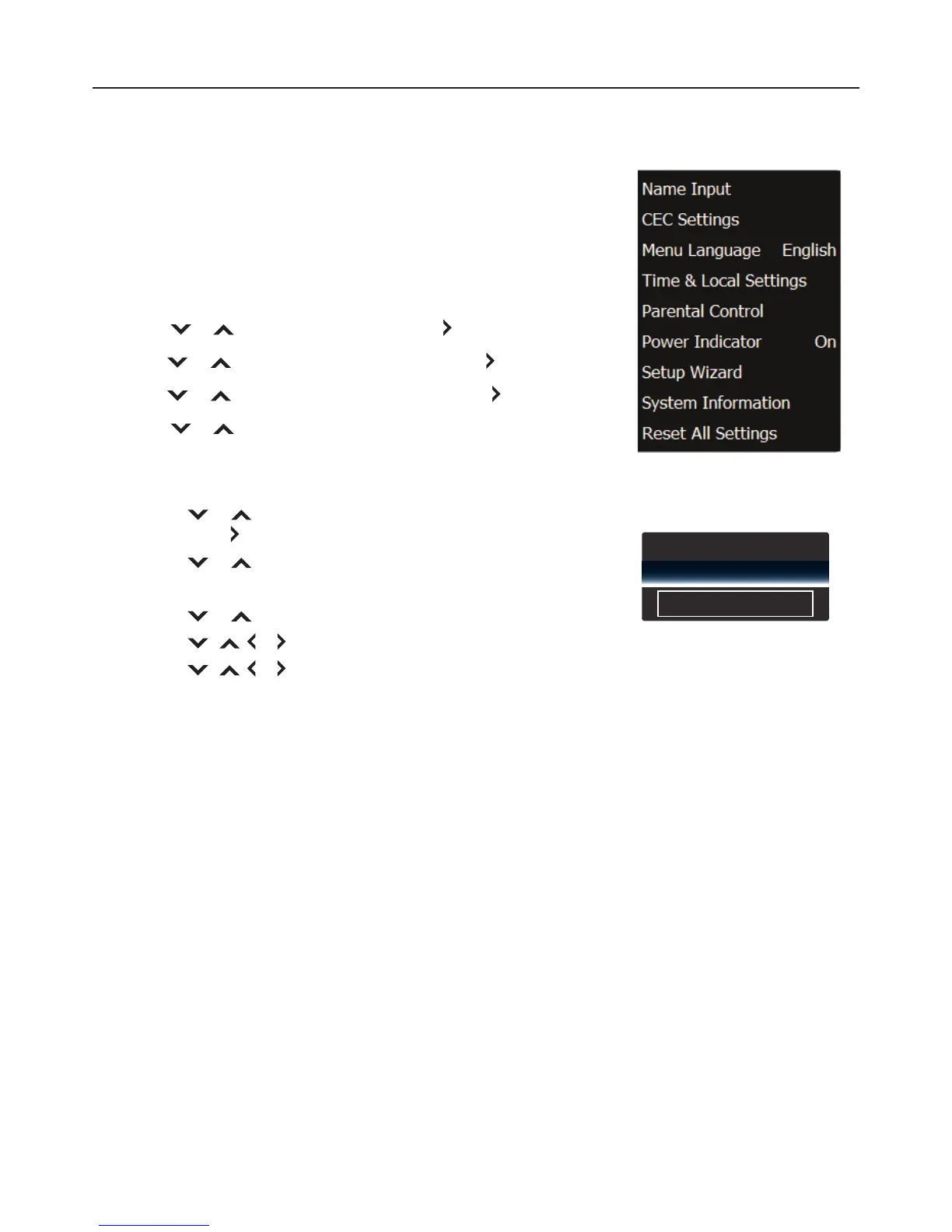
Name Input
The Name Input feature of the TV allows you to add a label name on an
input source.
To label an input source , perform the following steps:
1 Press MENU.
2 Press or to select “Setup”, then press or OK.
3 Press or to select “Name Input”, then press or OK.
4 Press or to select “Input Source”, then press or OK.
5 Press or to select the input source that you want to add
a label name to, then press OK.
6 To select a custom label:
1. Press
or to select “Input Labels”,
then press or OK.
2. Press
or to select “Custom” and press OK.
To enter desired label:
1. Press
or to select the text box, then press OK.
2. Press
, , or to select a character, then press OK.
3. Press
, , or to select “OK”, then press OK.
Press RETURN to close the menu screen.
Adjusting the Menu Settings
Input Source
Input Labels
Component
Custom
My Input


 To Next Page