EasyManua.ls Logo

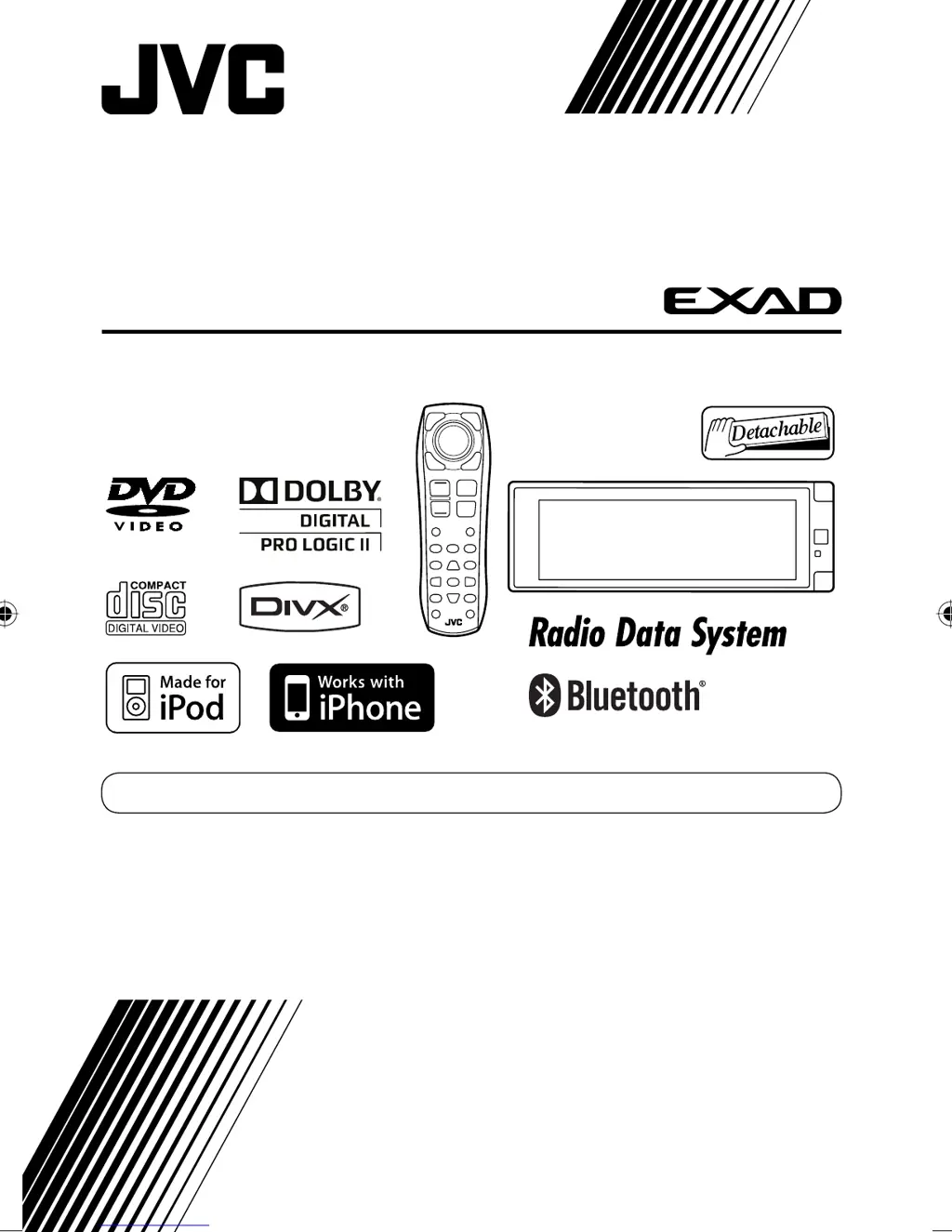
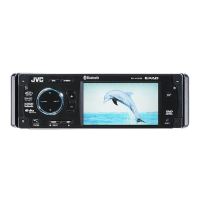
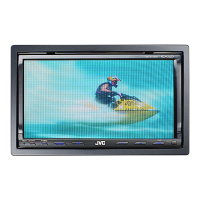
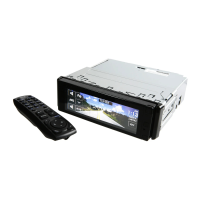
JVC EXAD KD-AVX77 - User Manual

JVC EXAD KD-AVX77
80 pages
Print Icon
To Next Page IconTo Next Page
Loading...
For installation and connections, refer to the separate manual.
INSTRUCTIONS
LVT1938-006A
[A]
For canceling the display demonstration, see page 11.
DVD/CD RECEIVER
KD-AVX77/KD-AVX55
Only for KD-AVX77
Cover_KDAVX7755[A].indd 2Cover_KDAVX7755[A].indd 2 09.3.13 6:30:58 PM09.3.13 6:30:58 PM

Questions and Answers

  • S
    Samantha ThomasAug 28, 2025
    What does it mean when 'No Signal' appears on my JVC EXAD KD-AVX77?
    • W
      Whitney TaylorAug 28, 2025
      If 'No Signal' appears on your JVC Car Receiver, the signal input may be too weak. Try changing the source. Also, if you have an external component connected to the VIDEO IN plug, start the playback on that component. Finally, check the cords and connections to ensure they are properly connected.
  • C
    Christopher ClarkAug 28, 2025
    What to do if the JVC Car Receiver touch panel does not respond properly?
    • O
      oayersAug 28, 2025
      If the touch panel on your JVC Car Receiver isn't responding correctly, ensure your hands and the touch panel are clean and dry. Also, eliminate static electricity and keep conductors or materials generating static electricity away from the unit. If the issue persists, allow the unit to sit until the temperature stabilizes in the car.
  • E
    Erica HarrisAug 27, 2025
    Why is my JVC Car Receiver remote controller not working?
    • D
      Dr. Kristen Jones MDAug 27, 2025
      If the remote controller for your JVC Car Receiver isn't working, try deactivating the Dual Zone feature.
  • P
    paulrodriguezSep 6, 2025
    Why tracks are not played back as intended on my JVC EXAD KD-AVX77?
    • J
      jeremyvegaSep 7, 2025
      Tracks may not play back as intended on your JVC Car Receiver because the playback order may differ from that of other players.
  • S
    Stacey DavisSep 9, 2025
    Why 'No Disc' appears on the screen of my JVC Car Receiver?
    • M
      Michael BakerSep 9, 2025
      If 'No Disc' appears on the screen of your JVC Car Receiver, insert a disc into the magazine.
  • A
    Angel SullivanSep 12, 2025
    What to do if JVC Car Receiver screen is not clear?
    • J
      justinlevySep 12, 2025
      If the screen of your JVC Car Receiver is not clear and legible, especially in bright sunlight, adjust the Bright setting.
  • T
    thompsonjeffreySep 16, 2025
    What to do if JVC Car Receiver doesn't recognize disc?
    • D
      Daniel OliverSep 16, 2025
      If a disc cannot be recognized or played back in your JVC Car Receiver, eject the disc forcibly.
  • S
    shawn47Sep 23, 2025
    Why does JVC Car Receiver say “LOADING” on XM radio?
    • D
      David BeltranSep 23, 2025
      If “LOADING” appears on the screen while listening to the XM Satellite radio on your JVC Car Receiver, the unit is loading the channel information and audio.
  • A
    Ashley EscobarAug 26, 2025
    Why no sound comes out of the center speaker of my JVC Car Receiver?
    • C
      Christopher HerreraAug 26, 2025
      If no sound is coming from the center speaker of your JVC Car Receiver, the center speaker may not be activated. After resetting the unit, make sure to activate the speaker again.
  • M
    megan08Aug 25, 2025
    What does 'Mecha Error Push Reset' mean on my JVC EXAD KD-AVX77?
    • C
      Crystal ConleyAug 26, 2025
      If 'Mecha Error Push Reset' appears on the screen and the panel of your JVC Car Receiver doesn't move, reset the unit.

Summary

Laser Product Safety Information

Important Laser Product Cautions

Warns about laser radiation, avoiding opening the unit, and handling precautions.

General Operational Warnings

Lists critical warnings for safe operation, especially while driving.

Basic Operations Overview

Using the Monitor Panel and Touch Panel

Explains the primary interface elements and how to interact with them for operation.

Monitor Panel and Touch Panel Details

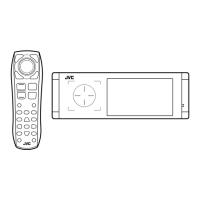
Remote Controller Operation

Remote Controller Functionality

Remote Controller Button Functions (Part 1)

Explains the functions of the /ATT, navigation, VOL, ASPECT, PHONE, SETUP, TOP M, and OSD buttons.

Preparation and Initial Setup

AV Menu Navigation Guide

Tuner and Input Source Settings

Disc Surround Sound Modes

Equalizer Settings and Customization

Sound Settings and Adjustments

Bluetooth Phone Operations: Dialing and Contacts

Using the Dial Menu and Managing Phonebook

Explains how to make calls, use redial, and delete phone numbers/names.

Bluetooth Device Management

Connecting, Disconnecting, and Pairing Bluetooth Devices

Covers the procedures for managing Bluetooth device connections and pairing.

Bluetooth Settings: Connection and Notifications

Listening to the Radio

Tuner Operation and Station Search

Guides on selecting the tuner source and performing auto/manual station searches.

Disc Operations: Handling and Ejection

Touch Panel Interface Overview

Remote Controller Operations: DVD;DivX Control

Using the Remote for DVD;DivX Playback Controls

Details specific remote control functions for DVD and DivX playback, including chapter/track search.

Remote Control for Other Discs and Direct Search

Remote Control for Other Discs and Direct Search

Covers remote operations for VCD, MP3, CD, and how to perform direct searches for items.

USB Device Operations and Cautions

Connecting and Operating USB Mass Storage Devices

Covers connecting USB devices, operating files, and important usage cautions.

Bluetooth Device Connectivity and Pairing

Bluetooth Cellular Phone Usage

Making Calls and Managing Conversations

Guides on initiating calls, answering, ending calls, and switching conversation media.

Bluetooth Phone and Audio Player Functions

Preset Phone Numbers and Bluetooth Audio Player Operation

Covers storing preset phone numbers for quick dialing and operating the Bluetooth audio player.

iPod;iPhone Connectivity and Operation

Connecting iPod;iPhone via USB Cable and Modes

Details connecting iPod/iPhone via USB and selecting control modes (HEAD MODE, iPod MODE).

iPod;iPhone Connection via Interface Adapter

Connecting iPod;iPhone via Interface Adapter

Explains the process of connecting iPod/iPhone using the interface adapter and selecting tracks.

CD Changer Operations and Listening

Connecting and Operating the JVC CD Changer

Guides on connecting the CD changer and selecting discs for playback.

DAB Tuner Operations and Features

AV-INPUT and External Component Connection

EXT-INPUT Connection Procedures

Maintenance and Cleaning Procedures

File Playback Format Requirements

Bluetooth and iPod;iPhone Usage Details

Troubleshooting Guide: General Issues

Common System Problems and Solutions

Addresses issues like no sound, screen visibility, unit not responding, and error messages.

Troubleshooting: Disc and Tuner Problems

Troubleshooting: Disc and Tuner Problems

Provides solutions for common issues related to disc playback errors and tuner reception.

Troubleshooting: USB and Bluetooth Connectivity

Troubleshooting: USB and Bluetooth Connectivity

Offers solutions for problems encountered with USB devices and Bluetooth connections.

Troubleshooting: Bluetooth Audio and iPod;iPhone Issues

Troubleshooting: Bluetooth Audio and iPod;iPhone Issues

Addresses problems with Bluetooth audio playback, iPod/iPhone control, and device compatibility.

Troubleshooting: iPod Adapter, CD Changer, DAB, AV-IN

Troubleshooting: iPod Adapter, CD Changer, DAB, AV-IN

Provides solutions for issues related to iPod interface adapter, CD changer, DAB tuner, and AV-IN connections.

Technical Specifications: Amplifier and Tuner

Amplifier, FM;AM Tuner, and Signal Specifications

Lists detailed specifications for the unit's amplifier, tuner sensitivity, selectivity, and frequency response.

Technical Specifications: USB, Bluetooth, Monitor, General

USB, Bluetooth, Monitor, and General Specifications

Details specifications for USB standards, Bluetooth version, monitor display, and general unit parameters.

JVC EXAD KD-AVX77 Specifications

General IconGeneral
BrandJVC
ModelEXAD KD-AVX77
CategoryCar Receiver
LanguageEnglish

Related product manuals