Slow-motion (High-speed) Recording
You can record videos in slow-motion by increasing the recording speed to
emphasize the movements, and play back the slow-motion video smoothly.
This is a handy function for checking movements, such as golf swings.
(Video files in MP4 only)
Recording Speed Image Size
600fps(10x) 320×176
420fps(7x) 320×176
300fps(5x) 640×360
240fps(4x) 640×360
120fps(2x) 640×360
0
Playback time when recording speed is 300 fps will be 5 times of the actual
recorded time.
(Example: If the recorded time is 1 minute, then playback time will be 5
minutes.)
1
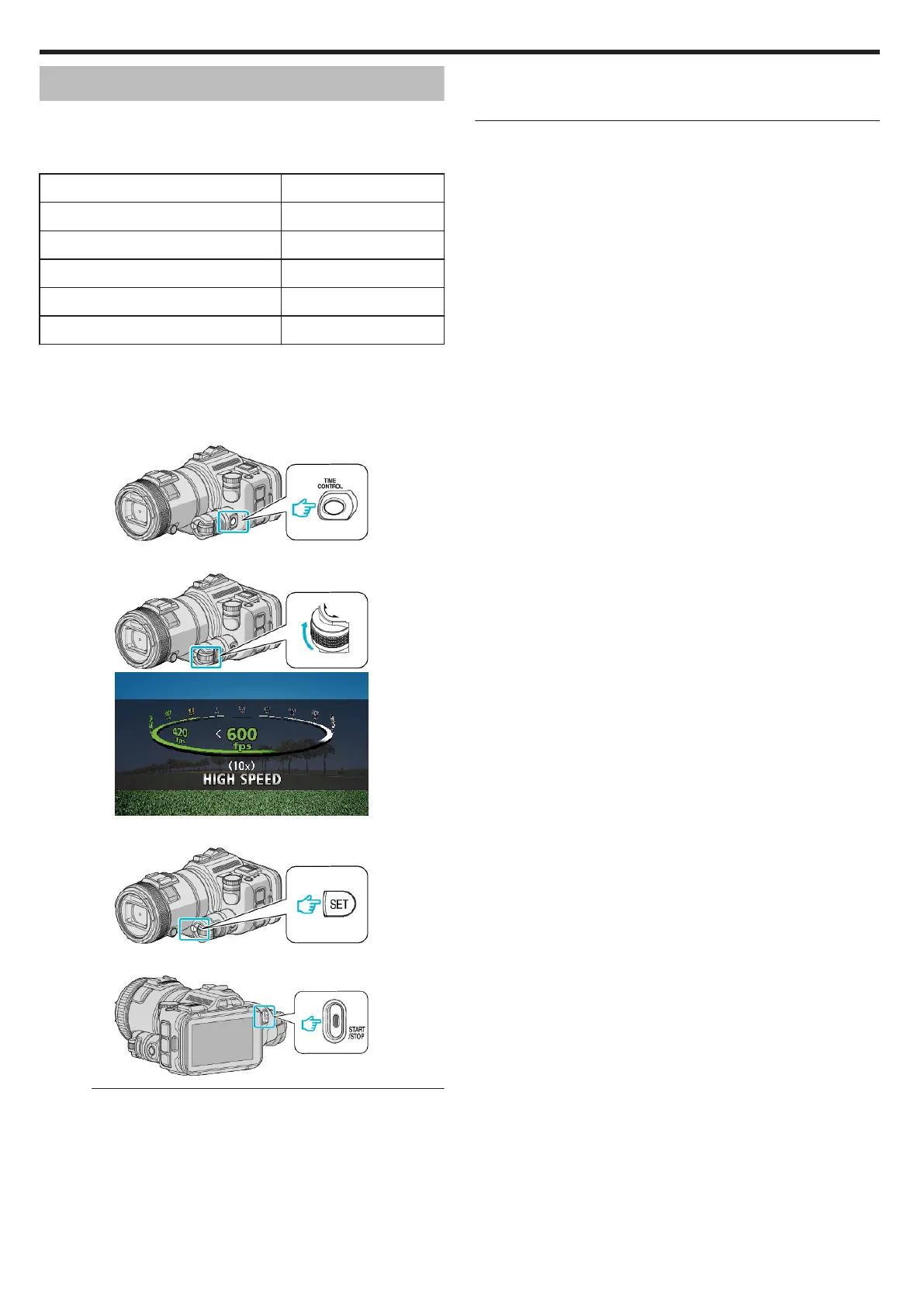
Press the TIME CONTROL button.
.
2
Select the recording speed by using the adjustment dial.
.
.
3
Press the SET button.
.
4
Start recording.
.
Memo :
0
Images may appear grainer recording is performed at high speed and with
reduced resolution. In addition, it is recommended that a tripod be used,
and recording be performed in a bright location, by setting “GAIN UP” to
“AUTO”, since it is darker than normal shooting.
0
Audio sound is not recorded together with the video.
0
When high-speed recording is enabled, only the optical zoom can be
used.
0
During high-speed recording, “TOUCH PRIORITY AE/AF” is set to “OFF”
.
0
During high-speed recording, scene counter may not operate smoothly.
0
When a SDXC card is used in high-speed (600fps) recording, recording
time is limited to 3 minutes.
o
To return to the normal recording mode
0
Press the TIME CONTROL button, and then select “60fps” by the
adjustment dial.
0
Normal recording mode can be resumed by turning off the power of this
unit.
Recording
44


 To Next Page
 Loading...