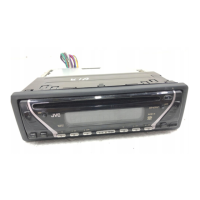
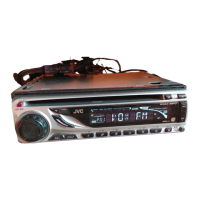
(No.MA287)1-9
3.2 Front panel assembly
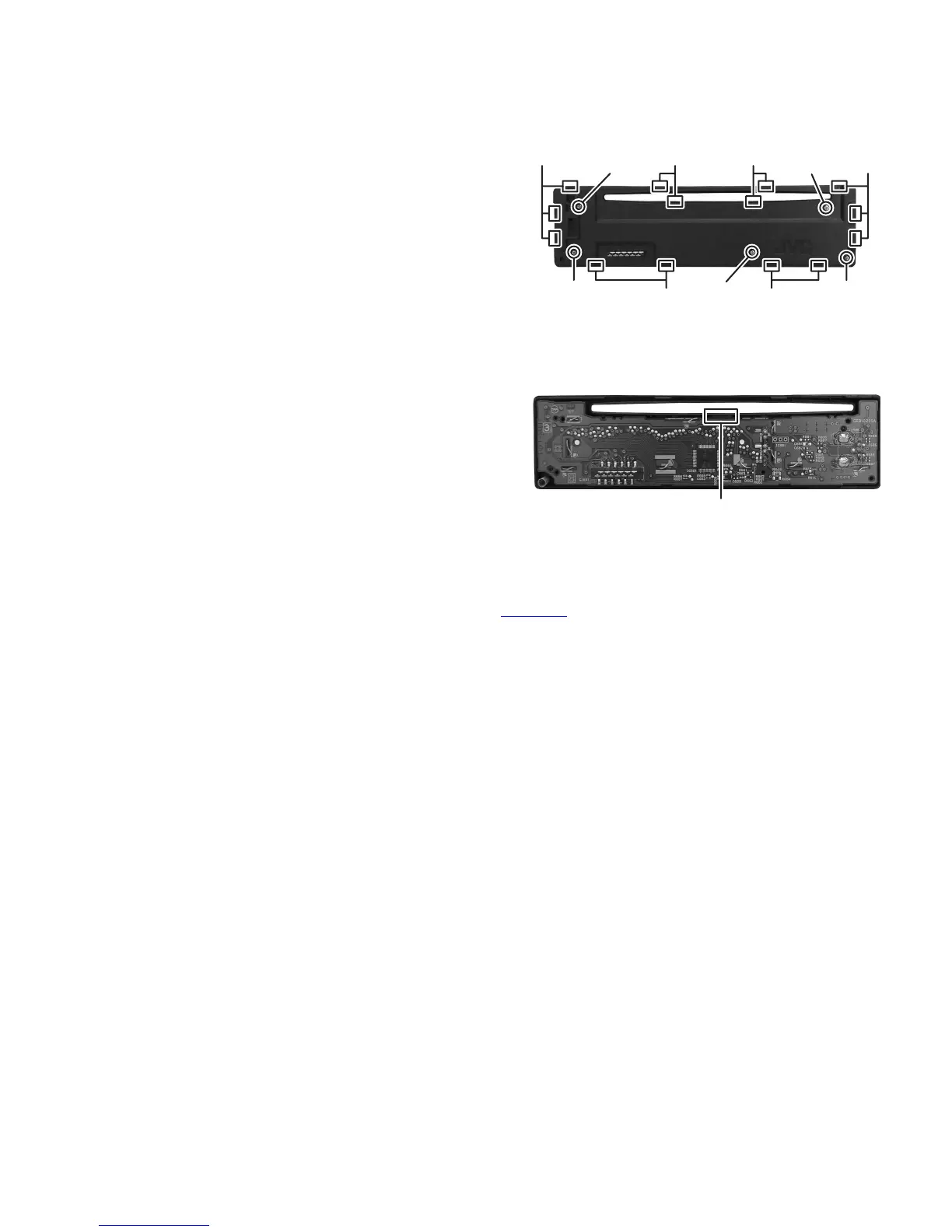
3.2.1 Removing the Rear cover
(See Fig.7)
(1) Remove the Volume knob from Front panel assembly.
(2) Remove the five screws M attaching the Rear cover.
(3) Disengage the fourteen hooks c engaged Front panel.
CAUTION:
When remove the Rear cover, Detach knob and spring are
easy to come off, do not lost them.
Fig.7
3.2.2 Removing the Switch board assembly
(See Fig.8)
(1) Disengage the illumination lens from front panel and then
take out the Switch board assembly.
Fig.8
3.3 CD mechanism assembly
For CD mechanism, please refer mechanism manual FLM-CD1-1 (No.MY006
).
M
MM
MM
Hook c Hook c
Hook c Hook c Hook cHook c
Illumination lens


 To Next Page