14
ENGLISH
2 Select the desired menu.
PLAYLIST Ô ARTIST Ô ALBUM Ô SONG
Ô PODCASTÔ GENRE Ô COMPOSER
Ô AUDIOBOOK Ô (back to the beginning)
• Pressing the number buttons can directly select
the desired menu (see page 13 for details).
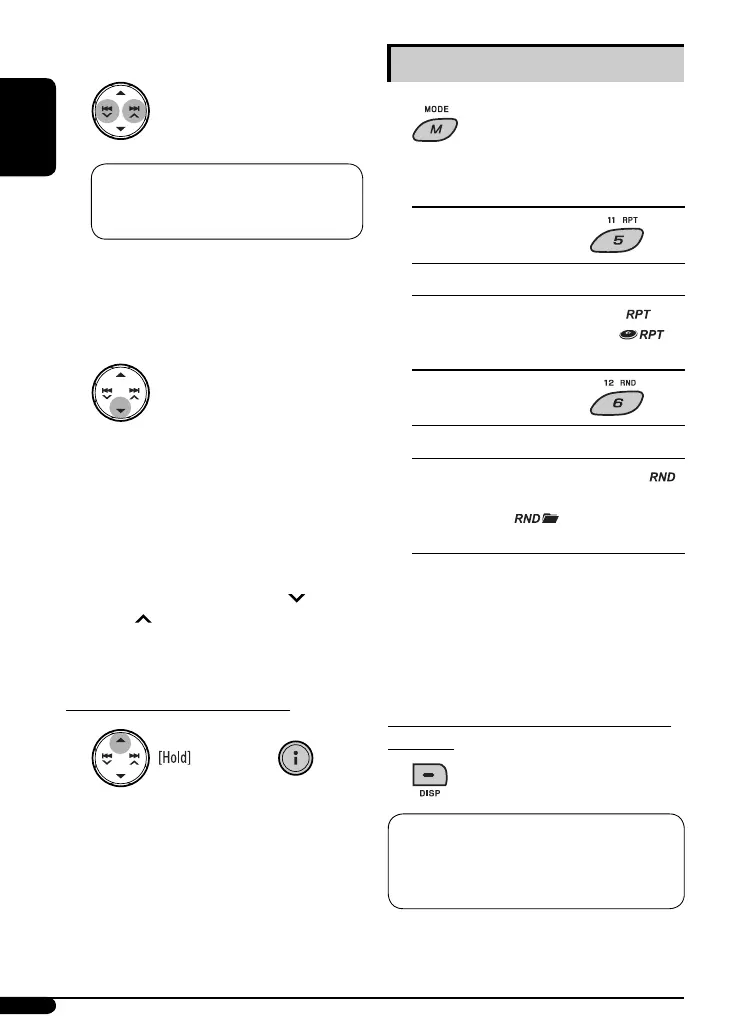
3 Confirm the selection.
To move back to the previous
menu, press 5.
• Holding the button will start play back the
selected item directly.
• If a track is selected, playback starts
automatically.
• If the selected item has another layer, you will
enter the layer. Repeat steps 2 and 3 until the
desired track is played.
• Accelerated file search: Hold 4
/
¢ to fast skip during song search in the
main menu.
To exit from menu selecting mode
* The menu selecting mode will be canceled:
– If no operations are performed for about
10 seconds.
– When you confirm the selection of a track.
– Pressing some other buttons such as DISP, SEL, or
MODE.
Selecting the playback modes
1
2 Select your desired playback mode.
7 Repeat play
Mode Playback functions (as on iPod)
ONE RPT : Same as “Repeat One.” [
]
ALL RPT : Same as “Repeat All.” [ ]
RPT OFF : Cancels.
7 Random play
Mode
Playback functions (as on iPod)
SONG RND : Same as “Shuffle Songs.” [ ]
ALBUM RND * : Same as “Shuffle Albums.”
[ ]
RND OFF : Cancels.
* Functions only if you select “ALL” in “ALBUMS” of
the main menu
[ ] : Corresponding indicator lights up on the
display.
To check other information while listening
to an iPod
Current track number with the elapsed
playing time = Current track number with
the clock time = Track title = Album name/
performer = (back to the beginning)
or
EN08-19_KD-PDR41_003A_7.indd 14EN08-19_KD-PDR41_003A_7.indd 14 1/8/08 9:34:10 AM1/8/08 9:34:10 AM








 To Next Page