14 ENGLISH
Menu operations
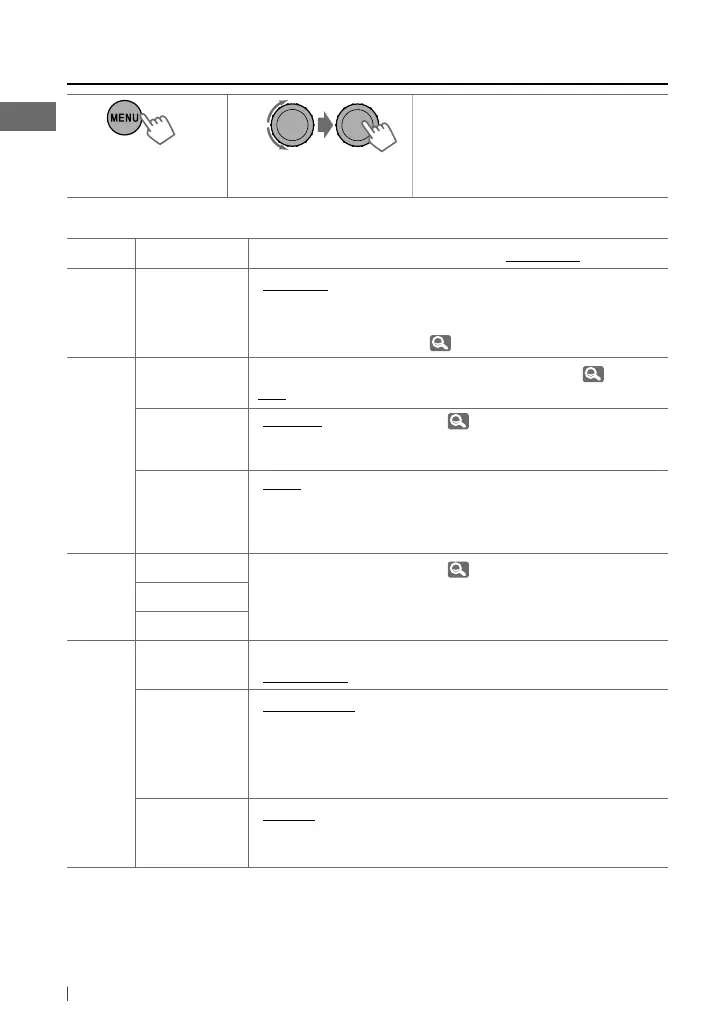
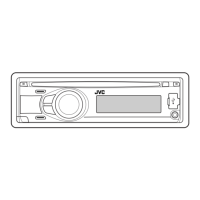
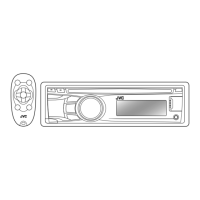
1 2 3
Repeat step 2 if necessary.
• To return to the previous menu,
press
T/P BACK
.
• To exit from the menu, press
DISP
or
MENU
.
Category
Menu item Selectable setting, [Initial: Underlined]
DEMO
DEMO
Display
demonstration
• DEMO ON
• DEMO OFF
: Display demonstration will be activated
automatically if no operation is done for about
20 seconds.
: Cancels. ( 4)
CLOCK
CLOCK SET
Clock setting
—
[0:00]
: Adjust the hour, then the minute. (
4)
24H/12H
Time display
mode
• 24 HOUR
• 12 HOUR
: For settings,
4.
CLOCK ADJ *
1
Clock
adjustment
• AUTO
• OFF
: The built-in clock is automatically adjusted
using the CT (clock time) data in the Radio Data
System signal.
: Cancels.
PRO EQ
BASS —
: For settings,
13.
MIDDLE
TREBLE
DISPLAY
DIMMER • DIMMER ON
• DIMMER OFF
: Dims the display and button illumination.
: Cancels.
SCROLL *
2
• SCROLL ONCE
• SCROLL AUTO
• SCROLL OFF
: Scrolls the displayed information once.
: Repeats scrolling (at 5-second intervals).
: Cancels.
Pressing
DISP
for more than one second can scroll the display
regardless of the setting.
TAG DISPLAY • TAG ON
• TAG OFF
: Shows the Tag information while playing MP3/
WMA tracks.
: Cancels.
*
1
Takes effect only when CT (clock time) data is received.
*
2
Some characters or symbols will not be shown correctly (or will be blanked) on the display.
[Hold]
EN12-19_KD-R511_003A_f.indd 14EN12-19_KD-R511_003A_f.indd 14 12/15/09 5:00:37 PM12/15/09 5:00:37 PM



 To Next Page