7ENGLISH
Improving the FM reception
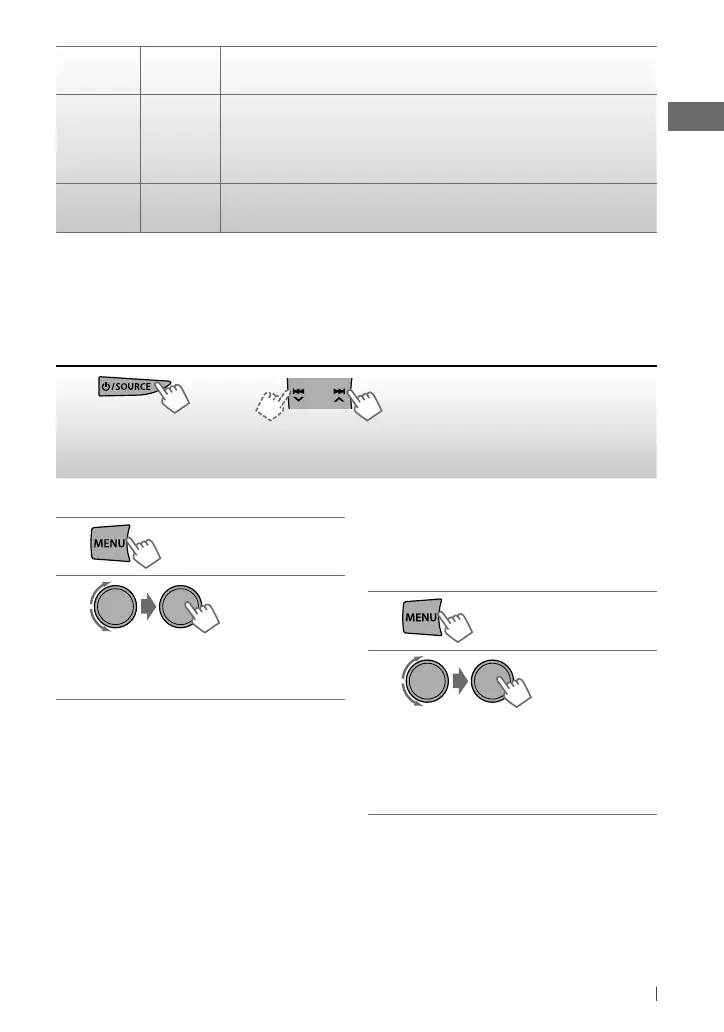
1
2
]
<TUNER>
]
<MONO>
]
<MONO ON>
Reception improves, but stereo effect will
be lost.
To restore the stereo effect, repeat the same
procedure to select <MONO OFF>.
Listening to the radio
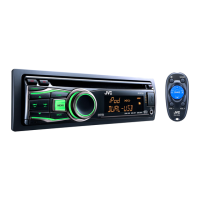
Main unit
Remote
controller
General operation
T/P BACK —
• Activates/deactivates TA Standby Reception. (page 8)
• Enters PTY Searching mode [Hold]. (page 8)
• Selects the controlling terminal of an iPod/iPhone [Hold]. (page 19)
• Returns to the previous menu.
DISP —
• Changes the display information.
• Scrolls the display information [Hold].
[Hold]
~
]
“FM” or “AM”
Ÿ
• [Press] Searches for stations automatically.
• [Hold] Searches for stations manually.
“M” flashes, then press the button
repeatedly.
“ST” lights up when receiving an FM stereo broadcast with sufficient signal strength.
Continued...
Automatic presetting (FM)—
SSM (Strong-station Sequential Memory)
You can preset up to 18 stations for FM.
While listening to a station...
1
2
]
<TUNER>
]
<SSM>
]
<SSM 01 – 06 / 07 – 12 / 13 – 18>
“SSM” flashes and local stations with the
strongest signal are searched and stored
automatically.
To preset another 6 stations, repeat the
above procedure by selecting one of the other
SSM setting ranges.
[Hold]
EN02-29_KD-R721BT_003A_2.indd 7EN02-29_KD-R721BT_003A_2.indd 7 12/29/10 8:52:44 AM12/29/10 8:52:44 AM


 To Next Page
 Loading...