ENGLISH
6
Data Size: B6L (182 mm x 128 mm)
Book Size: B6L (182 mm x 128 mm)
RADIO
“ST” lights up when receiving an FM stereo broadcast with sufficient
signal strength.
Search for a station
1
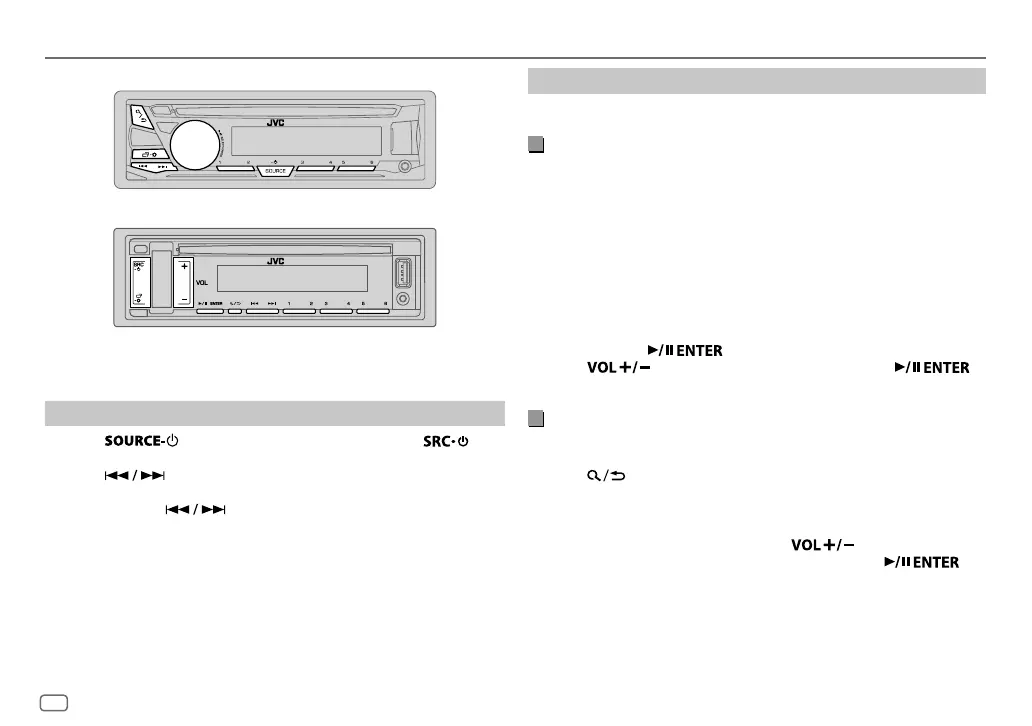
Press (for
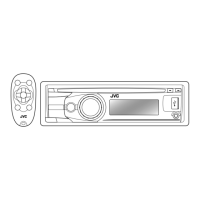
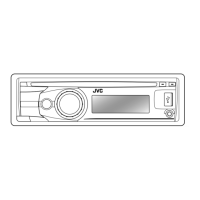
KD-R981BT
/
KD-R784BT
/
KD-R782BT
) or (for
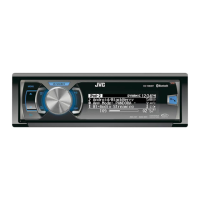
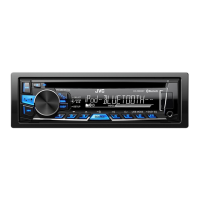
KD-R889BT
/
KD-R881BT
) repeatedly to select FM or AM.
2 Press to search for a station automatically.
(or)
Press and hold until “M” flashes, then press repeatedly to
search for a station manually.
Settings in memory
You can store up to 18 stations for FM and 6 stations for AM.
Store a station
While listening to a station....
Press and hold one of the number buttons (1 to 6).
(or)
KD-R981BT
/
KD-R784BT
/
KD-R782BT
:
1
Press and hold the volume knob until “PRESETMODE” flashes.
2 Turn the volume knob to select a preset number, then press the
knob.
The preset number flashes and “MEMORY” appears.
KD-R889BT
/
KD-R881BT
:
1
Press and hold until “PRESETMODE” flashes.
2 Press to select a preset number, then press .
The preset number flashes and “MEMORY” appears.
Select a stored station
Press one of the number buttons (1to6).
(or)
1 Press .
2
KD-R981BT
/
KD-R784BT
/
KD-R782BT
: Turn the volume knob to select
a preset number, then press the
knob.
KD-R889BT
/
KD-R881BT
: Press to select a preset
number, then press
.
KD-R981BT/KD-R784BT/KD-R782BT:
KD-R889BT/KD-R881BT:
JS_JVC_KD_R981_E_EN_5.indd 6JS_JVC_KD_R981_E_EN_5.indd 6 9/1/2016 2:05:55 PM9/1/2016 2:05:55 PM


 To Next Page
 Loading...