ENGLISH 7
BASICSBASICS
R Adjusting the volume
To adjust the volume (00 to 35)
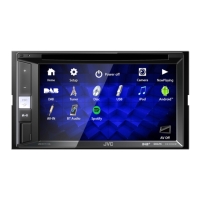
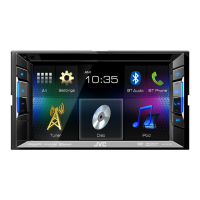
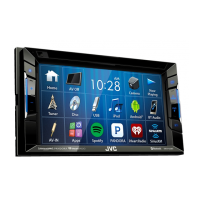
KW-V21BT/
KW-V11
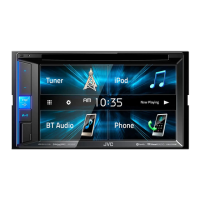
KW-V41BT
Press + to increase, and press – to decrease.
• Holding the button increases/decreases the
volume continuously.
To attenuate the sound (only for KW-V41BT)
The ATT indicator lights up.
To cancel the attenuation: Press the same button
again.
R Turning off the screen
KW-V41BT KW-V21BT/KW-V11
(Hold)
(Hold)
To turn on the screen: Press and hold the same
button on the monitor panel, or touch the display.
R Turning on/off the AV source
You can activate the AV function by selecting a
source.
On the Home screen:
• You can also activate the AV function by selecting
a source on the Home screen.
To turn off the AV source:
R Adjusting the panel angle (only for
KW-V41BT)
1 Display the <Angle Adjust> screen.
On the Home screen:
• Press [K] repeatedly to change the page on
the <Display> menu screen.
2 Select an angle (0 – 6).
• To set the current position as the power off
position, select [Memory] for <Off Position>.
KW-VEntryU.indb7KW-VEntryU.indb7 2014/09/1019:502014/09/1019:50



 To Next Page