ENGLISH 9
BASICSBASICS
Selecting the playback source
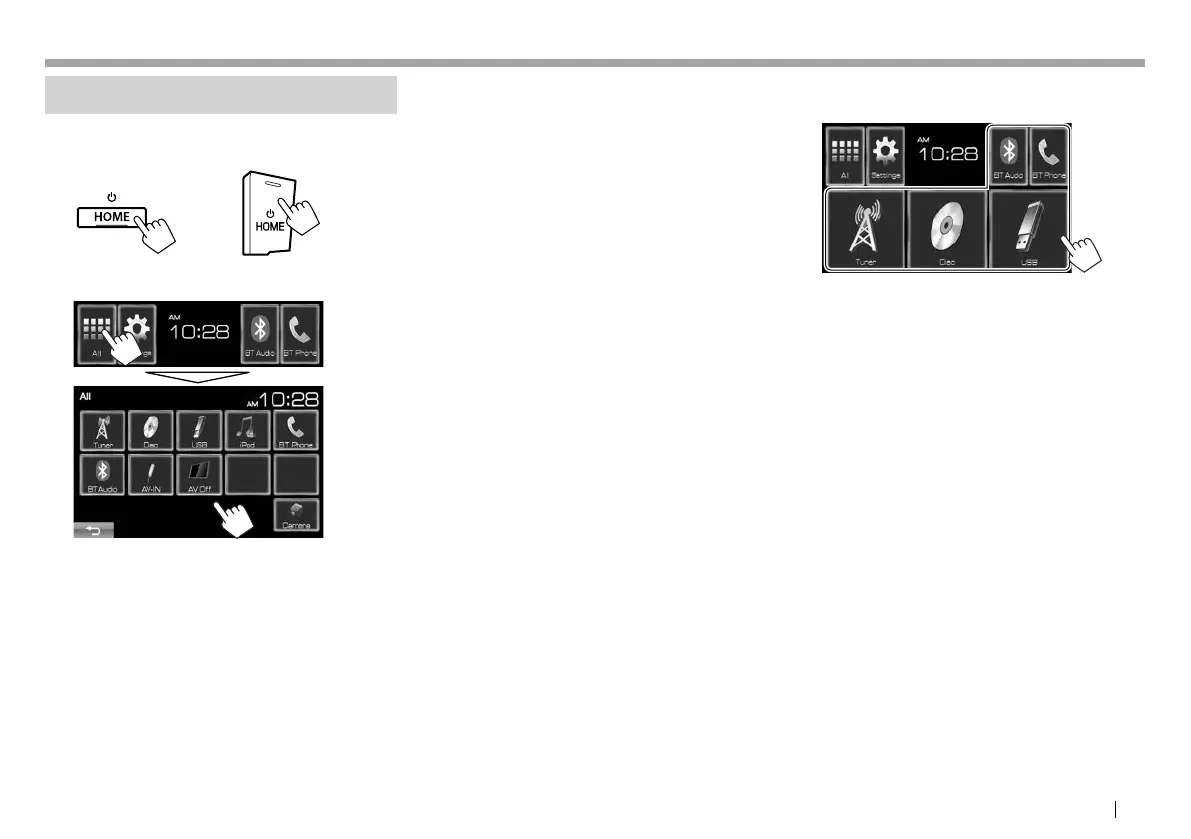
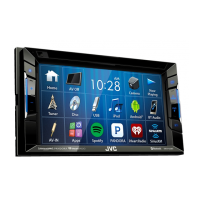
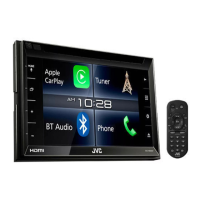
1 Display the Home screen.
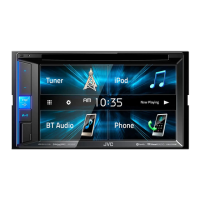
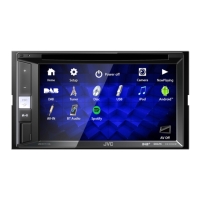
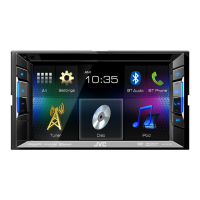
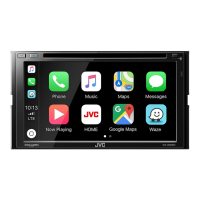
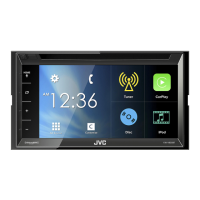
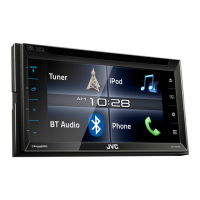
KW-V41BT KW-V21BT/KW-V11
2 Display [All] screen, then select the source.
[Tuner] Switches to the radio broadcast.
(Page 19)
[Disc] Plays a disc. (Page 10)
[USB] Plays files on a USB device.
(Page 14)
[iPod] Plays an iPod/iPhone. (Page 15)
[ BT Phone]*
1
Displays the <Hands Free> screen.
(Page 26)
[BT Audio]*
1
Plays a Bluetooth audio player.
(Page 30)
[AV-IN]*
2
Switches to an external component
connected to the iPod/AV-IN
terminal on the rear panel.
(Page 21)
[Apps]*
3
Switches to the App screen from
the connected iPod touch/iPhone.
(Page 18)
[AV Off] Turns off the AV source.
(Page 7)
[Camera] Displays the picture from the rear
view camera. (Page 21)
*
1
Only for KW-V41BT/ KW-V21BT.
*
2
Appears only when <AV Input> is set to [AV-IN].
(Page38)
*
3
Appears only when <AV Input> is set to [iPod]. (Page38)
R Selecting the playback source on the
Home screen
• You can change the items (other than [Settings])
to display on the Home screen. (Page35)
KW-VEntryU.indb9KW-VEntryU.indb9 2014/09/1019:502014/09/1019:50



 To Next Page