EasyManua.ls Logo

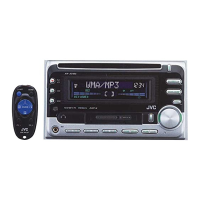
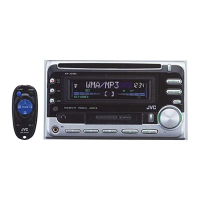
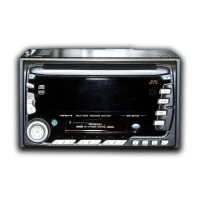
JVC KW-XC888 - User Manual

JVC KW-XC888
24 pages
Print Icon
To Next Page IconTo Next Page
Loading...
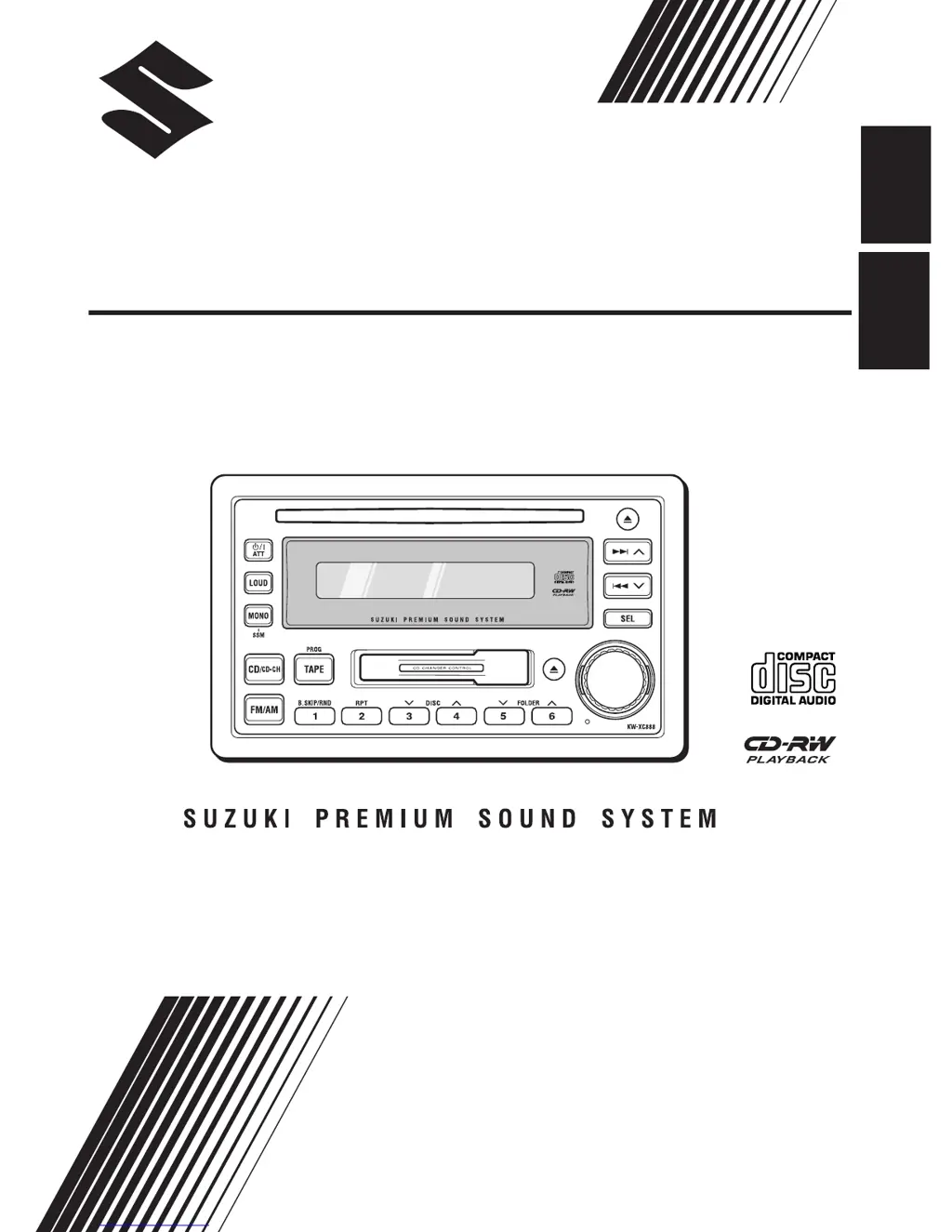
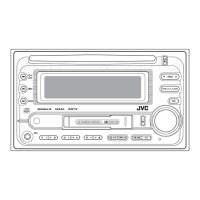
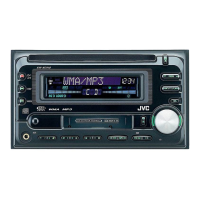
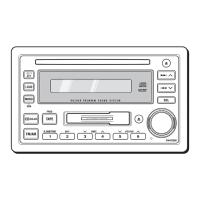
CD/CASSETTE RECEIVER
KW-XC888
INSTRUKSI
LVT1139 - 002A
(UN)
INSTRUCTIONS
ENGLISH
INDONESIA

Other manuals for JVC KW-XC888

Questions and Answers

  • B
    Benjamin CarrilloJul 30, 2025
    Why is there no sound coming from the speakers of my JVC KW-XC888?
    • S
      Sarah LucasJul 30, 2025
      There might be a few reasons why you're not hearing sound from your JVC Car Receiver's speakers. First, check if the volume control is set to the minimum level and adjust it accordingly. Second, the built-in microcomputer may have malfunctioned due to noise. In this case, press the reset button on the front panel; note that this will erase your preset adjustments.
  • R
    rlewisAug 7, 2025
    What does “NO CD” mean on my JVC KW-XC888 and how to fix it?
    • N
      Nicole PearsonAug 7, 2025
      If “NO CD” is displayed on your JVC Car Receiver, it could mean several things. First, check if there is a disc on the disc tray of the magazine and place a disc if it’s empty. Second, ensure that the unit is correctly connected to the CD changer. If not, connect them properly and press the reset button on the CD changer. Finally, the built-in microcomputer might be malfunctioning due to noise; try pressing the reset button on the front panel, but be aware that this will erase your preset adjustments.
  • M
    Megan AustinAug 14, 2025
    Why won't my JVC Car Receiver play MP3 discs?
    • D
      Donna FreemanAug 14, 2025
      If your JVC Car Receiver isn't playing MP3 discs, there could be several reasons: * No MP3 tracks are recorded on the disc; in this case, change the disc. * MP3 tracks do not have the extension code in their file names; add the extension code to their file names. * MP3 tracks are not recorded in the format compliant with ISO 9660 Level 1 or 2; change the disc and record MP3 tracks using a compliant application. * The track played back is not an MP3 file (although it has the extension code—); skip to another track or change the disc, and do not add the extension code— to non-MP3 files. * Playback order is determined when the tracks are recorded; insert a disc that contains tracks encoded in an appropriate format.
  • C
    carrietaylorAug 22, 2025
    What does “NO TAPE” mean on my JVC KW-XC888 Car Receiver and how to fix it?
    • F
      Felicia BrooksAug 22, 2025
      If your JVC Car Receiver displays “NO TAPE”, it means there is no tape in the cassette compartment. Insert a tape into the cassette compartment.

Summary

Laser Product Safety Information

Class 1 Laser & User Servicing Warnings

Details Class 1 Laser status, user access restrictions, and radiation hazards.

Laser Caution Label & Exposure Advice

Specifies label placement and advises avoiding direct laser beam exposure.

Control Panel and Display Layout

Basic Unit Operations

Radio Operations

Storing Radio Stations in Memory

CD Operations

Playing a CD

Instructions for inserting, playing, stopping, and ejecting CDs.

Tape Operations

Listening to Tapes

Instructions for inserting, playing, selecting direction, stopping, and ejecting tapes.

Sound Adjustments

CD Changer Operations

Understanding MP3 Discs and Recording

Information on MP3 file structure, recording, and compatibility with the unit.

CD Changer Installation and Use

Connecting and Operating the CD Changer

Steps and precautions for connecting and playing discs via the CD changer.

Disc Handling and Precautions

Troubleshooting Common Issues

General Unit and Radio Troubleshooting

Resolving no sound, unit errors, and radio reception problems.

Disc and Tape Playback Troubleshooting

Troubleshooting disc errors, tape insertion, playback issues, and head cleaning.

CD Changer Troubleshooting

CD Changer Error Codes and MP3 Issues

Resolving CD changer errors, MP3 file format issues, and mistracking.

Technical Specifications

JVC KW-XC888 Specifications

General IconGeneral
Display TypeLCD
EqualizerYes
DIN SizeDouble DIN
CEA-2006 CompliantYes
AUX InputYes
Remote ControlYes
Subwoofer OutputYes
USB Ports1
Radio TunerFM/AM
Compatible FormatsMP3, WMA
Peak Output50W x 4
DisplayYes

Related product manuals