REAR Connections
SIDE Connections
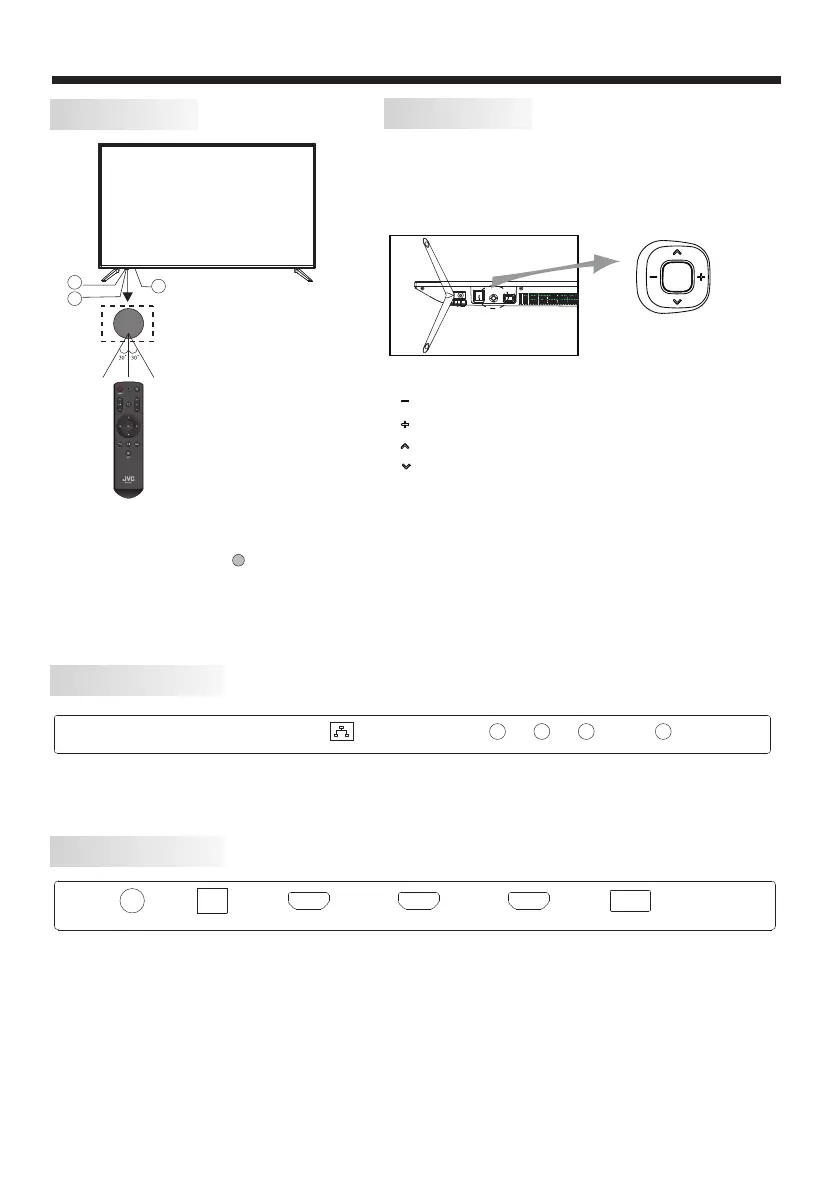
KEYBOARD
The keyboard is located at the bottom left near the right
side of signal indicator.
Remote Buttons
“ ” move left
“ ” move right
“ ” move down
“ ” move up
“ Center button ” power key and source key, hold it for a
long time, the TV will power down.
All the terminals are (from left to right):
LAN, VIDEO ,RF.
LAN
VIDEO
L R
RF
All the terminals are (from left to right):
HEADPHONE, OPTICAL, HDMI3, HDMI2, HDMI1(ARC), USB.
HEADPHONE OPTICAL HDMI3 HDMI2 HDMI1(ARC) USB
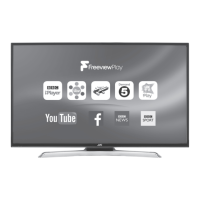
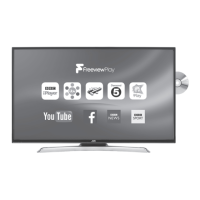
Front panel
INSTALLATION
-7-
Bottom
1: Remote control sensor.
2: Indicator LED: RED STANDBY.
3: Key board
3
2
1

 To Next Page
 Loading...