12
Using your TV
Sound Ajustment:Adjust sound and speaker-related
options.
- Sound Mode:Optimize sound quality for general
content.Use ▲/▼ to scroll through the sound preset
settings:Sports,Standard,Cinema,Music and News.
- Surround:Reproduces life-like surround sound when
playing 5.1-channel audio sources.Include On and Off.
- Advanced Setting:Access advanced sound enhancing
options.
Volume Setting:
1)Auto Volume:Keeps the volume level constant for all
programs and inputs.Include On and Off.
2)Balance:Adjust the speaker balance.
3)Digital Audio Out Volume:Applied for PCM only.The
volume levels between PCM and compressed audio will
differ.
4)Digital Audio Out Delay:Set the delay time for Digital
Audio.
5)Volume offset:Adjust the sound level of the current
input relative to other inputs.
Sound mode related:
1)Surround effect:Use◄/► to scroll through Surround
effect.
2)Equalizer: Use◄/► ▲/▼ to scroll through Equalizer.
Reset:To return all sound settings to factory default.
TV Placement: Select how TV set is placed. Include Desk
Top and Wall Mount.
Digital Audio Out:Optical out for audio signals from the
Digtal Audio Out.
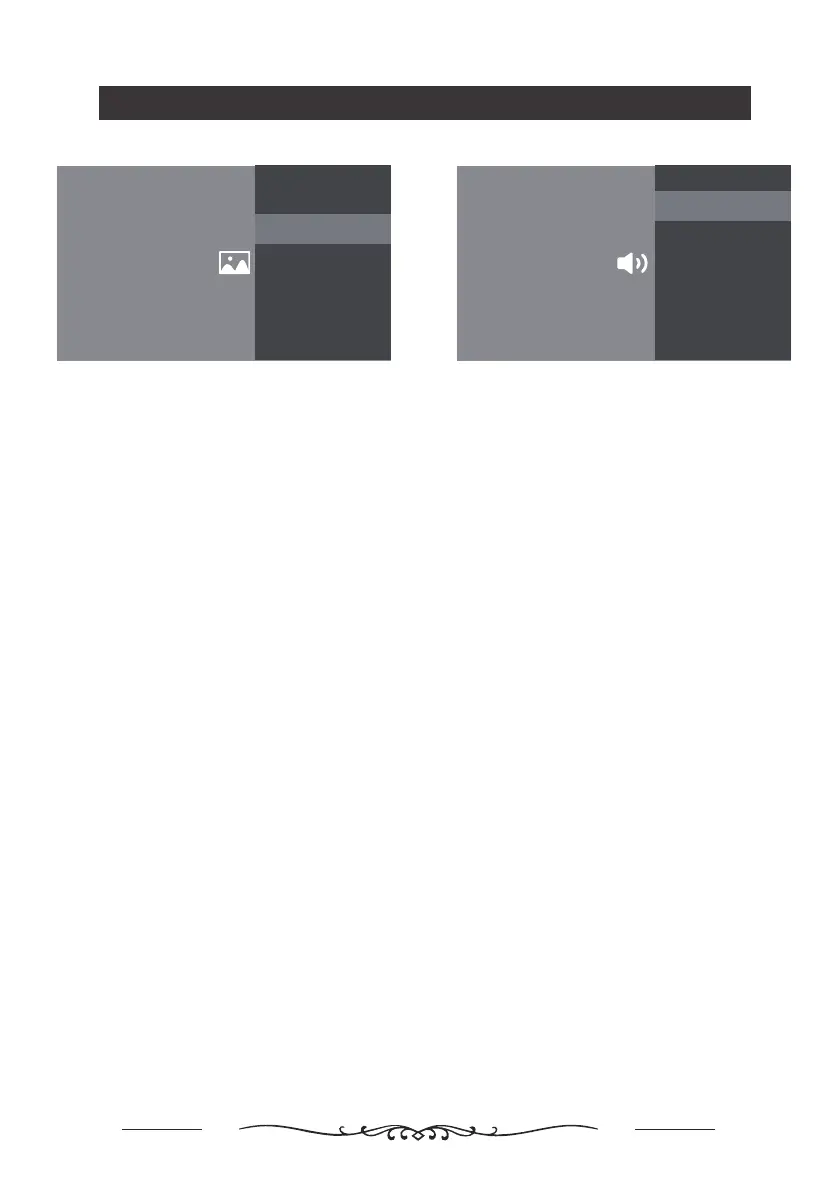
Sound
Sound Ajustment
Adjust sound and speaker-related options.
Settings
Sound
Adjust sound and speaker-related options.
TV Placement
Desk Top
Digital Audio Out
PCM
Picture & Display
Picture Adjustment
Adjust the picture settings such as Brightness, color and hue.
Settings
Picture & Display
Adjust the picture and screen settings.
Display Setting
Adjust the aspect ratio and viewable screen area.
Picture Adjustment:
- Picture Mode:Optimize picture quality for general
content.Use ▲/▼ to scroll through the Picture preset
settings:Standard,Dynamic,Movie,Sport and Personal.
- Advanced Settings:
Access advanced picture enhancing options.
Brightness: Adjusts the brightness of the picture.
Color: Adjusts the color saturation.
Clarity:Advanced technique for picture enhancement.
Reset: To reset picture adjustment.
Display Setting:
- Screen mode: Adjust the picture size.Use ▲/▼ to scroll
through the Screen mode preset settings.
- Auto screen:Automatically adjusts screen mode based
on the signal.Include On and Off.
- Overscan: Adjust overscan display , include on/off.


 To Next Page
 Loading...