EasyManua.ls Logo

JVC NX-F3 - User Manual

JVC NX-F3
68 pages
Print Icon
To Next Page IconTo Next Page
Loading...
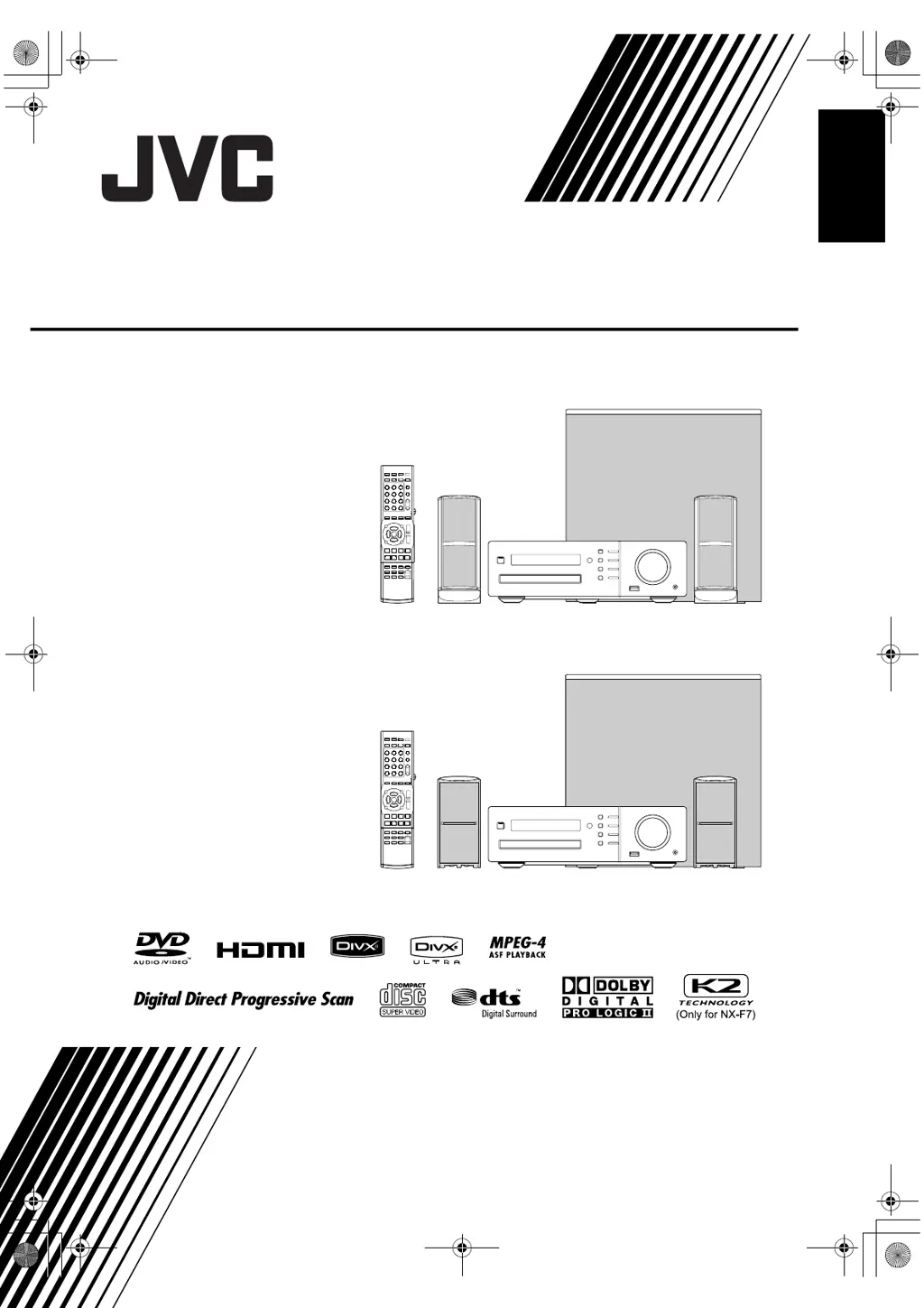
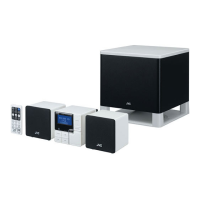
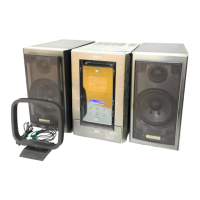
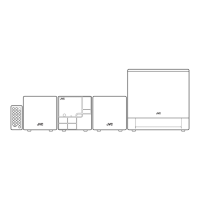
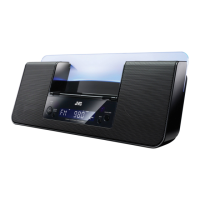
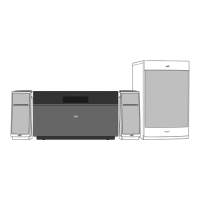
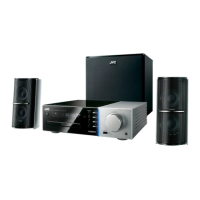
COMPACT COMPONENT SYSTEM
NX-F7
Consists of CA-NXF7,
SP-NXF7F and SP-NXF7W
NX-F3
Consists of CA-NXF3,
SP-NXF3F and SP-NXF3W
LVT1833-016A
[A, UB]
INSTRUCTIONS
English
NX-F3_NX-F7[A]EN-frontcover.fm Page 1 Thursday, May 1, 2008 4:07 PM
DRAFT

Table of Contents

Questions and Answers

  • O
    olsenjulieAug 7, 2025
    Why can't I operate the JVC NX-F3 Speaker System with the remote control?
    • C
      Christine MillerAug 7, 2025
      If you can't operate the main unit of your JVC Speaker System using the remote control, it might be because the function assigned to some buttons changes based on the remote control mode. To fix this, slide the remote control mode selector to [AUDIO], [SHIFT] or the lowest position to select the appropriate mode for your desired function.
  • L
    Lisa WebbAug 11, 2025
    What to do if no picture or sound is produced via the [HDMI MONITOR OUT] terminal of JVC NX-F3 Speaker System?
    • Z
      zfigueroaAug 11, 2025
      If you are experiencing no picture or sound via the [HDMI MONITOR OUT] terminal on your JVC Speaker System, here are a few things to check: * Confirm the playable disc/file types. * Ensure the connected TV is compatible with HDCP. * Try disconnecting and reconnecting the HDMI cable. * Make sure you are using an HDMI cable of 5 m (15 feet) or shorter.
  • J
    Jeremy FloresAug 15, 2025
    Why is the picture distorted when the TV is connected to the [HDMI MONITOR OUT] terminal on my JVC NX-F3?
    • M
      melanie82Aug 15, 2025
      If the picture is distorted when your TV is connected to the [HDMI MONITOR OUT] terminal on your JVC Speaker System, it could be due to an inappropriate picture proportion. Try connecting the TV to the [VIDEO] terminal or the [COMPONENT] terminals, and then select the appropriate video signal type setting.
  • L
    Lauren HowardAug 19, 2025
    Why is the picture distorted on my JVC NX-F3 Speaker System?
    • S
      sfosterAug 19, 2025
      If the picture from your JVC Speaker System is distorted, it might be due to one of two reasons. First, if a video cassette recorder is connected between the main unit and the TV, connect the main unit directly to the TV. Second, the video signal type setting may not be appropriate, so select the video signal type that is suitable for your TV.
  • D
    Danielle BushAug 25, 2025
    Why is my JVC NX-F3 making a whirring noise?
    • C
      Carol ShermanAug 25, 2025
      If you're hearing a whirring noise from your JVC Speaker System, it might be because the main unit is too close to other electronic devices like a TV or computer. Try moving the main unit away from these appliances.
  • A
    ashley65Aug 28, 2025
    Why is the screen size abnormal on my JVC NX-F3?
    • M
      Michael DuranAug 28, 2025
      If the screen size appears abnormal on your JVC Speaker System, it is likely that the screen size setting is not appropriate for your TV. To resolve this, select the display method that is suitable for your TV.
  • M
    Mrs. Ann CollinsSep 2, 2025
    Why does the TV screen darken when using my JVC NX-F3 Speaker System?
    • K
      Kellie ThompsonSep 2, 2025
      If the TV screen darkens while using your JVC Speaker System, the screen saver setting might be activated. Simply press any button to deactivate it.

JVC NX-F3 Specifications

General IconGeneral
BrandJVC
ModelNX-F3
CategorySpeaker System
LanguageEnglish

Related product manuals