EasyManua.ls Logo

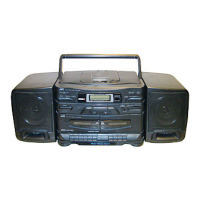
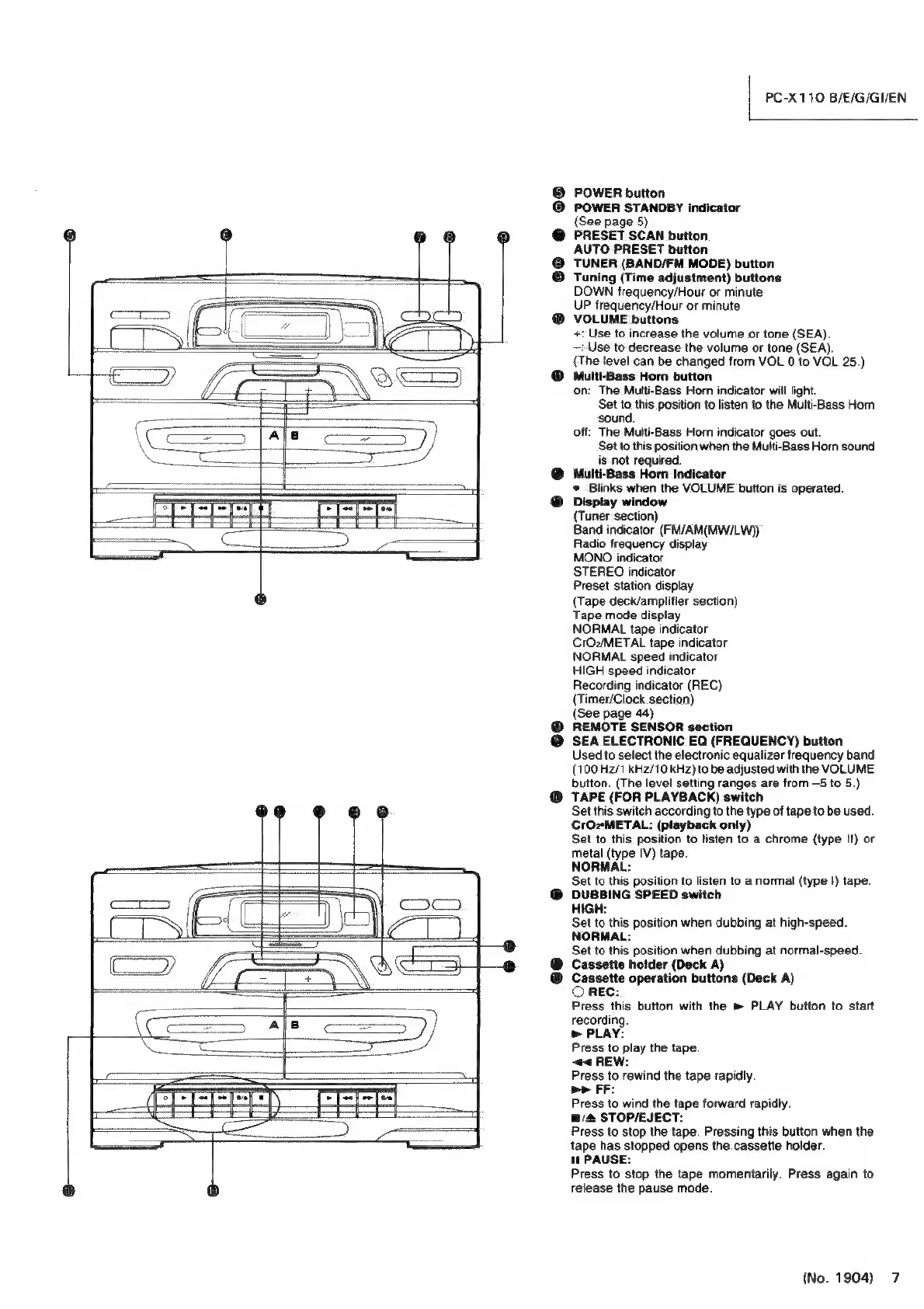
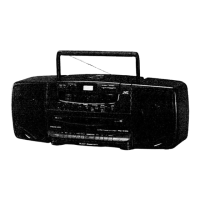
JVC PC-X110 - Front Panel Controls and Indicators; Main Controls: Power, Sleep, and Volume; Audio Adjustments: Multi-Bass Horn and SEA EQ; Tape Deck Controls (Deck A)

JVC PC-X110
23 pages
Print Icon
To Next Page IconTo Next Page
To Previous Page IconTo Previous Page
Loading...
PC-X110
B/E/G/GI/EN
POWER
button
POWER
STANDBY
indicator
(See
page
5)
PRESET
SCAN
button
AUTO
PRESET
button
TUNER
(BAND/FM
MODE)
button
Tuning
(Time
adjustment)
buttons
DOWN
frequency/Hour
or
minute
UP
frequency/Hour
or
minute
VOLUME
buttons
+:
Use
to
increase
the
volume
or
tone
(SEA).
—:-Use
to
decrease
the
volume
or
tone
(SEA).
(The
level
can
be
changed
from
VOL
0
to
VOL
25.)
Multi-Bass
Horn
button
on:
The
Multi-Bass
Horn
indicator
will
light.
Set
to
this
position
to
listen
to
the
Multi-Bass
Horn
‘sound.
off:
The
Multi-Bass
Horn
indicator
goes
out.
Set
to
this
position
when
the
Multi-Bass
Horn
sound
is
not
required.
@
Multi-Bass
Horn
Indicator
Blinks
when
the
VOLUME
button
is
operated.
®
Display
window
(Tuner
section)
Band
indicator
(FM/AM(MW/LW))
Radio
frequency
display
MONO
indicator
STEREO
indicator
Preset
station
display
(Tape
deck/amplifier
section)
Tape
mode
display
NORMAL
tape
indicator
CrO2/METAL
tape
indicator
NORMAL
speed
indicator
HIGH
speed
indicator
Recording
indicator
(REC)
(Timer/Clock
section)
(See
page
44)
REMOTE
SENSOR
section
SEA
ELECTRONIC
EQ
(FREQUENCY)
button
Used
to
select
the
electronic
equalizer
frequency
band
(100
H2/1
kHz/10
kHz)
to
be
adjusted
with
the
VOLUME
button.
(The
level
setting
ranges
are
from
-5
to
5.)
@
TAPE
(FOR
PLAYBACK)
switch
Set
this
switch
according
to
the
type
of
tape
to
be
used.
CrO2METAL:
(playback
only)
Set
to
this
position
to
listen
to
a
chrome
(type
I!)
or
metal
(type
IV)
tape.
NORMAL:
Set
to
this
position
to
listen
to
a
normal
(type
!)
tape.
@
DUBBING
SPEED
switch
HIGH:
Set
to
this
position
when
dubbing
at
high-speed.
NORMAL:
Set
to
this
position
when
dubbing
at
normal-speed.
Cassette
holder
(Deck
A)
Cassette
operation
buttons
(Deck
A)
O
REC:
Press
this
button
with
the
»
PLAY
button
to
start
recording.
>
PLAY:
Press
to
play
the
tape.
-@<
REW:
Press
to
rewind
the
tape
rapidly.
be
FF:
Press
to
wind
the
tape
forward
rapidly.
@/&
STOP/EJECT:
Press
to
stop
the
tape.
Pressing
this
button
when
the
tape
has
stopped
opens
the
cassette
holder.
1
PAUSE:
Press
to
stop
the
tape
momentarily.
Press
again
to
release
the
pause
mode.
©@
®@
26
ee
(No.
1904)
7

Related product manuals