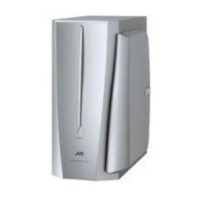
SP-PW100
1-6
Prior to performing the following procedure, remove
the rear panel, the terminal board.
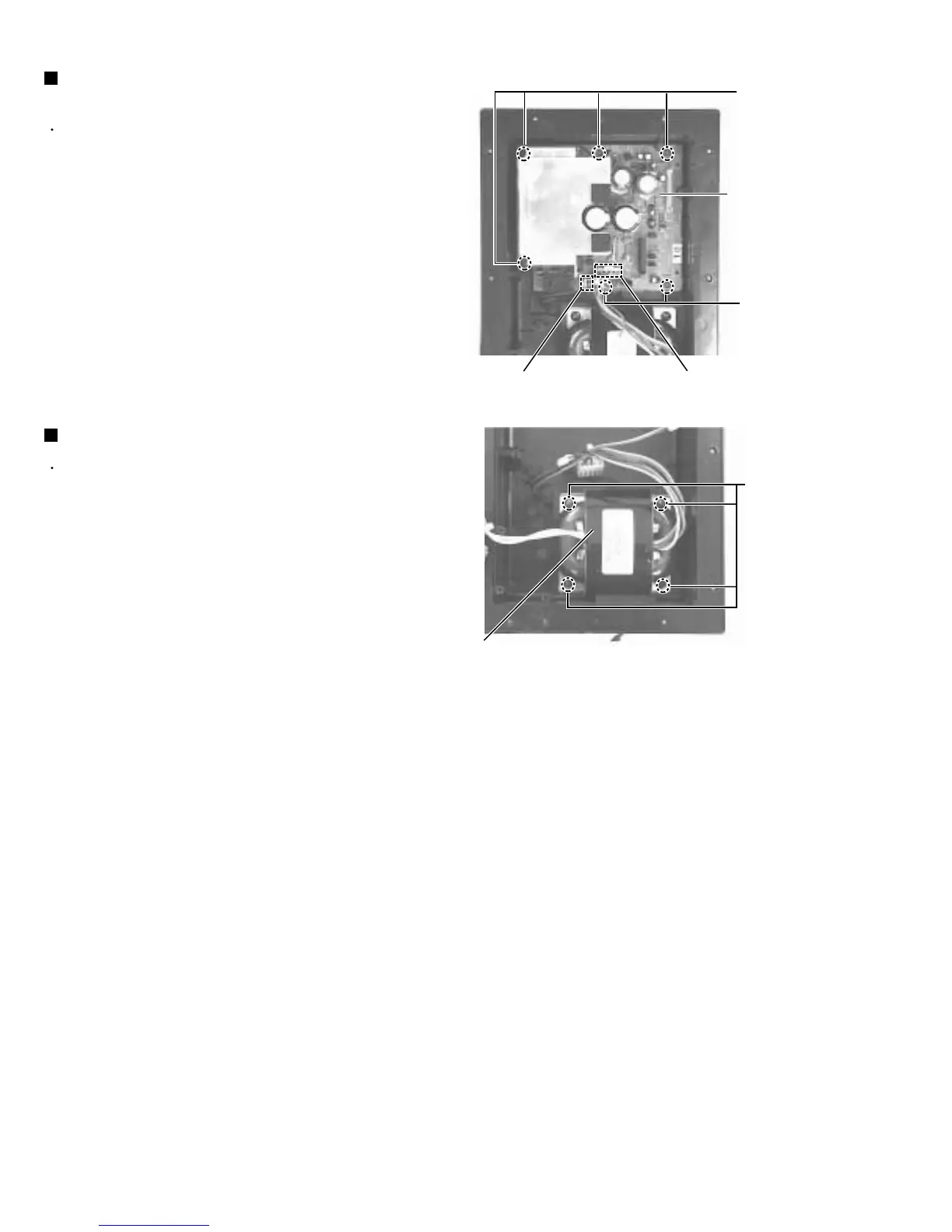
Remove the connectors CN881 and CN891
Remove the six screws I attaching the amplifier
board.
1.
2.
Removing the amplifier board
(See Fig.13)
Prior to performing the following procedure, remove
the rear panel, the power supply board, the amplifier
board.
Remove the four screws J attaching the transformer. J
1.
Removing the transformer (See Fig.14)
Fig.13
Fig.14
Amplifier board
Transformer
I
I
J
CN891
CN881



 To Next Page