10
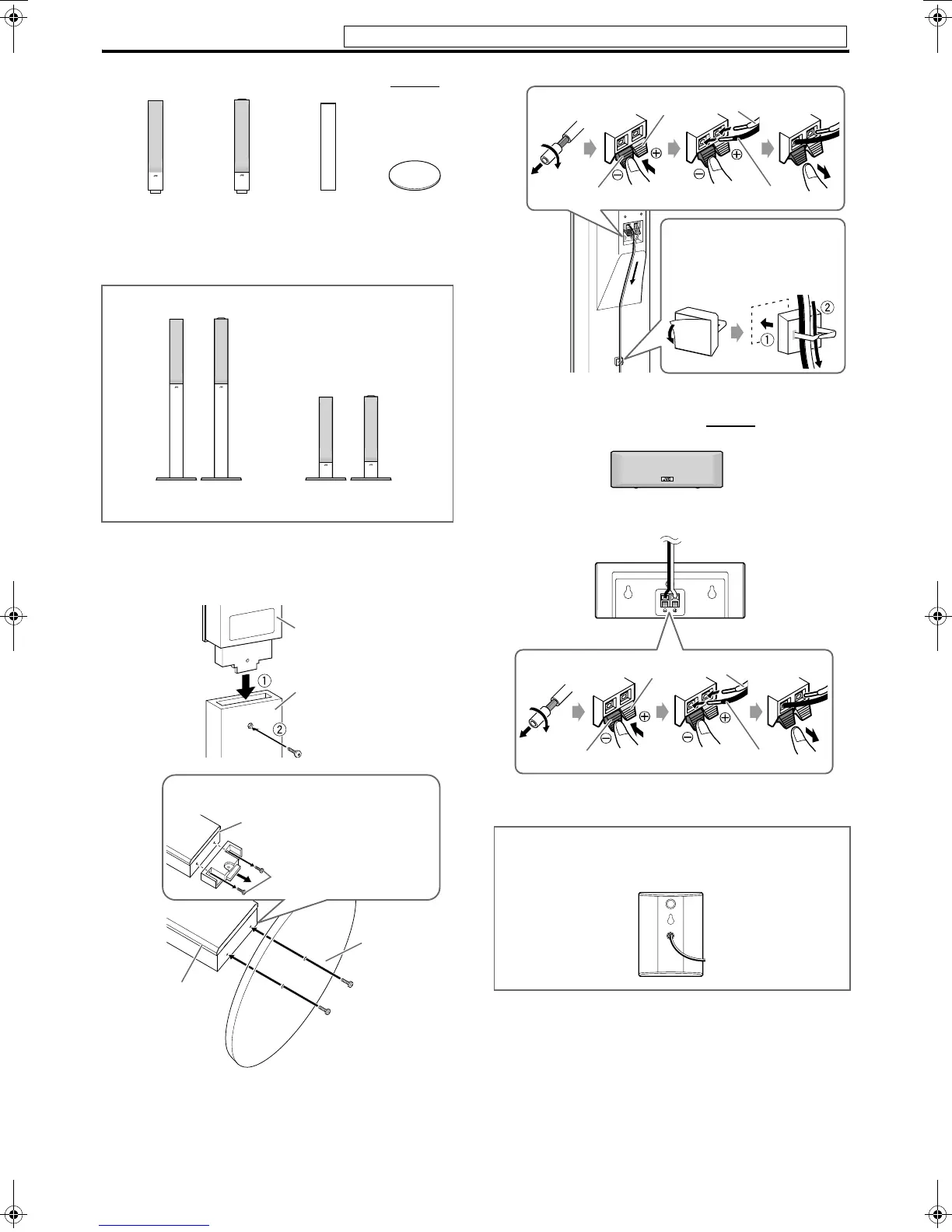
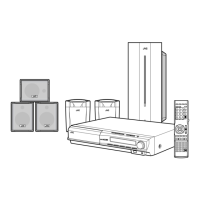
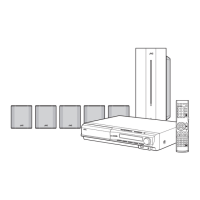
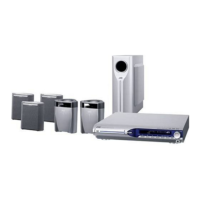
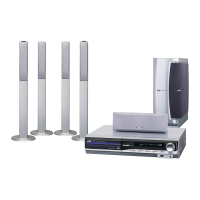
7 Assembling the front and surround speakers — TH-C60
• Check the model name of each speaker from the label on the
rear to locate each speaker correctly.
Before assembling —
• Prepare a Phillips screwdriver (not supplied).
• Take care not to drop any component part while assembling;
otherwise, it may cause damage to the floor or injury.
7 Connecting the center speaker — TH-C60
Assembled speakers
With stand: Refer to steps 1 to
3.
Without stand: Refer to steps
2 and 3.
Front speaker
(SP-THC60F) (2)
Base plate (4)
Surround
speaker
(SP-THC60S) (2)
Stand (4)
or
Speaker
Screw M5 x 40 mm (supplied)
1
Stand
2
When assembling a speaker without stand:
Speaker
Stand (or speaker
directly)*
Base plate
Screw M4 x 20 mm
(supplied)*
A: Use these screws (M4 x
45 mm) when assembling the
speaker with the base plate.
* When assembling the speaker with the base plate, use the
screws A.
For TH-C20, the front, surround and center speakers are
equipped with their speaker cords attached directly to their
speaker unit instead of having speaker terminals on their cabinet.
Black
Red
White
Black
3
You can route the speaker cord
by using speaker cord clamp
(supplied).
Center speaker (SP-THC60C) (1)
Red White
Black
Black
Connections
Do not connect the power cord until all other connections have been made.
EN_TH-C906020[USUGUX].book Page 10 Thursday, June 29, 2006 5:30 PM


 To Next Page