EasyManua.ls Logo

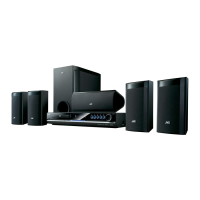
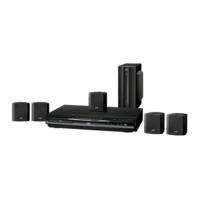
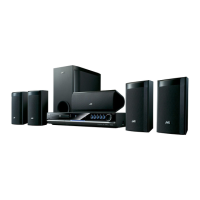
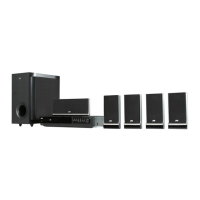
JVC TH-G51 - User Manual

JVC TH-G51
33 pages
Print Icon
To Next Page IconTo Next Page
Loading...
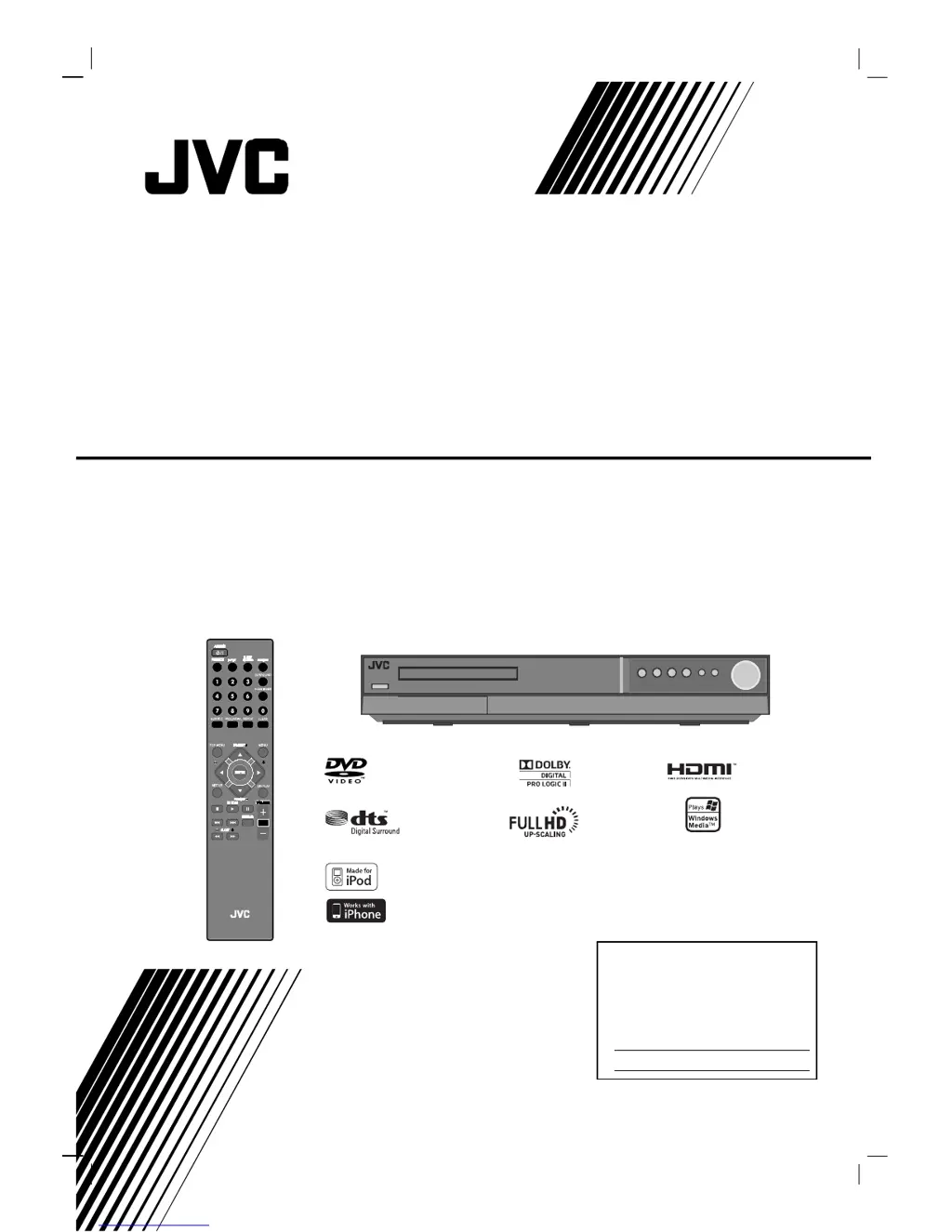
TH-G51
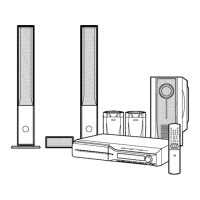
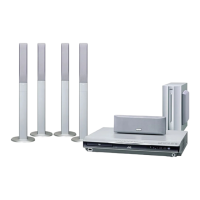
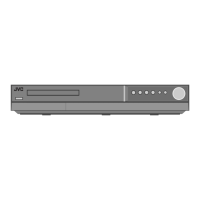
Consists of XV-THG51, SP-THG51F,
SP-THG61C, SP-THG50W and RX-THG51
DVD DIGITAL THEATER SYSTEM
INSTRUCTIONS
For Customer Use:
Enter below the Model No. and
Serial No. which are located on
the rear of cabinet. Retain this
information for future reference.
Model No.
Serial No.
LVT2053-001A
[J]
HW994SJ-AHP_BUSAJJK
TUNING TUNING
iPod is a trademark of Apple Inc., registered in the U.S. and other countries.
iPhone is a trademark of Apple Inc.

Table of Contents

Questions and Answers

  • J
    John JonesSep 12, 2025
    What to do if there is no sound from my JVC Home Theater System?
    • O
      ocarrSep 12, 2025
      If you're experiencing no sound or very low sound from your JVC Home Theater System, consider the following: * Verify that the equipment connected with the audio cable is set to receive DVD audio signal output. * Make sure the audio cables are securely connected. * Ensure that the equipment connected with the audio cable is turned on. * If the audio connecting cable is damaged, replace it.
  • J
    John GrahamAug 25, 2025
    Why is there no picture on my JVC Home Theater System?
    • N
      Nicholas ElliottAug 25, 2025
      There could be several reasons why you're not seeing a picture. First, ensure your TV is set to the correct video input mode to receive the DVD signal. Second, check that the video cable is securely connected to the jacks. Finally, make sure your TV is powered on.
  • J
    Jon CarlsonAug 25, 2025
    What to do if JVC TH-G51 Home Theater System remote control does not work?
    • M
      Madison ThomasAug 26, 2025
      If your remote isn't working, first, make sure you're pointing it directly at the remote sensor on the DVD/CD Receiver within a range of about 23 ft (7 m). Check for any obstacles blocking the path between the remote and the receiver. Also, try replacing the batteries in the remote with new ones.
  • M
    Mr. Austin McclainSep 23, 2025
    Why is there a loud hum or noise heard on my JVC TH-G51?
    • D
      Daniel ParkerSep 23, 2025
      If you're hearing a loud hum or noise from your JVC Home Theater System, it could be due to a dirty disc, poorly connected speakers and components, or the DVD/CD Receiver being too close to the TV. Try cleaning the disc, securely connecting the speakers and components, and moving the TV away from the audio components.
  • K
    kurt95Sep 12, 2025
    Why is my JVC TH-G51 remote control not working?
    • T
      Tracy WadeSep 12, 2025
      If the remote control for your JVC Home Theater System isn't working correctly: * Make sure you're pointing the remote at the remote sensor on the DVD/CD Receiver. * Ensure you're within 23 ft (7 m) of the DVD/CD Receiver. * Remove any obstacles between the remote and the DVD/CD Receiver. * Try replacing the batteries in the remote with new ones.
  • C
    Cole GillSep 18, 2025
    What to do if there is no sound from JVC Home Theater System or only a very low-level sound is heard?
    • C
      Carrie DavisSep 18, 2025
      If you're experiencing no sound or very low sound from your JVC Home Theater System, ensure the equipment connected with the audio cable is set to receive the DVD signal output by selecting the correct input mode on the receiver. Check that the audio cables are securely connected. Also, verify that the connected equipment is powered on. If the problem persists, the audio connecting cable may be damaged and should be replaced.
  • E
    Edward ButlerSep 5, 2025
    What to do if the JVC TH-G51 DVD/CD Receiver audio CD indicator does not work?
    • S
      smeltonSep 6, 2025
      If the DVD/CD Receiver audio CD indicator on your JVC Home Theater System isn't working, make sure a disc is inserted.
  • A
    Andrea DunnSep 6, 2025
    How to fix JVC TH-G51 remote control that is not working?
    • L
      Lisa RodriguezSep 6, 2025
      If your JVC Home Theater System remote control isn't working, first, make sure you're pointing it directly at the remote sensor on the DVD/CD Receiver. Ensure you are within 23 ft (7 m) of the receiver and that there are no obstructions in the path. If it still doesn't work, try replacing the batteries with new ones.
  • G
    gonzaleztimothySep 18, 2025
    How to fix a JVC TH-G51 when radio stations cannot be tuned in?
    • Z
      zhooperSep 22, 2025
      If your JVC Home Theater System is not tuning into radio stations, check that the antenna is securely connected and properly positioned. If you're using automatic tuning, the signal strength of the stations may be too weak, try tuning in the station manually. If tuning by scanning preset stations, ensure that the stations have been preset.
  • A
    Ashley OrtegaAug 30, 2025
    Why DVD/CD Receiver audio CD indicator does not work on JVC Home Theater System?
    • J
      Jennifer HarrisAug 30, 2025
      If the DVD/CD Receiver audio CD indicator isn't working, it might be because no disc is inserted. Try inserting a disc.

JVC TH-G51 Specifications

General IconGeneral
BrandJVC
ModelTH-G51
CategoryHome Theater System
LanguageEnglish

Related product manuals