EasyManua.ls Logo

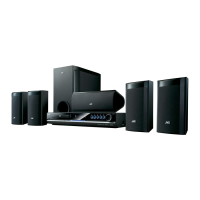
JVC TH-G51 - User Manual

JVC TH-G51
33 pages
Print Icon
To Next Page IconTo Next Page
Loading...
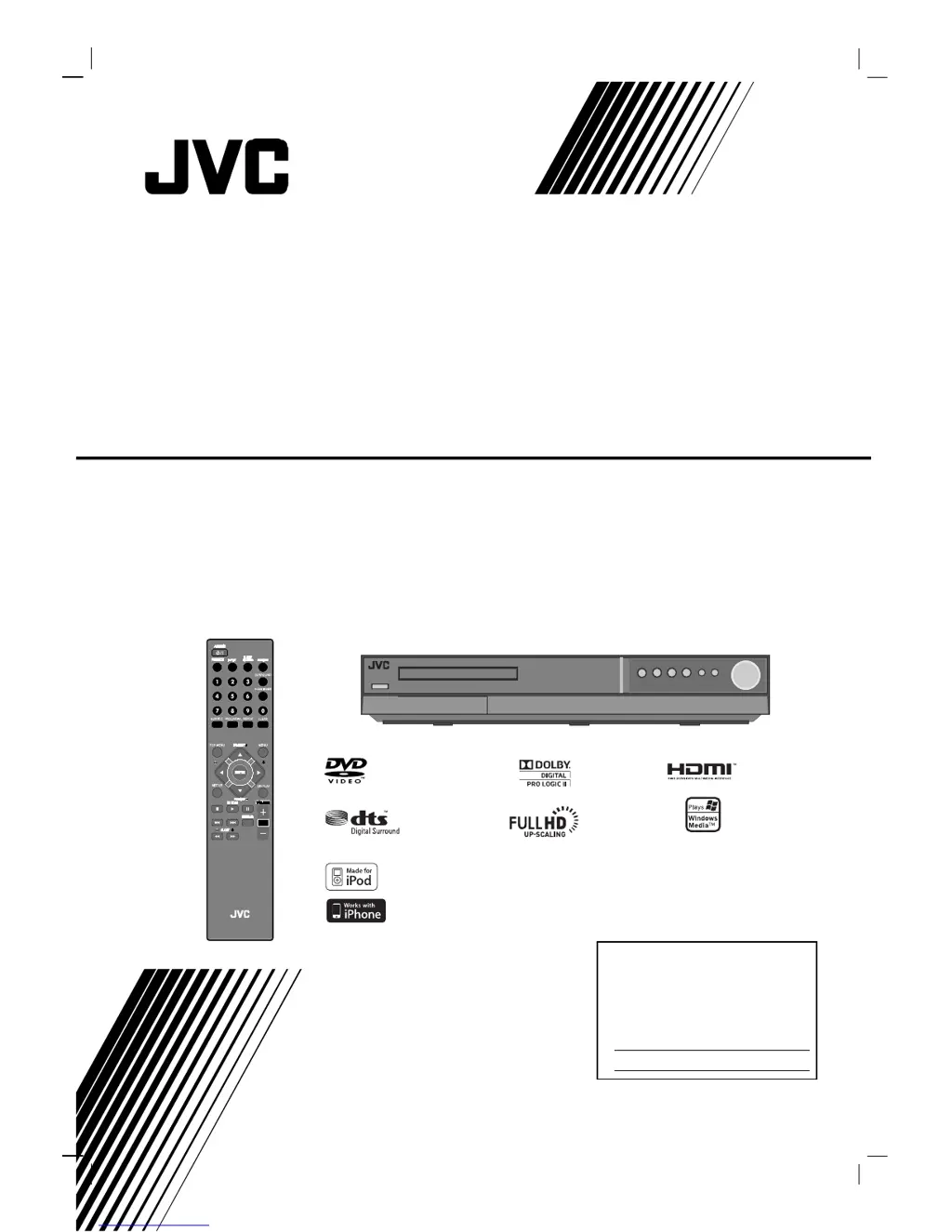
TH-G51
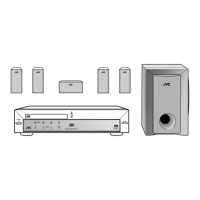
Consists of XV-THG51, SP-THG51F,
SP-THG61C, SP-THG50W and RX-THG51
DVD DIGITAL THEATER SYSTEM
INSTRUCTIONS
For Customer Use:
Enter below the Model No. and
Serial No. which are located on
the rear of cabinet. Retain this
information for future reference.
Model No.
Serial No.
LVT2053-001A
[J]
HW994SJ-AHP_BUSAJJK
TUNING TUNING
iPod is a trademark of Apple Inc., registered in the U.S. and other countries.
iPhone is a trademark of Apple Inc.

Table of Contents

Questions and Answers

  • A
    Anna FreemanSep 1, 2025
    How to fix a JVC Home Theater System remote control that isn't working?
    • P
      Patrick MartinezSep 1, 2025
      If you are experiencing remote control issues with your JVC Home Theater System, make sure to point the remote control directly at the remote sensor on the DVD/CD Receiver and stay within a range of approximately 23 ft (7 m). Remove any obstacles that might be blocking the signal. If the issue persists, replace the batteries in the remote control with new ones.
  • J
    John JonesSep 12, 2025
    What to do if there is no sound from my JVC Home Theater System?
    • O
      ocarrSep 12, 2025
      If you're experiencing no sound or very low sound from your JVC Home Theater System, consider the following: * Verify that the equipment connected with the audio cable is set to receive DVD audio signal output. * Make sure the audio cables are securely connected. * Ensure that the equipment connected with the audio cable is turned on. * If the audio connecting cable is damaged, replace it.
  • A
    Ashley OrtegaAug 30, 2025
    Why DVD/CD Receiver audio CD indicator does not work on JVC Home Theater System?
    • J
      Jennifer HarrisAug 30, 2025
      If the DVD/CD Receiver audio CD indicator isn't working, it might be because no disc is inserted. Try inserting a disc.
  • S
    stephanie39Sep 14, 2025
    Why is there a loud hum coming from my JVC Home Theater System?
    • C
      cookjeffreySep 14, 2025
      If you hear a loud hum or noise from your JVC Home Theater System: * Clean the disc. * Ensure the speakers and components are securely connected. * Move the TV away from the audio components.
  • M
    Michelle CraigSep 13, 2025
    How to fix a JVC Home Theater System with no power?
    • S
      shawgeorgeSep 13, 2025
      If your JVC Home Theater System has no power, make sure the power cord is securely plugged into the wall outlet.
  • C
    Cole GillSep 18, 2025
    What to do if there is no sound from JVC Home Theater System or only a very low-level sound is heard?
    • C
      Carrie DavisSep 18, 2025
      If you're experiencing no sound or very low sound from your JVC Home Theater System, ensure the equipment connected with the audio cable is set to receive the DVD signal output by selecting the correct input mode on the receiver. Check that the audio cables are securely connected. Also, verify that the connected equipment is powered on. If the problem persists, the audio connecting cable may be damaged and should be replaced.
  • M
    Mr. Austin McclainSep 23, 2025
    Why is there a loud hum or noise heard on my JVC TH-G51?
    • D
      Daniel ParkerSep 23, 2025
      If you're hearing a loud hum or noise from your JVC Home Theater System, it could be due to a dirty disc, poorly connected speakers and components, or the DVD/CD Receiver being too close to the TV. Try cleaning the disc, securely connecting the speakers and components, and moving the TV away from the audio components.
  • C
    Christopher MayAug 27, 2025
    How to fix poor playback picture on JVC TH-G51 Home Theater System?
    • T
      Teresa HarrisAug 27, 2025
      If the playback picture quality is poor, begin by cleaning the disc. Ensure a playable disc is inserted correctly, with the playback side down and placed within the guide on the disc tray. If a menu is displayed on the TV screen, press the SETUP button to turn it off. Also, check if the Rating level is set and, if so, cancel the Rating function or change the rating level.
  • K
    Kenneth FrostAug 26, 2025
    Why is there no sound from my JVC TH-G51?
    • H
      Heather GallowayAug 26, 2025
      If you're not getting any sound, or the sound is very low, first ensure that the equipment connected with the audio cable is set to receive the DVD audio signal output by selecting the correct input mode on the receiver. Also, check that the audio cables are securely connected. Confirm that the connected equipment is turned on. If none of these steps work, the audio cable might be damaged and needs replacement.
  • J
    Jon CarlsonAug 25, 2025
    What to do if JVC TH-G51 Home Theater System remote control does not work?
    • M
      Madison ThomasAug 26, 2025
      If your remote isn't working, first, make sure you're pointing it directly at the remote sensor on the DVD/CD Receiver within a range of about 23 ft (7 m). Check for any obstacles blocking the path between the remote and the receiver. Also, try replacing the batteries in the remote with new ones.

JVC TH-G51 Specifications

General IconGeneral
BrandJVC
ModelTH-G51
CategoryHome Theater System
LanguageEnglish

Related product manuals