EasyManua.ls Logo

JVC TH-G31 - User Manual

JVC TH-G31
29 pages
Print Icon
To Next Page IconTo Next Page
Loading...
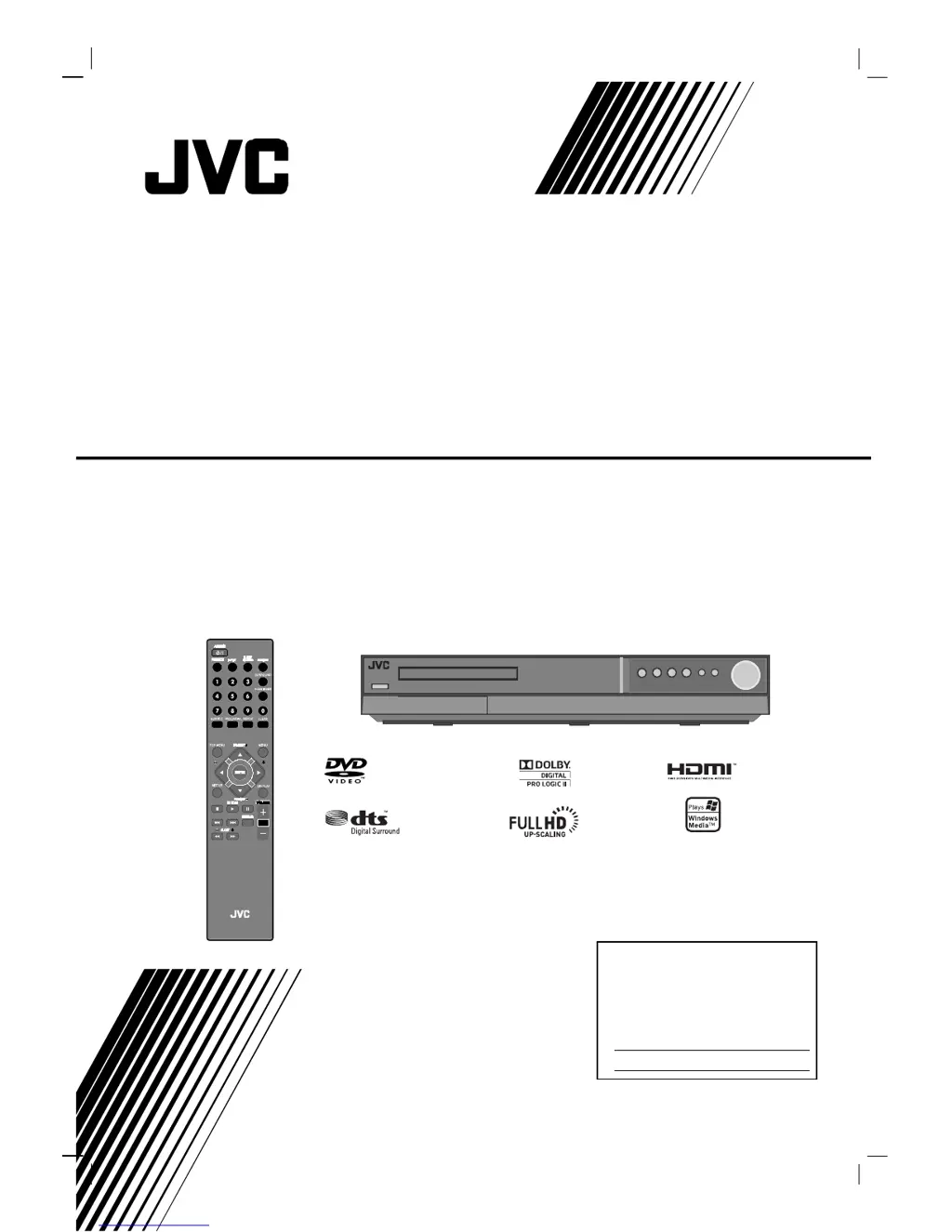
TH-G31
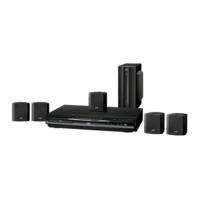
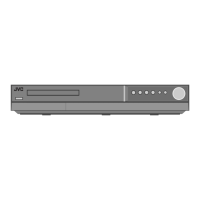
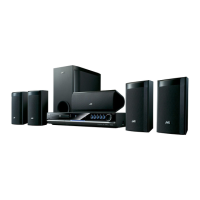
Consists of XV-THG31 and SP-THG51F,
SP-THG61C and SP-THG50W
DVD DIGITAL THEATER SYSTEM
INSTRUCTIONS
For Customer Use:
Enter below the Model No. and
Serial No. which are located on
the rear of cabinet. Retain this
information for future reference.
Model No.
Serial No.
LVT2051-001A
[J]
HT994SJ-A0_BUSAJJK
TUNING TUNING

Table of Contents

Other manuals for JVC TH-G31

Questions and Answers

  • D
    Douglas WardAug 14, 2025
    What to do if my JVC Home Theater System has no picture?
    • L
      Leslie FloydAug 14, 2025
      If your JVC Home Theater System shows no picture, there are a few potential causes: * Ensure your TV is set to the correct video input mode to receive the DVD signal. * Check that the video cable is securely connected to both the DVD/CD Receiver and the TV. * Confirm that the connected TV is powered on.
  • L
    Laura MorrisAug 18, 2025
    Why is my JVC Home Theater System remote control not working?
    • M
      maria97Aug 18, 2025
      If the remote control for your JVC Home Theater System isn't working correctly: * Make sure you're pointing the remote at the remote sensor on the DVD/CD Receiver. * Ensure you're within 23 ft (7 m) of the DVD/CD Receiver. * Remove any obstacles between the remote and the DVD/CD Receiver. * Try replacing the batteries in the remote with new ones.
  • M
    Matthew LopezAug 21, 2025
    What to do if there is no sound from my JVC Home Theater System?
    • R
      rsantosAug 21, 2025
      If you're experiencing no sound or very low sound from your JVC Home Theater System, consider the following: * Verify that the equipment connected with the audio cable is set to receive DVD audio signal output. * Make sure the audio cables are securely connected. * Ensure that the equipment connected with the audio cable is turned on. * If the audio connecting cable is damaged, replace it.
  • A
    anna63Aug 25, 2025
    How to fix a JVC TH-G31 Home Theater System with no power?
    • G
      Gabriel TylerAug 25, 2025
      If your JVC Home Theater System has no power, make sure the power cord is securely plugged into the wall outlet.
  • A
    Angela SanchezAug 27, 2025
    Why is there a loud hum coming from my JVC TH-G31 Home Theater System?
    • T
      Timothy GriffinAug 28, 2025
      If you hear a loud hum or noise from your JVC Home Theater System: * Clean the disc. * Ensure the speakers and components are securely connected. * Move the TV away from the audio components.
  • S
    Scott GonzalezAug 31, 2025
    What causes poor playback picture on JVC TH-G31 Home Theater System?
    • H
      henrytamaraAug 31, 2025
      If the playback picture quality on your JVC Home Theater System is poor: * Clean the disc. * Insert a disc. * Ensure you're using a playable disc. * Place the disc with the playback side down. * Make sure the disc is placed correctly within the guide on the disc tray. * If a menu is on the screen, press the SETUP button to turn it off. * If the Rating level is set, cancel the Rating function or change the rating level.
  • H
    Holly RuizSep 3, 2025
    Why can't I tune into radio stations on my JVC Home Theater System?
    • A
      Ashley GomezSep 4, 2025
      If you're unable to tune into radio stations on your JVC Home Theater System: * Ensure the antenna is securely connected. * If using automatic tuning, try tuning in the station manually if the signal is weak. * If tuning by scanning preset stations, preset the stations.
  • J
    jaredstoneSep 7, 2025
    What to do if JVC Home Theater System audio CD indicator doesn't work?
    • T
      Timothy SantiagoSep 7, 2025
      If the power is on but the audio CD indicator doesn't work on your JVC Home Theater System, insert a disc.
  • J
    Jose WebsterSep 10, 2025
    How to fix a JVC TH-G31 Home Theater System when nothing is displayed?
    • F
      francisco77Sep 10, 2025
      If nothing is displayed on the front panel display of your JVC Home Theater System, press the DIMMER button on the remote control.

Summary

Safety Precautions and Warnings

Electrical Safety and Warnings

Covers risk of electric shock, not removing covers, and proper ventilation.

Laser Product Safety

Information regarding the Class 1 laser product and safe usage guidelines.

Important Safety Instructions

Appliance Usage Precautions

Guidelines for avoiding water, cleaning, ventilation, heat sources, and plugs.

Servicing and Maintenance

Guidelines for when servicing is required and by whom.

Front Panel Controls and Indicators

Button Functions

Describes the function of each button on the front panel.

Remote Control Operation

Remote Control Buttons

Details the functions of various buttons on the remote control.

Installation and TV Connections

Video and Component Connections

Guides for connecting the unit to a TV via video or component cables.

HDMI Connection and Resolution

Setting Video Resolution

Guides on adjusting resolution for HDMI and Component Video outputs.

Speaker System Setup

Connecting Speakers

Instructions for connecting surround sound speakers to the unit.

Speaker Placement Cautions

Safety advice for wall-mounting speakers and proper placement.

On-Screen Display and Initial Setup

General Operation and Display Settings

Audio Settings and Surround Sound

Audio Processing Options

Adjusting Dynamic Range Control, Vocal, and HD AV Sync for optimal audio.

5.1 Speaker Configuration

Setting up the 5.1 channel surround decoder, including speaker selection and distance.

Advanced Settings and Parental Control

Parental Control Setup

Configuring rating limits, password, and area code for parental control.

Basic Operation Controls

Playing Audio CDs and MP3;WMA Files

Viewing JPEG Files and Slideshows

Radio Operations

Troubleshooting Guide

Power and Picture Issues

Solutions for problems related to power, no picture, or poor picture quality.

Sound and Playback Problems

Troubleshooting steps for no sound, low sound, and playback failures.

Troubleshooting Common Issues

Radio Tuning and Remote Control

Fixes for radio reception problems and remote control malfunctions.

Technical Specifications

Limited Warranty Information (U.S.A.)

Warranty Coverage and Service

Details what is covered, what JVC will do, and warranty service procedures.

Exclusions and Limitations

Lists items not covered by the warranty and legal limitations.

Customer Support and Servicing

JVC TH-G31 Specifications

General IconGeneral
TypeHome Theater System
Speaker Configuration5.1 Channel
Total Power Output300 W
DVD PlayerYes
USB PlaybackYes
BluetoothYes
Supported MediaDVD, CD, USB
HDMI Output1
Optical Input1
Coaxial Input1
FM TunerYes
SubwooferYes
ConnectivityHDMI, Optical, Coaxial, USB

Related product manuals