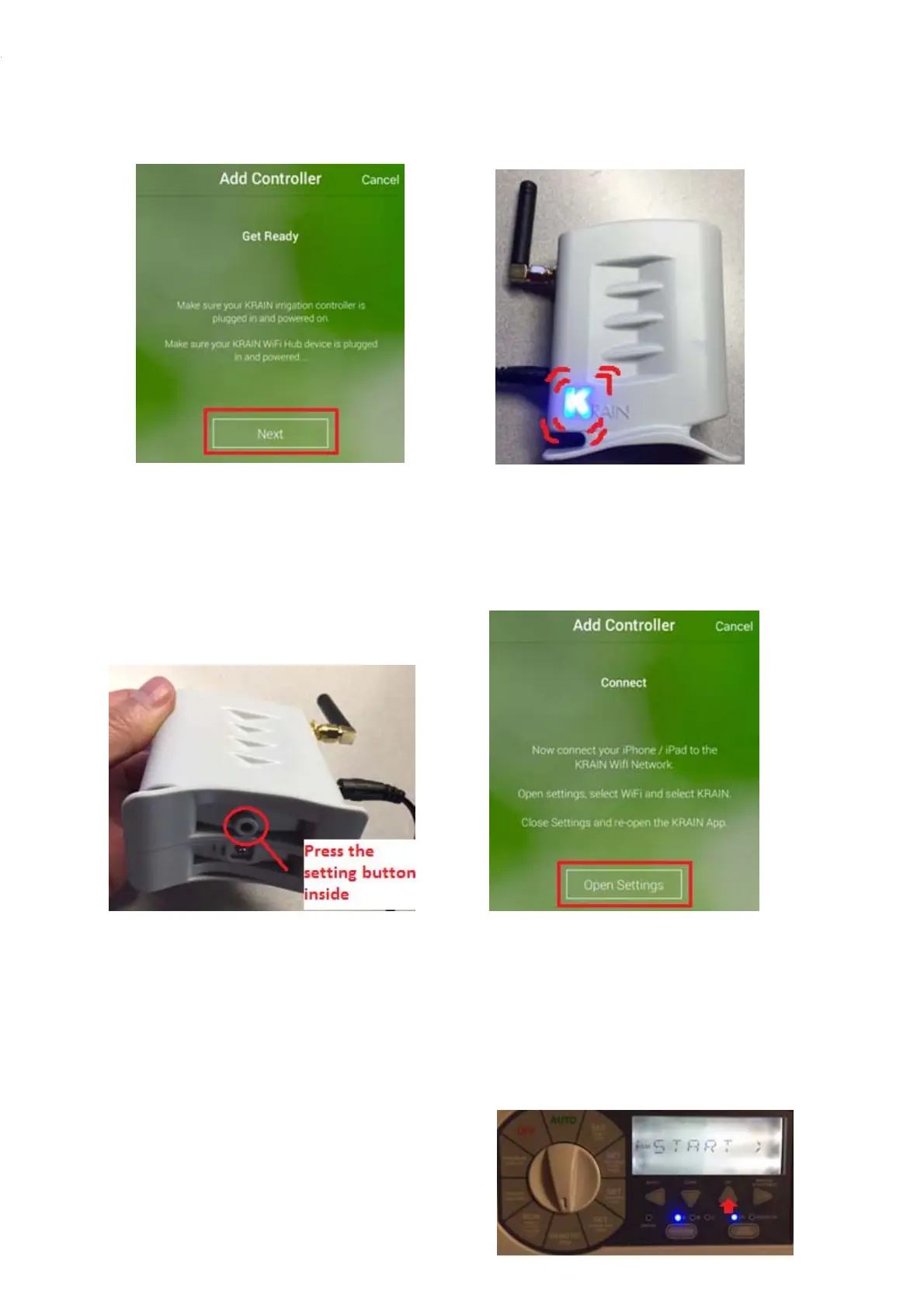
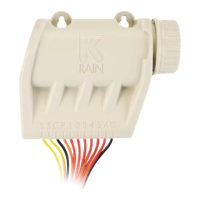
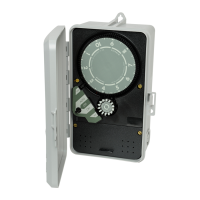
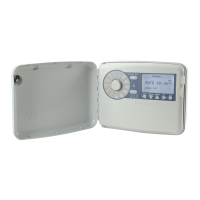
Step6.IftheLEDisnotflashing,pressfor Step7.Clickon“OpenSettings”buttonorgo
3secondsthesettingbuttonlocated directtotheiOSgeneralWifisettingsscree
onthebottombaseoftheunit.The“K”
LEDshouldstartflashing(On/Off)
Step8.
SelecttheKRAINWifinetwork.TheWifi Step9.GototheProExcontrollermidbox.Move
HubcreatesamomentaryWifinetworkduring thedialtotheREMOTE/PINlocation.



 To Next Page