EasyManua.ls Logo

K-Systems G95 - User Manual

K-Systems G95
38 pages
Print Icon
To Next Page IconTo Next Page
Loading...
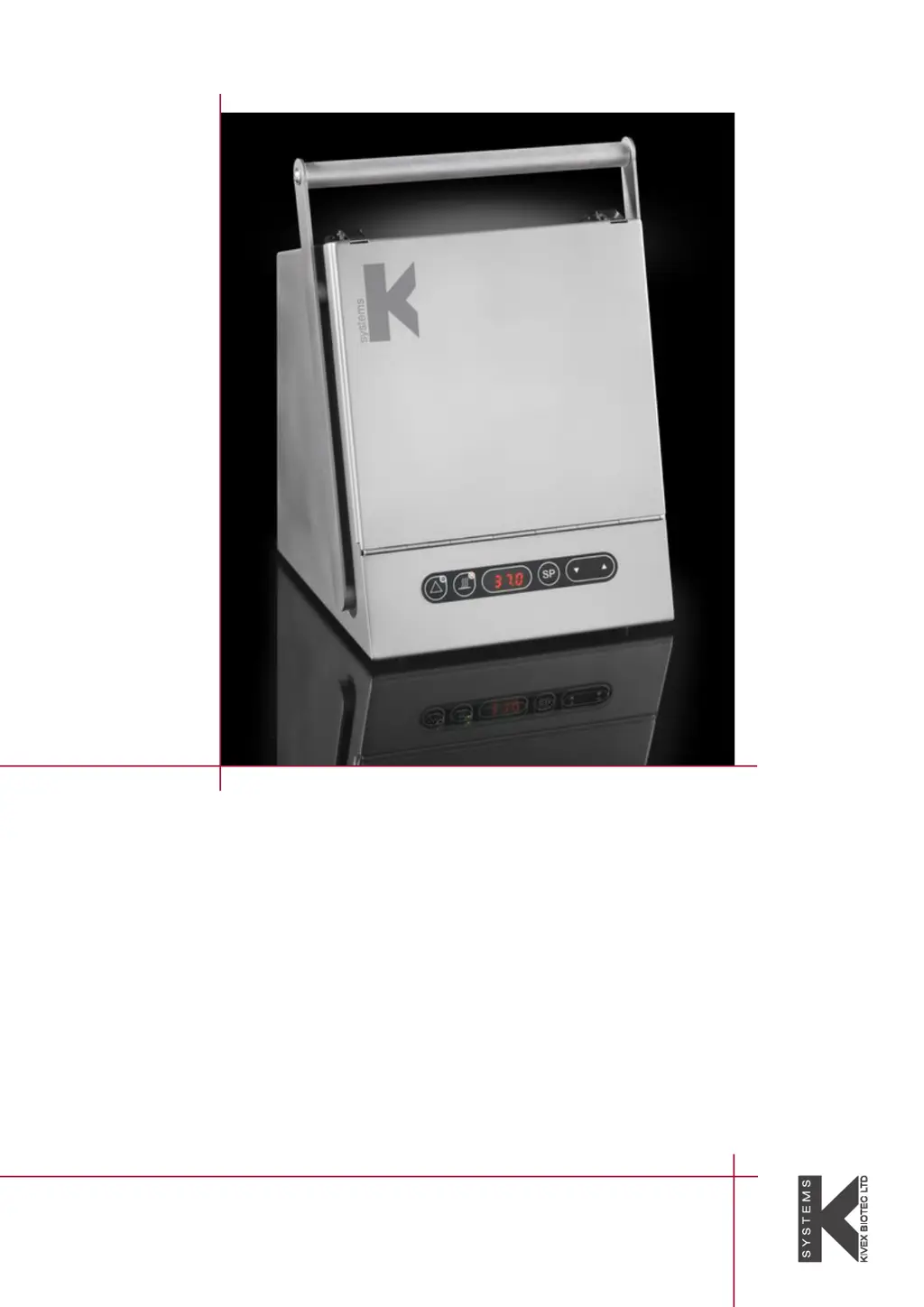
Portable Incubator
G95
K-SYSTEMS
Instruction Manual

Questions and Answers

  • J
    Janet IngramAug 4, 2025
    What to do if the temperature alarm is on for K-Systems G95 Accessories?
    • A
      Angela SilvaAug 4, 2025
      If the temperature alarm is activated, it means the temperature is more than +/- 0.5° C from the set temperature. First, check the set temperature and then wait for the temperature to stabilize.
  • D
    Daisy KnightAug 12, 2025
    Why is there no heating in my K-Systems G95?
    • B
      Brandon HoldenAug 12, 2025
      If there is no heating, it could be that the setpoint is below the ambient temperature. To resolve this, change the setpoint to a higher value, for example, 37° C.
  • B
    Barbara BartonAug 19, 2025
    What to do if display remains off when “HEAT” key is activated in K-Systems G95?
    • A
      Amanda GomezAug 19, 2025
      If the display remains off when the “HEAT” key is activated, there could be several reasons: * There is no mains supply. Ensure the power connector is properly plugged in. * The power connector is not connected. In this case, replace the display PCB. * The “HEAT” key is defective. Replace the keyboard.
  • J
    Jessica GoldenAug 27, 2025
    How to fix display read "E-1" on K-Systems G95 Accessories?
    • B
      Bobby HernandezAug 27, 2025
      If the display reads "E-1", it indicates a defective temperature sensor. Replace the temperature sensor to resolve this issue.

Summary

Accessories

Standard Accessories

Lists essential accessories supplied with the incubator, including power adapter and cables.

Users Manual

General Description

Details the incubator's compartment, temperature control, alarm system, and power options.

Features and Operation

Keyboard Functions

Lists and explains the functions of each key on the incubator's control panel.

Temperature Setting and Control

Provides step-by-step instructions for setting and adjusting the incubator's temperature.

Menu Function

UNIT

Explains how to select temperature units (Celsius/Fahrenheit) within the UNIT menu option.

RS232

Details serial communication and data logging setup, including ON/OFF and data interval settings.

TUNE

Describes the calibration procedure for adjusting the displayed temperature reading.

St.St

Explains the Start Set option for configuring the timer function to activate the heater.

HEAT

Describes the HEAT option for enabling the heater to turn on automatically at a set time.

A-St

Explains the Automatic Start option to repeat the timer function on a daily basis.

REST

Explains the REST function to restore all factory set values and default configurations.

Battery Functions

Charging the Battery

Explains how to charge the battery using the mains power adapter or a car socket.

Gassing of CO² Incubators

User Maintenance

Calibration

States that annual calibration should be performed by authorized K-SYSTEMS service providers.

Trouble Shooting

Spareparts

K-Systems G95 Specifications

General IconGeneral
BrandK-Systems
ModelG95
CategoryAccessories
LanguageEnglish

Related product manuals