Page 10
Instruction manual - G95
Kivex Biotec Ltd
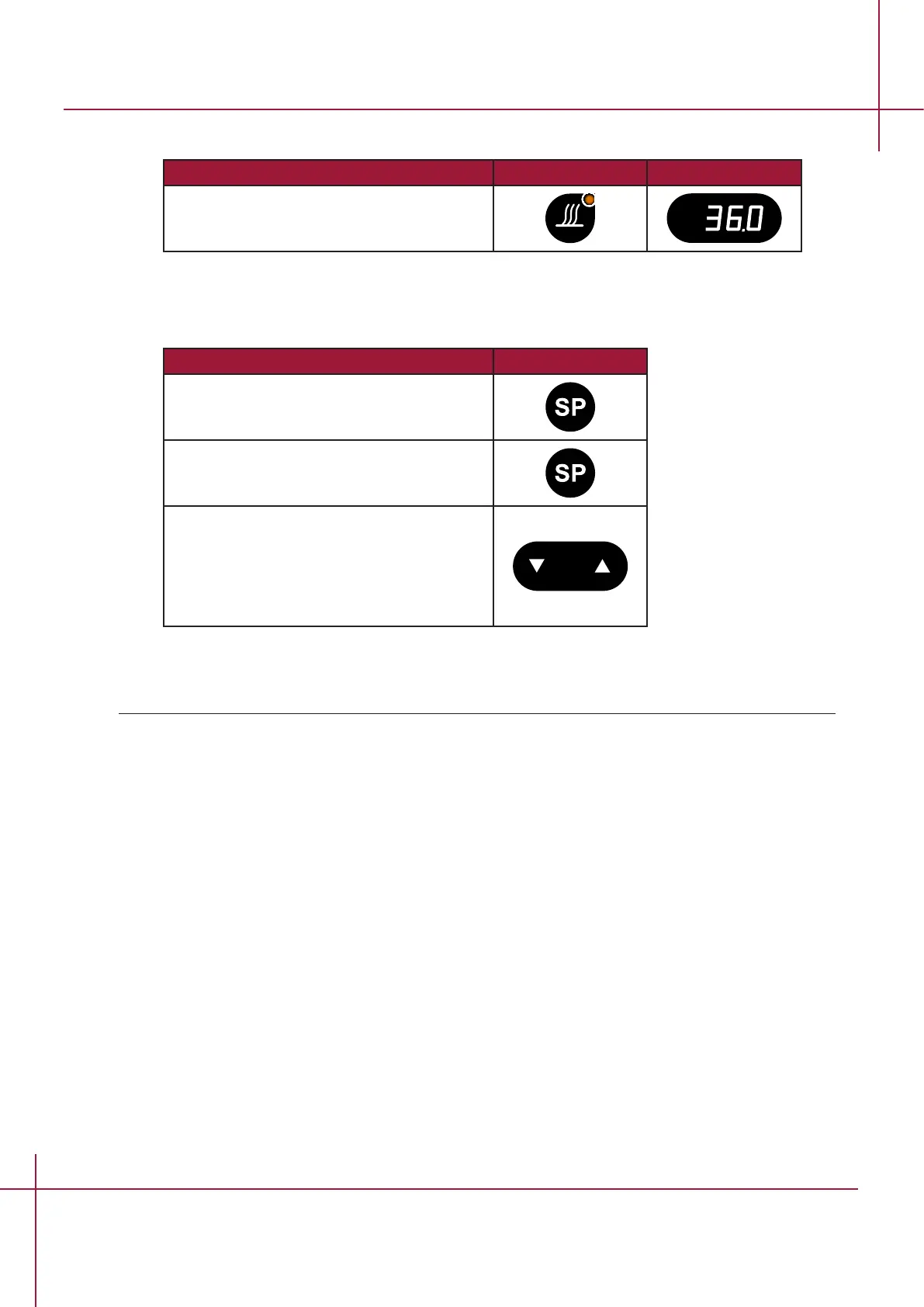
5.4 Operating the heated compartment
Action Key Display
Press heat ON/OFF key to show the actual
temperature.
5.5 Temperature setting and control
The display indicates the average temperature of the chamber.
Action Key
Press setpoint key until set temperature is
shown.
Press and hold setpoint key.
While holding the setpoint key in, press
either the arrow UP or arrow DOWN key to
raise or lower the set temperature.
When the desired temperature is reached,
let go of the setpoint key.
Note The setpoint can be adjusted to a reading between ambient and 49,9° C.


 To Next Page