2. Connection Options
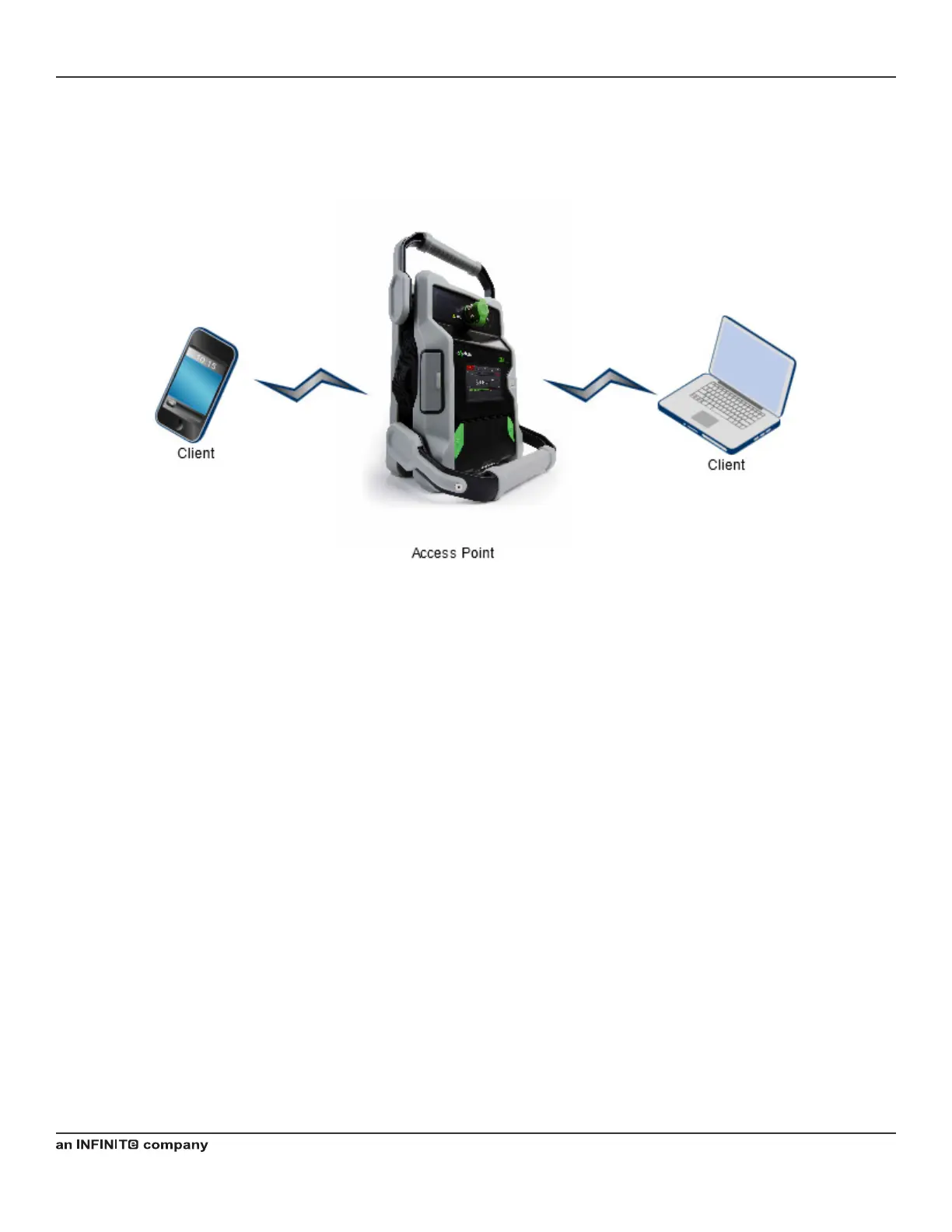
2.1 iPA as an Access Point
Figure 57 Wi-Fi Connection Options (iPA hotspot)
1. This is a nice and easy conguration with the iPA in hotspot mode connecting to the Serial number as a network
192.168.0.1 in your browser and kaelusap as a default Wi-Fi password.
2. Easy to remember the same IP address and password every time just the serial number required to connect to the
correct iPA.
Operating Manual | The Battery Operated Intermodulation Test System
76


 To Next Page