9 10
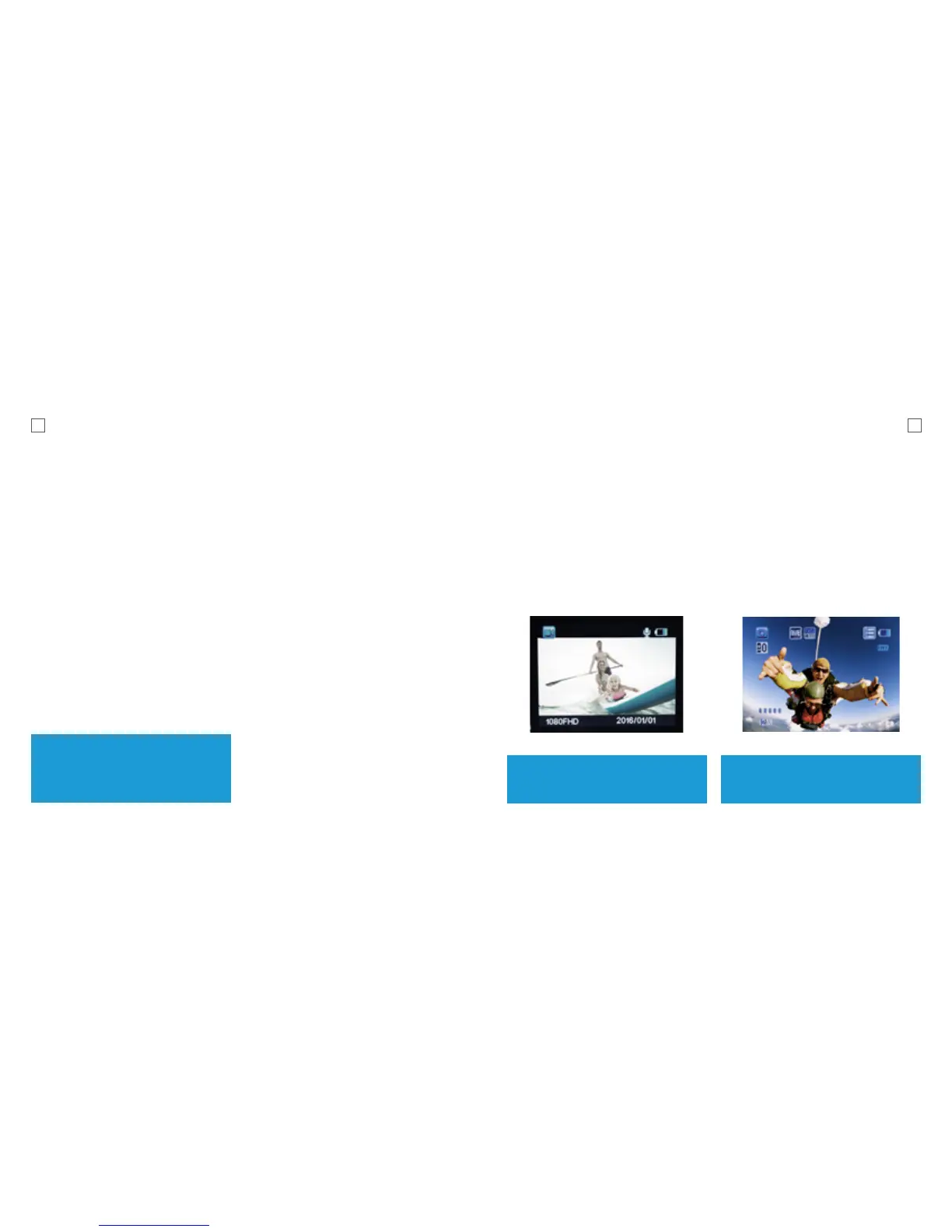
Video Mode Picture Mode
Once the X1 is turned On, Video Mode
is selected by default. Press the Record
Button to start recording.
When the recording starts, you will
notice the status indicator light on the
X1 flashing. To end recording, press
the Record button again.
This mode will allow you to take snapshots.
To activate this mode
Turn the X1 On.
Once it is ON, Press and Release the
Power button. This will switch the camera
from Video Mode to Picture Mode.
Tip: Use Up/Down button for
zooming in/out
Note: Do not hold the Power button
as it will turn the camera off.
Menu Navigation
Use the Up/Down button on the side of the
X1 to navigate down the menu. Use the
Record button to confirm selection.
It is recommended that you format new
cards or cards that have been previously
used in other devices. To format the Micro
SD card:
Turn the X1 On.
Enter the Setup by pressing the Menu
(M) button.
Scroll down and select the Format SD
Card option.
Select OK to format.
*Micro SD cards are also called TF cards.
NOTE: Formatting the card will
permanently delete contents off
the card. Be sure to save any
important files.



 To Next Page