11 12
Setup Mode
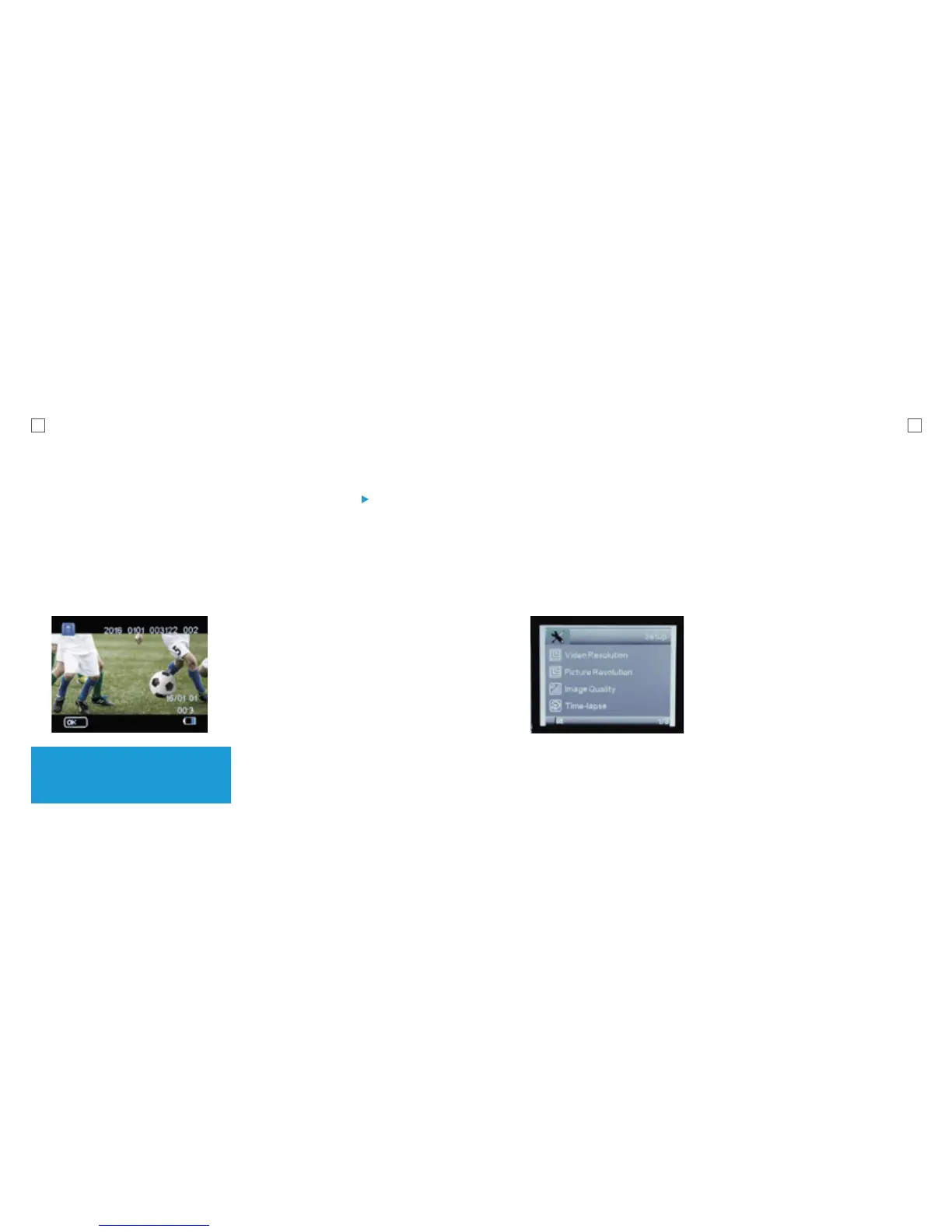
Press Menu (M) button to access the
Setup Menu.
Use Up/Down button to Scroll through
and press the Record Button to confirm
your selection.
Video Resolution
This allows you to set the video recording
resolution:
• 1080P 30fps • VGA 640x480
• 720P 60fps
• 720P 30fps
Picture Resolution
This allows you to set the image resolution
to capture Photos.
• 5M
• 3M
• 2M
Playback Mode
This mode will allow you to view captured
videos & images.
To go to this mode
Turn the X1 On. Once it is ON, Press and
Release the Power button twice. This will
take you to Playback mode.
Tip: You can also view the images
as a Slide Show. To do this, press M
button and Select Slide Show.
You will notice this icon ( ) on the top left
corner of the screen.
Note: Do not hold the power button as it
will turn the camera off.
Use the Up/Down button to navigate.
Press the Record button to start playing.
To Delete file(s)
Press M button when you are in the
Playback Mode. Select Delete and
press the Record button. You will have
the option to choose the current file or
all files for deletion.



 To Next Page