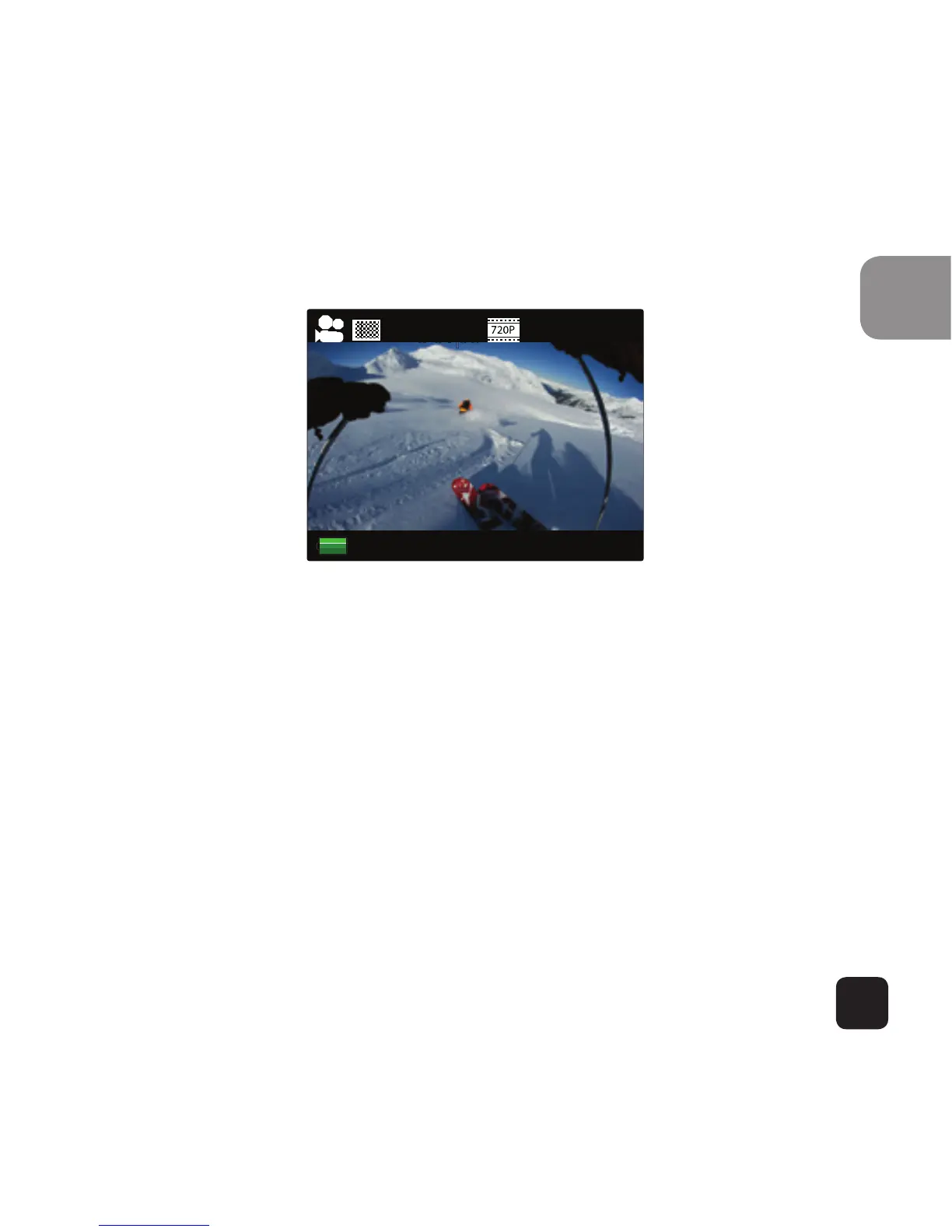
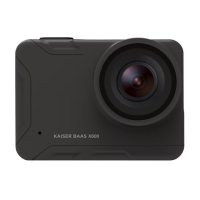
Video Mode Screen
Once the camera is turned on, it goes to the video
capture mode by default. Press SHOOT button to start
recording. When the recording starts, you will see the
red lights start flashing. To end recording, press the
SHOOT button again.
To enter the Settings menu, press the POWER button
(press and release immediately – if it is held too long the
camera will switch o).
Note: the Setup menu is depending on the active mode. If the
“Video mode” is active, it will display video capture settings or
if the “Picture mode” is active, it will display the Image capture
settings. By default, Video mode is the active mode when you
turn the device on.


 To Next Page