15
EN
Date Stamp
• O: to turn o displaying date stamp on captures
• Date: to display date on captures
• Date & Time: to display date & time on captures
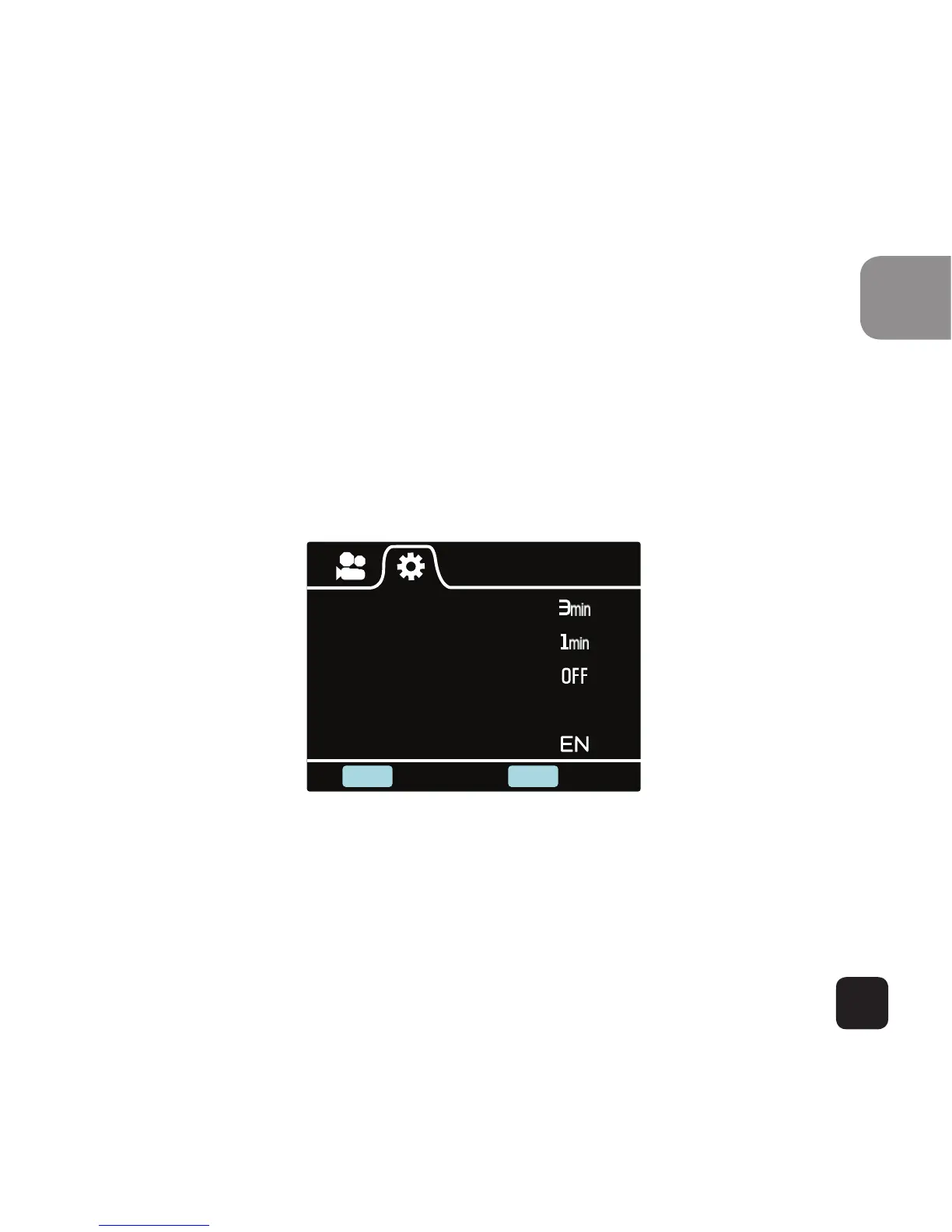
General Settings
Auto Power O
Auto LCD O
Screen Rotation
Date & Time
Language
SHOOT
POWER
Enter Back
General Settings Screen (Page 1)
This allows user to adjust the general device settings
To enter General Settings, enter the Settings menu first



 To Next Page