12
EN
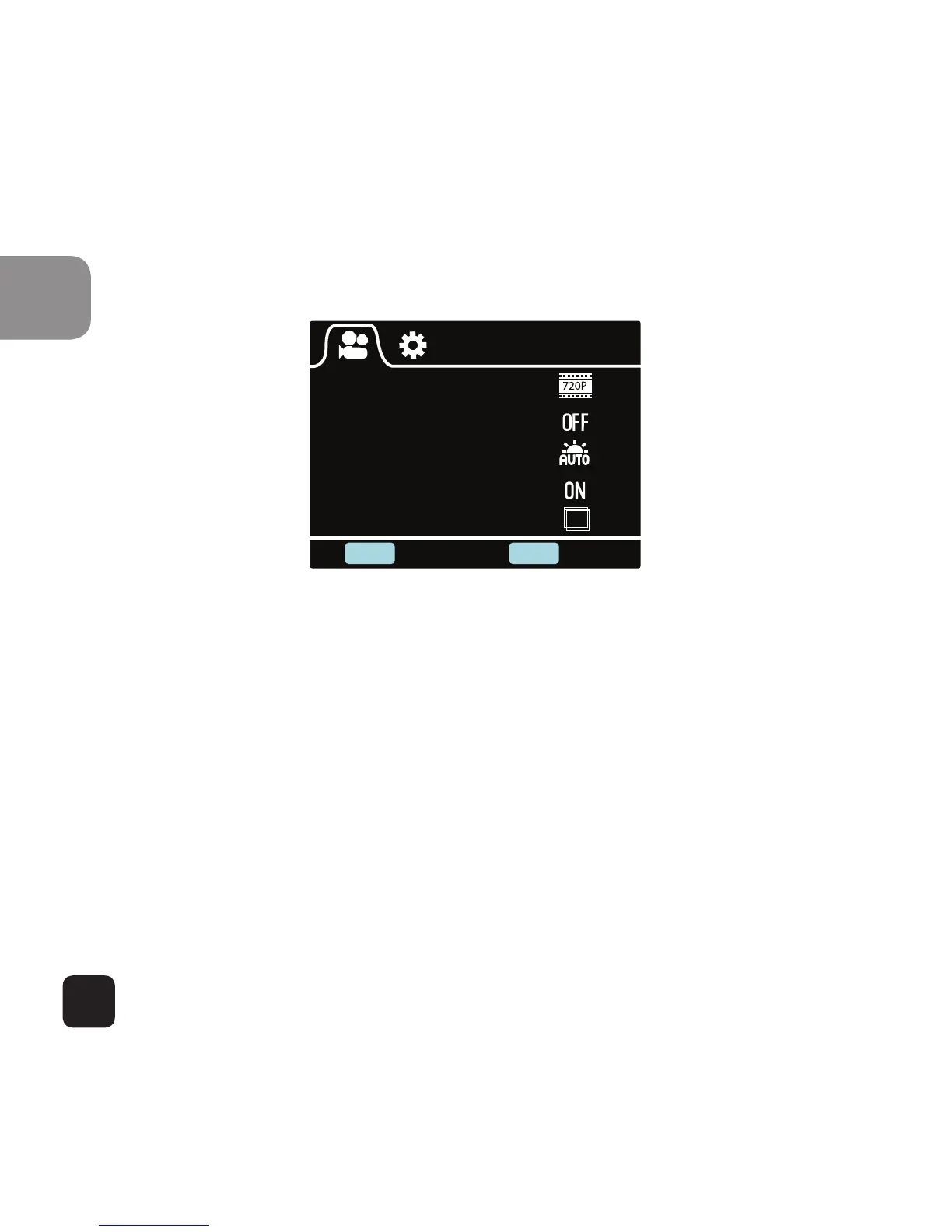
Video Settings
Resolution
Video Looping
White Balance
Microphone
Timelapse+Video
SHOOT POWER
Enter Back
10S
Video Settings Screen (Page 1)
This allows user to adjust Video quality settings.
Navigation: Use Wi-Fi button to navigate, Shoot button to
Enter/Confirm selection, Power button to go back
Resolution
This allows user to set the recording video resolution:
• 1080P 30fps
• 720P 30fps
• 720P 60fps



 To Next Page