29
EN
4. Connect your Phone to the Kaiser Baas X100 via
Wi-Fi
5. The WiFi Password for the X100 is:
1234567890
6. Open the app ‘Kaiser Baas X100’
Important: Before connecting camera via Wi-Fi, you
need to download the ‘Kaiser Baas X100’ app on your
smartphone or tablet.
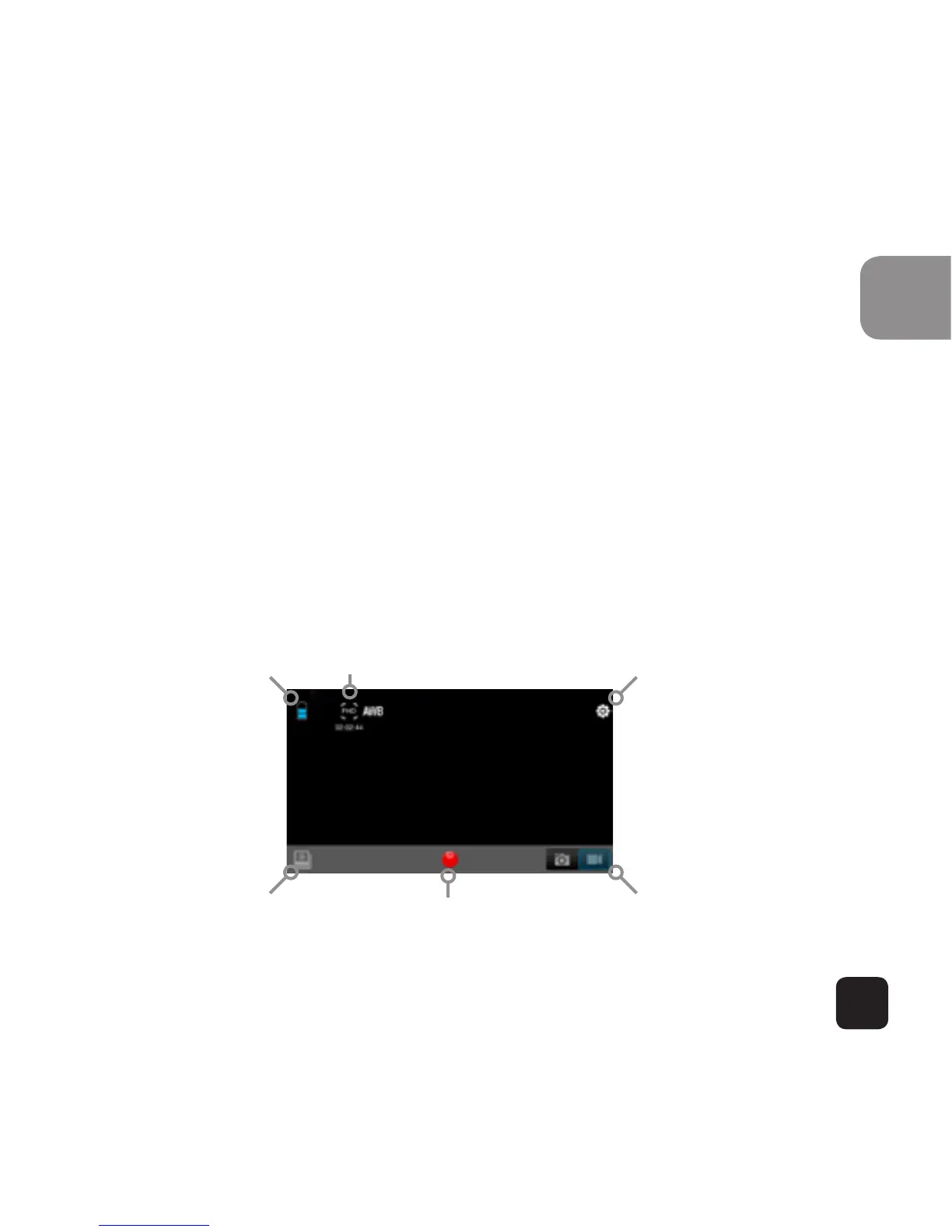
App Interface Diagram
Note: To watch the recorded videos on your phone, you
need to download it first.
RecordPlayback Mode
Battery Icon Video Resolution Settings
Switch Photo/Mode


 To Next Page
 Loading...












