GETTING STARTED
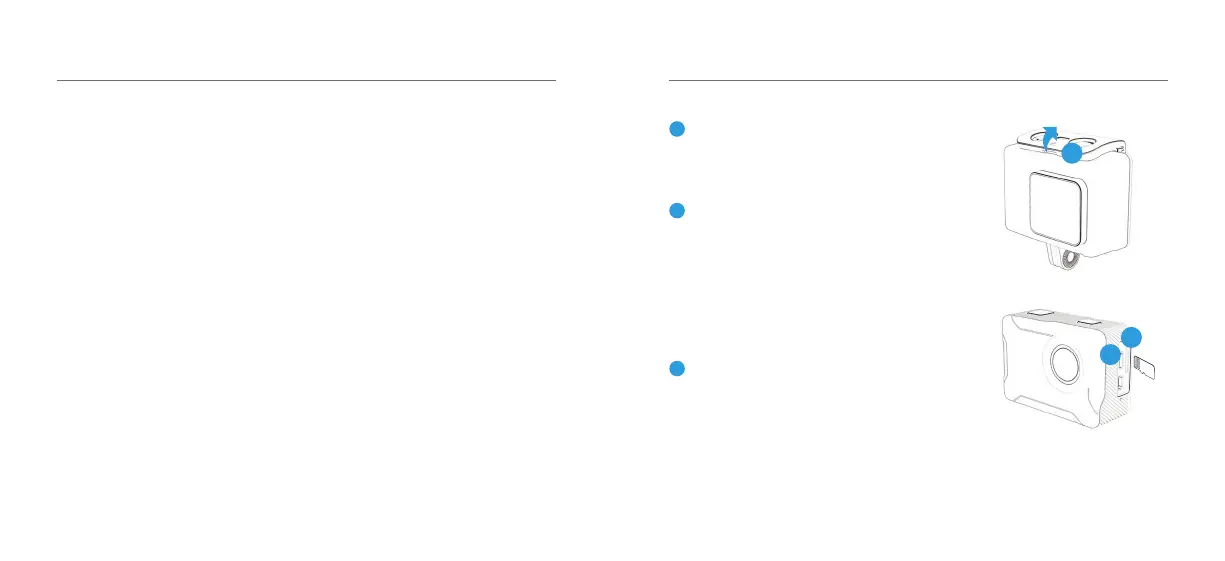
Remove the camera from the Waterproof
case. Release latch to unlock casing.
Charge your X230
Connect your camera to a USB charger
(not included) or computer using the
included Micro USB cable. Whilst charging
the red light will appear. Once fully
charged it will turn o.
Insert your SD Card
Once your camera is fully charged, insert
the Micro SD card (not supplied) into the
SD card slot. We recommend using a Class
UHS 1 and above Micro SD card up to
64GB for maximum performance.
Note: Please ensure you format your SD card
before you start lming with it for the rst time.
2
3
1
OVERVIEW
Before operating your
X230 please ensure you
have read and understood
the safety precautions
Please ensure you remove the plastic
protection lm from the front lens
and back screen before using.
01 - ENG
1
2
3



 To Next Page