EasyManua.ls Logo

Kaiweets HT206D - Capacitance Measurement

Kaiweets HT206D
27 pages
Print Icon
To Next Page IconTo Next Page
To Previous Page IconTo Previous Page
Loading...
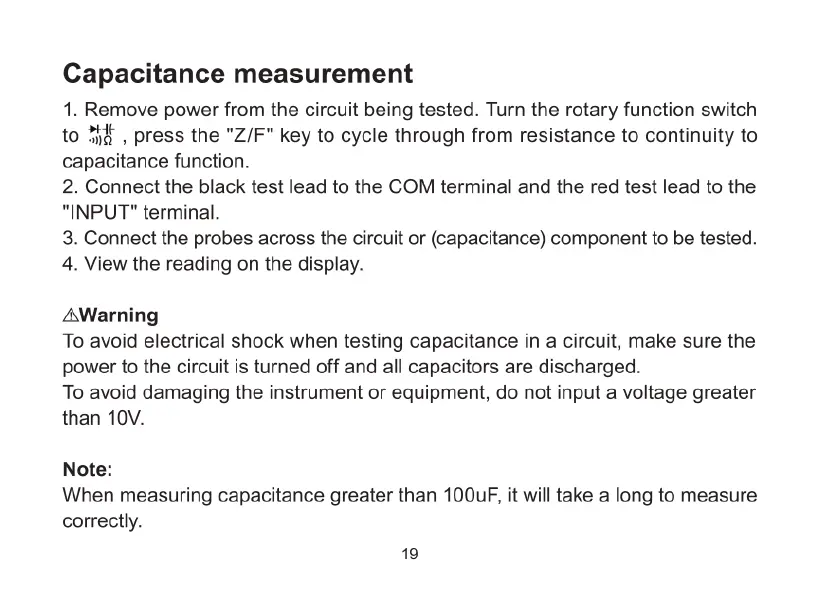
Capacitance
measurement
1.
Remove
power
from
the
circuit
being
tested.
Turn
the
rotary
function
switch
to
%k
|
press
the
"Z/F"
key
to
cycle
through
from
resistance
to
continuity
to
capacitance
function.
2.
Connect
the
black
test
lead
to
the
COM
terminal
and
the
red
test
lead
to
the
"INPUT"
terminal.
3.
Connect
the
probes
across
the
circuit
or
(capacitance)
component
to
be
tested.
4.
View
the
reading
on
the
display.
AWarning
To
avoid
electrical
shock
when
testing
capacitance
in
a
circuit,
make
sure
the
power
to
the
circuit
is
turned
off
and
all
capacitors
are
discharged.
To
avoid
damaging
the
instrument
or
equipment,
do
not
input
a
voltage
greater
than
10V.
Note:
When
measuring
capacitance
greater
than
100uF,
it
will
take
a
long
to
measure
correctly.
19

Related product manuals