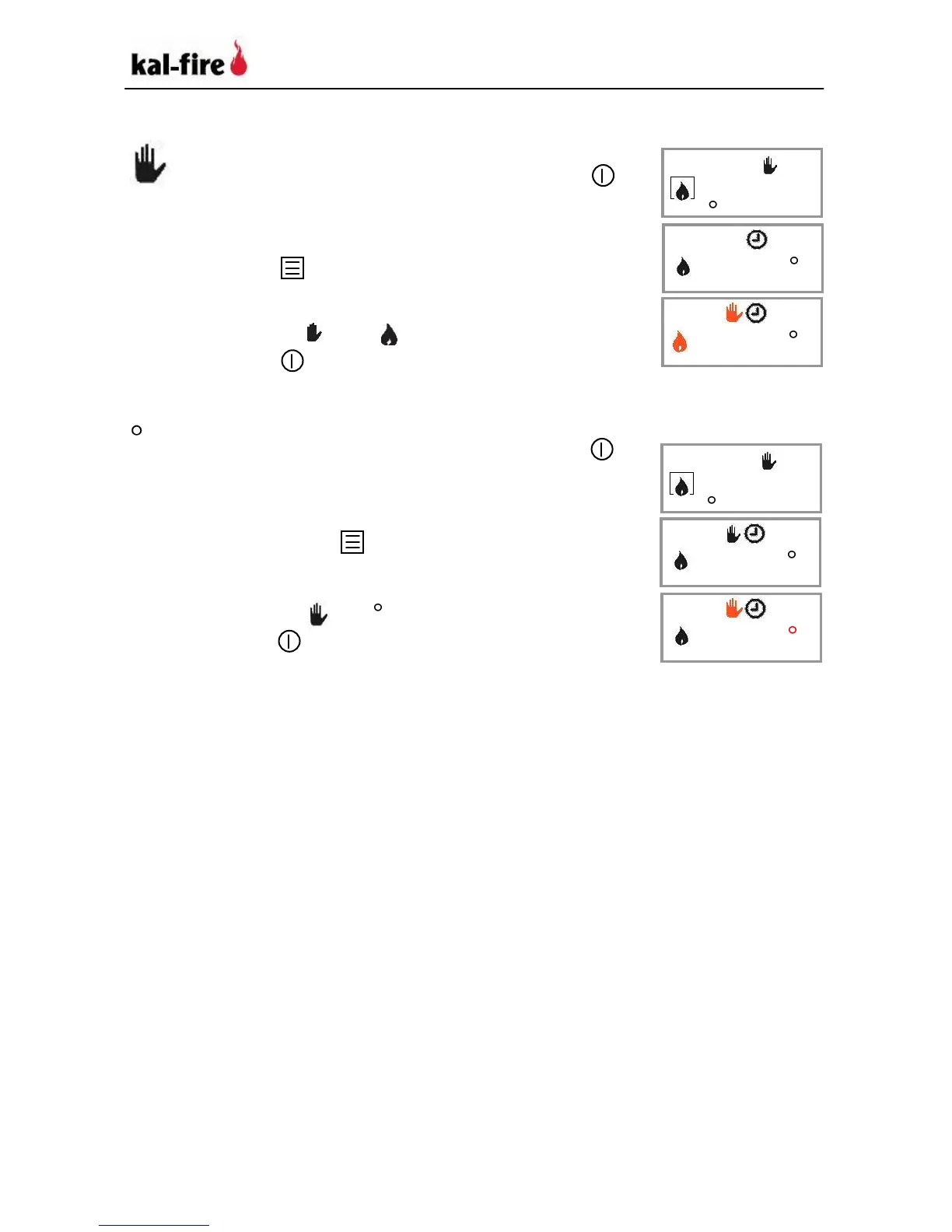
Selecting Manual operation mode
1. If you are not in the basic menu, press
to access the basic menu.
2. If you are in Thermostat or Timer mode,
press .
3. Press on one of the arrow keys until the
symbols and flash together.
4. Press to leave the menu.
Selecting Thermostat mode
1. If you are not in the basic menu, press
to access the basic menu.
2. If you are in Timer or Manual operation
mode, press to select Thermostat.
3. Press one of the arrow keys until the
symbols and C flash.
4. Press to leave the menu.



 To Next Page