14
System Configuration
First-Time Setup
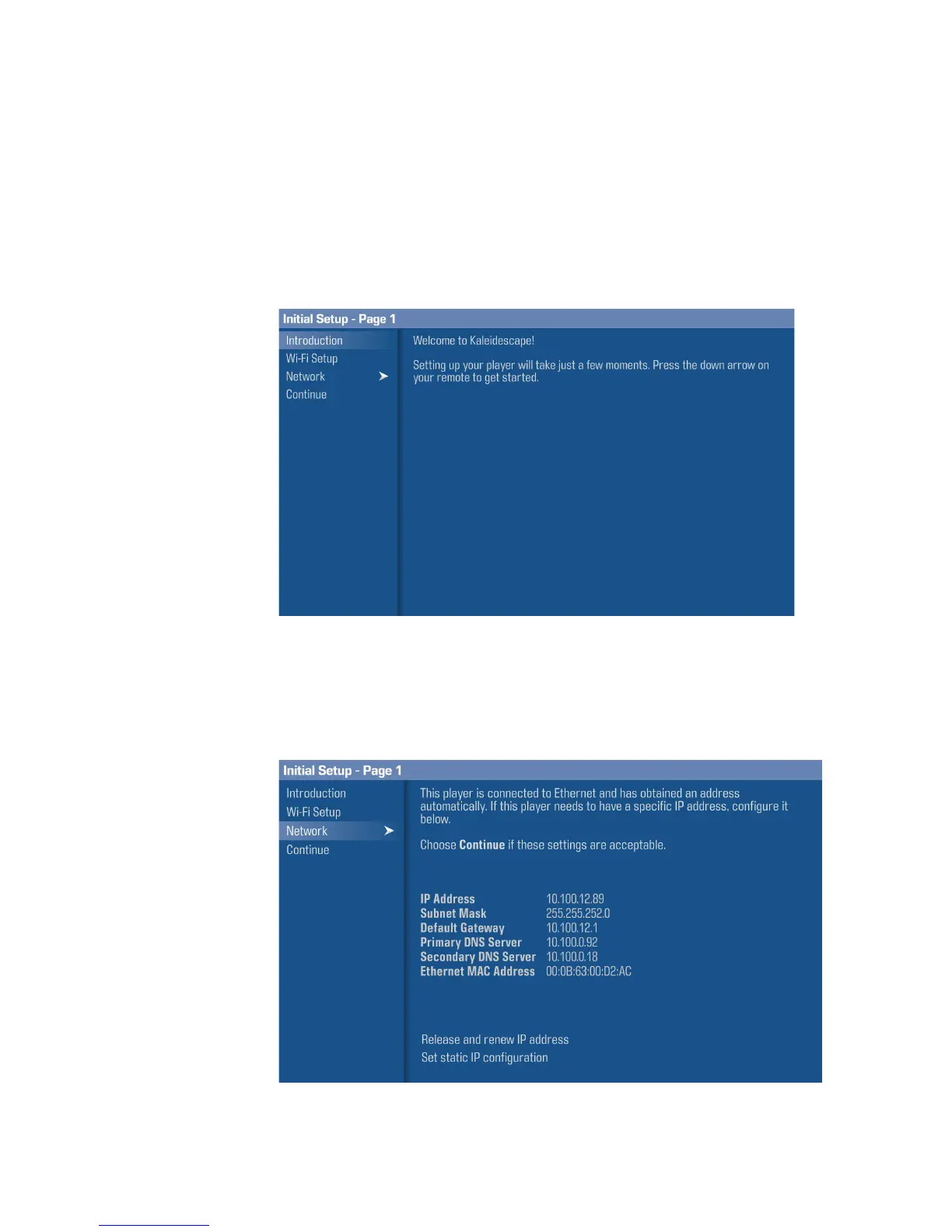
After installing your Strato, you will be prompted to set it up using the onscreen
display. Connecting to your network (via a wired or wireless network connection)
and activating your Strato is required.
Wired network connection (recommended)
Scroll past the
Wi-Fi Setup
option and select
Network
from the onscreen menu.
In most cases, Strato will automatically obtain an IP address from a DHCP
server.



 To Next Page