16
Wireless network connection
Skip this section of the document if you are using an Ethernet connection.
To use the built-in Wi-Fi feature, make sure that no Ethernet cable is connected
to Strato. (Ethernet always takes precedence over Wi-Fi.) Select the
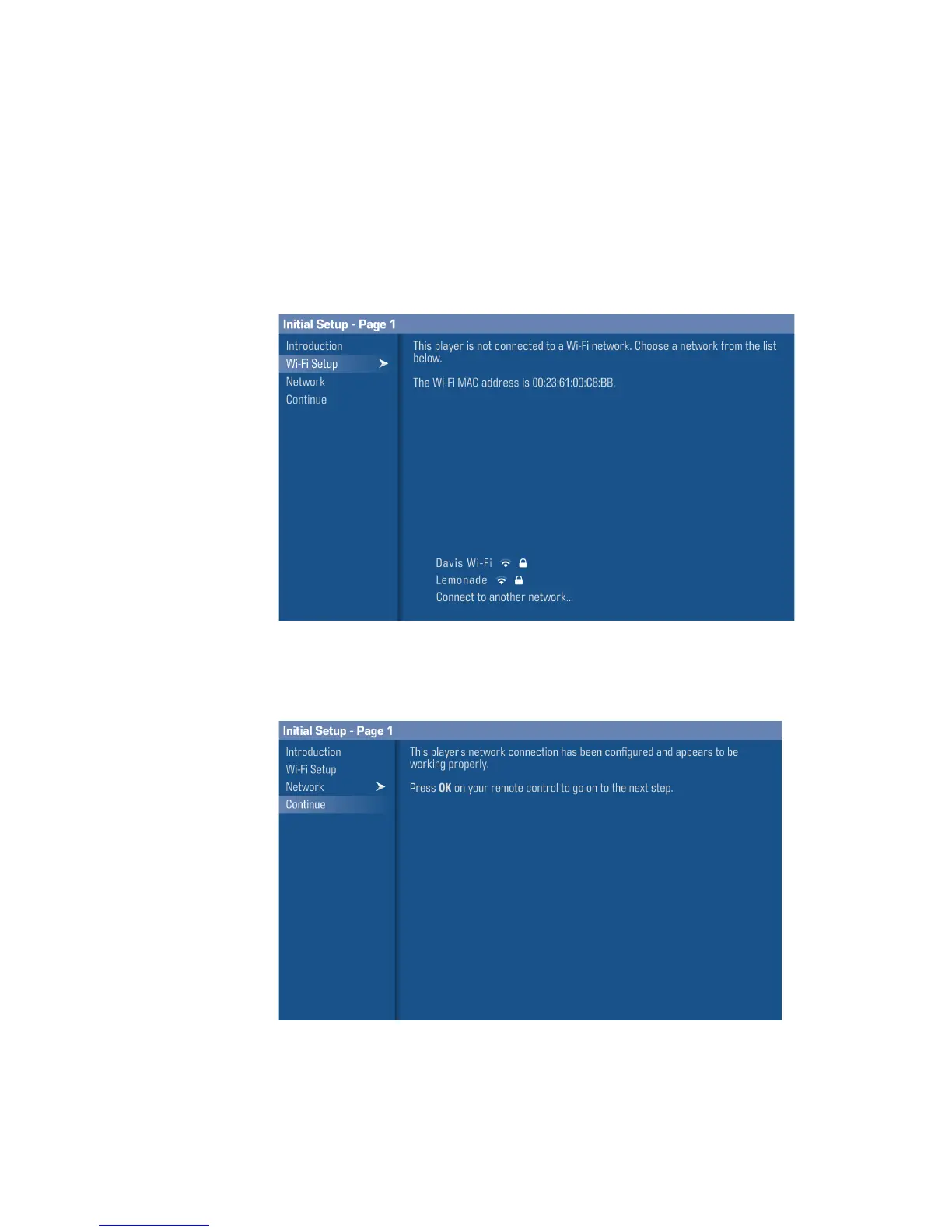
Wi-Fi Setup
option.
A list of available wireless networks will be displayed. Select the one you would
like to connect to, and enter the username (if applicable) and password. If your
Wi-Fi network is not displayed, select
Connect to another network
to enter its
information.
After a valid network connection is established, a checkmark will appear next to
the name of the connected Wi-Fi network. Select
Continue
to proceed to the
next step.



 To Next Page