20
Configuring Settings
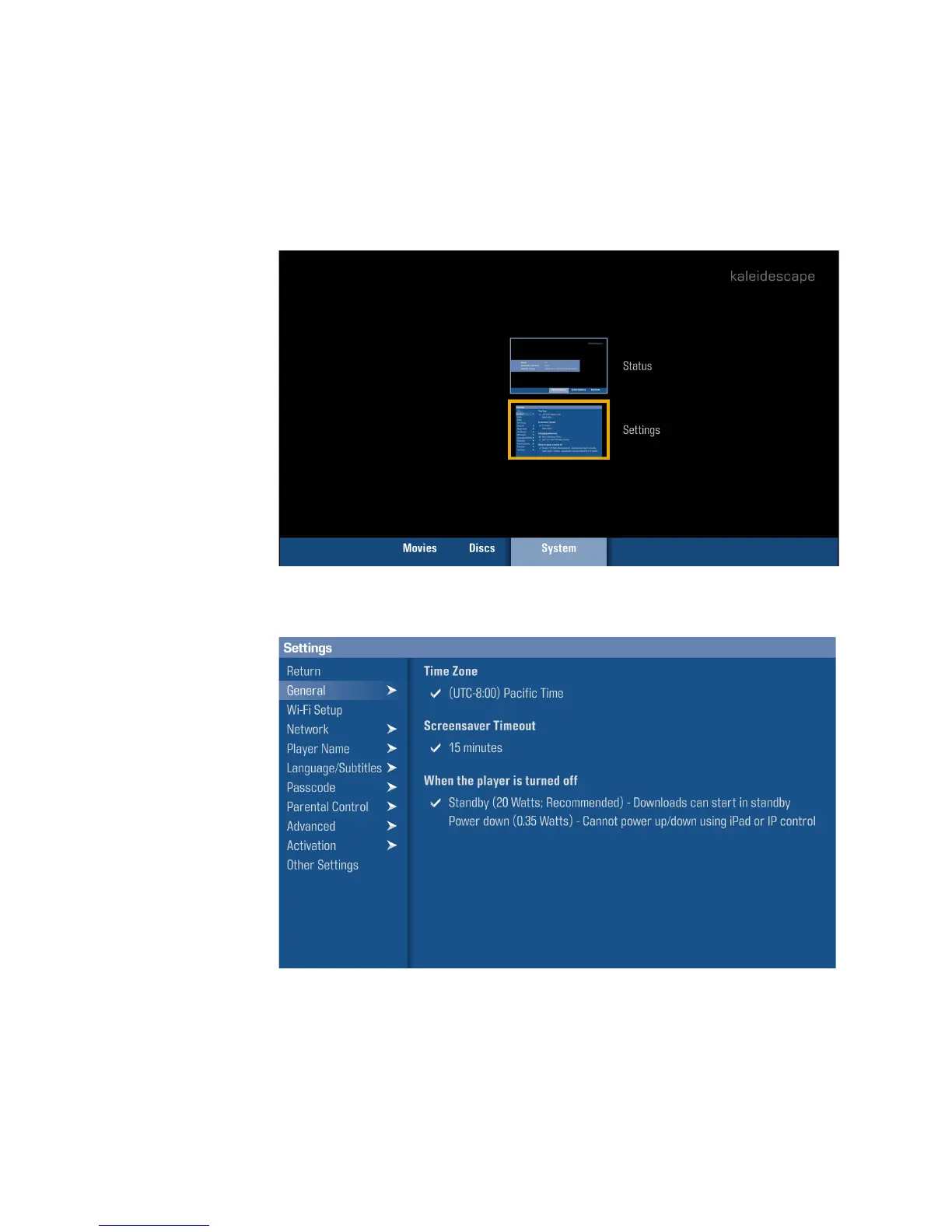
Most of Strato’s settings are configured in the onscreen Settings menu.
However, video and audio settings, settings related to IR and IP control, and
component linking are all accessed via the system’s Browser Interface.
Onscreen Settings Menu
To access this menu, press the
MENU
button on your Kaleidescape remote,
scroll to the
System
tab, and select
Settings
.
The Settings menu is navigated in the same way as the initial setup menus.



 To Next Page