18
Activating your Strato
If you added your Strato to an existing Encore system above, you should not see
this screen. You can skip this section of the document.
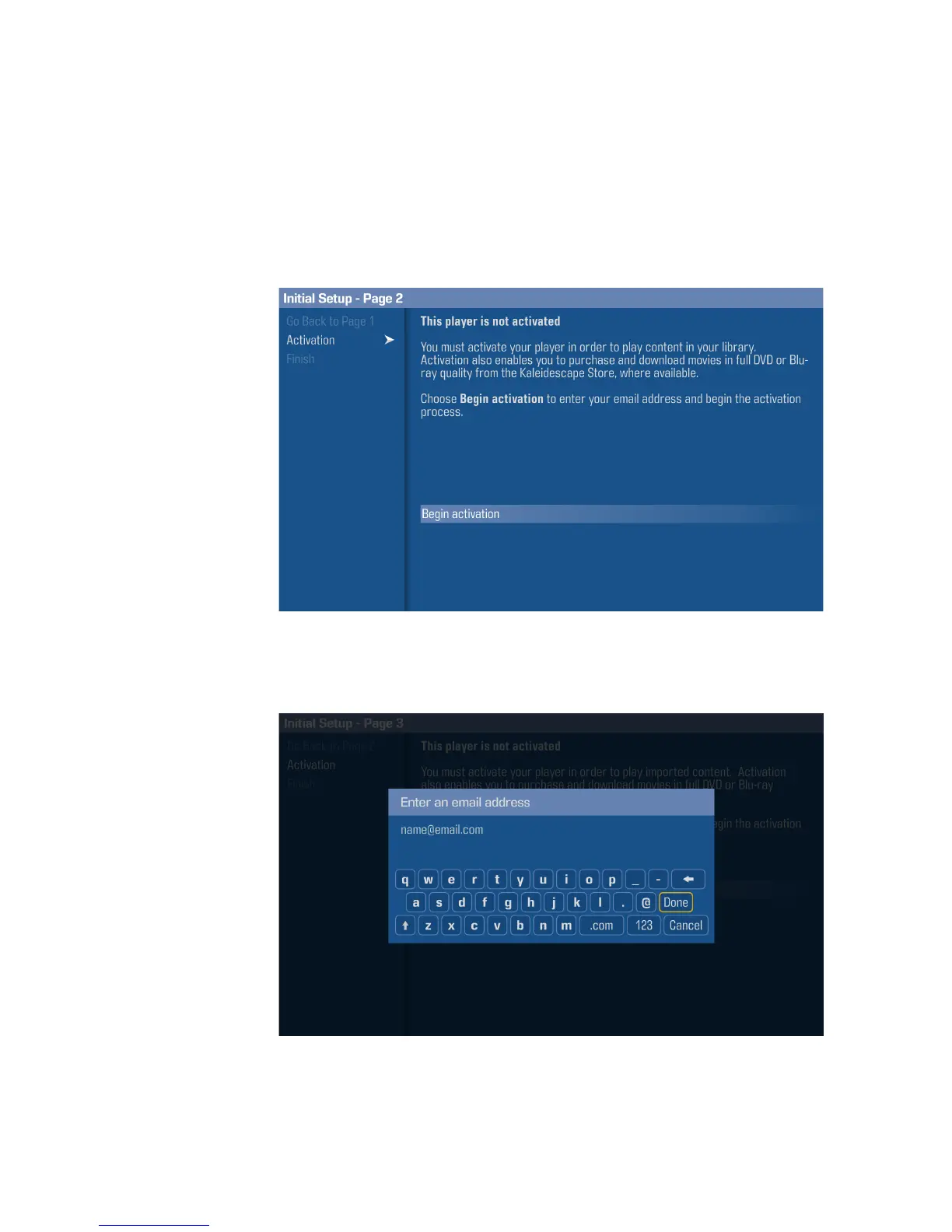
If you are not adding your Strato to an existing Encore system, then you need to
activate it in order to use all of its features. To activate your Strato, select
Begin
Activation
from the
Activation
page on the onscreen menu.
Note: For testing and calibration purposes, activation can be skipped by selecting
Finish
despite this option appearing unavailable.
Enter the email address of the system owner using the onscreen keyboard, and
then select
Done
on the keyboard. Check your email for registration
instructions.



 To Next Page