47
HOW TO SET UP BONUS POINTS
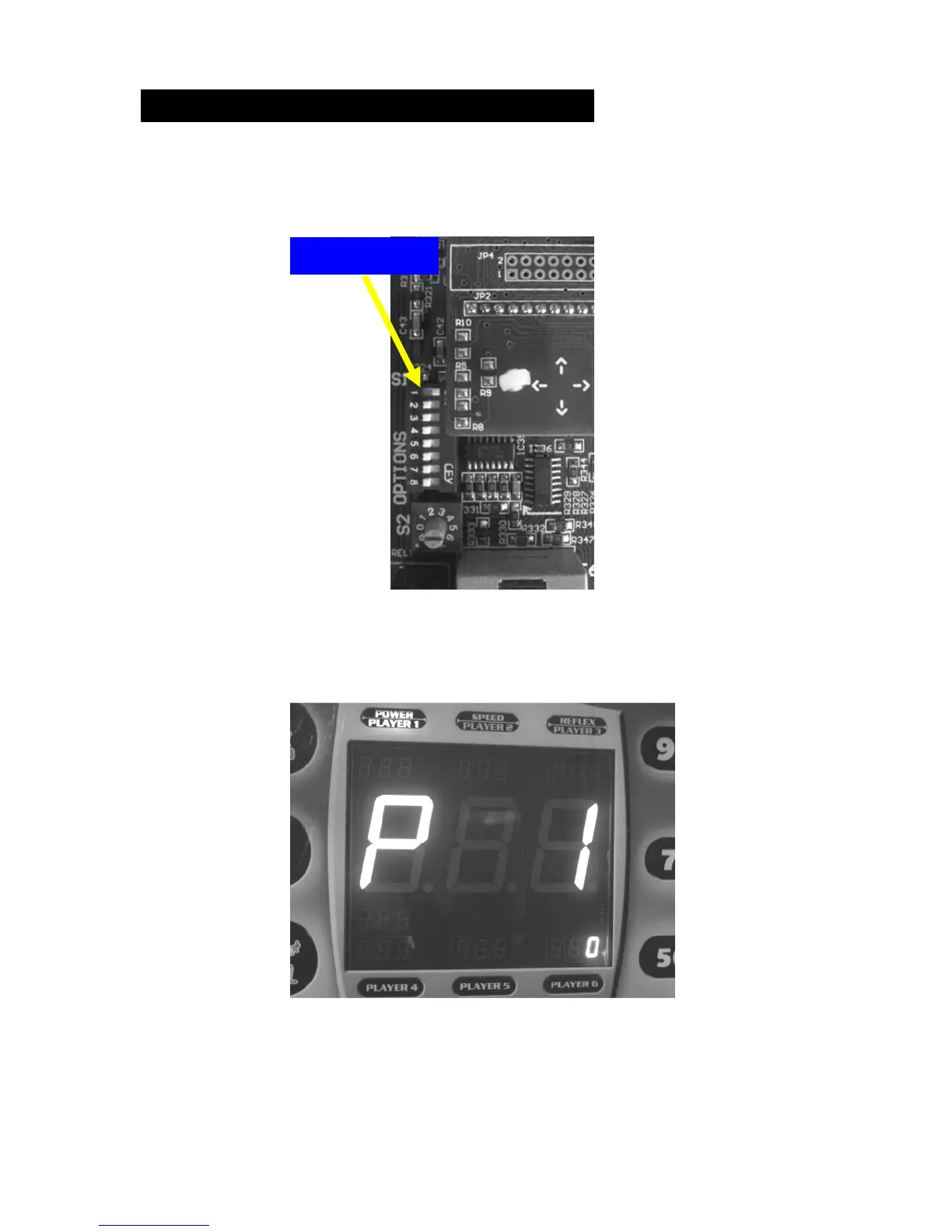
Enter the settings mode by powering up the machine and switching
DIP switch #1 to ON position.
The main display should now indicate the settings mode with ‘P 1’
as shown.
Press the SW1 button repeatedly on the main board until the main
display reads ‘P 5’. If you get too far on this menu you can always
get back with the SW2 button.



 To Next Page