52
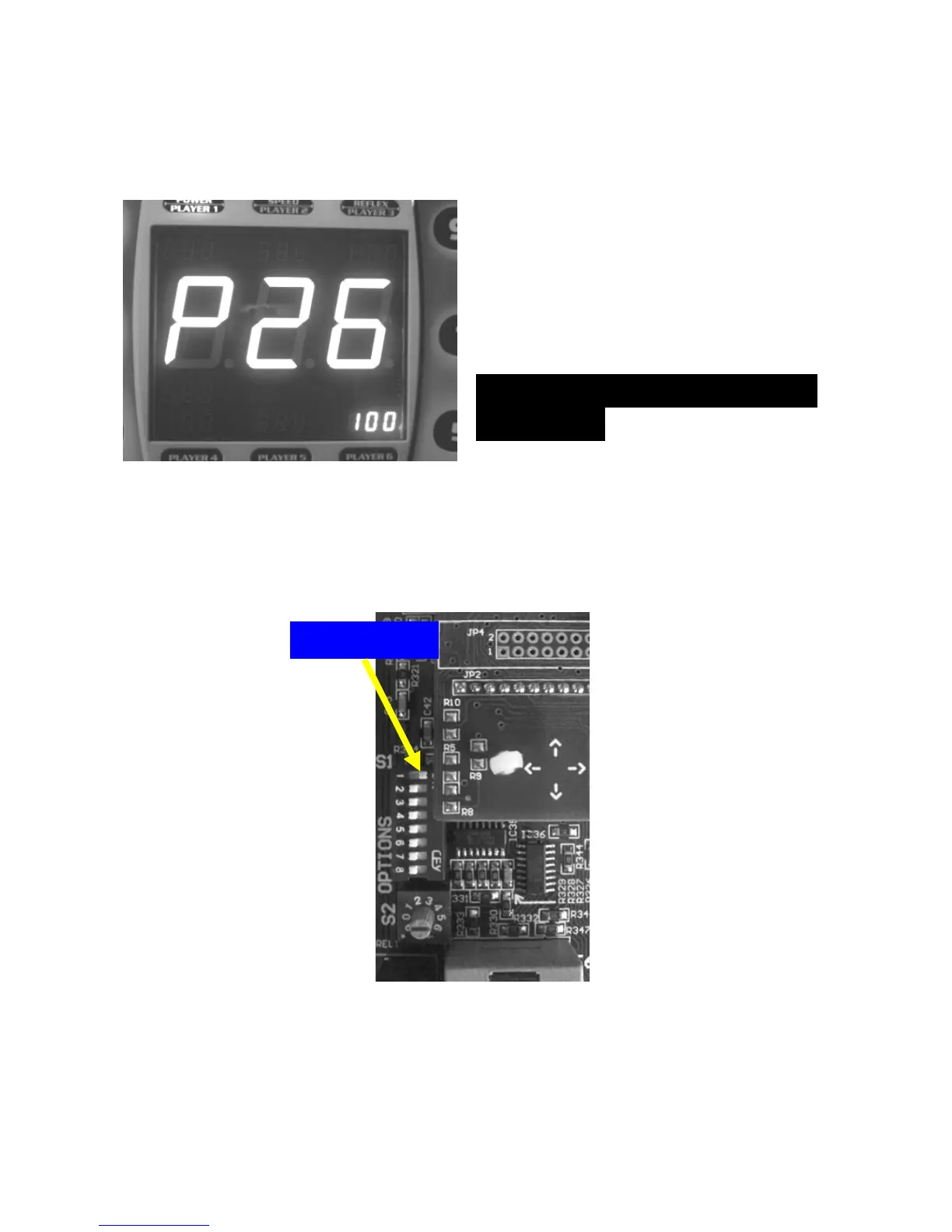
2 and 3. These are menu items ‘P25’ and ‘P26’. If we set these for
$50 and $25 the display should show the following. Always
remember that the values in these settings are in quarters.
To leave the settings mode simply
turn the DIP switch #1 to off (left)
position. The machine should
reset and be ready to go.
HOW TO SET UP MAGIC
NUMBER
The magic number can be any 3 digit combination. The magic
number as well as the frequency of hitting that number must be set.
Enter the settings mode by powering up the machine and switching
DIP switch #1 to ON position.
The main display should now indicate the settings mode with ‘P 1’
as shown.


 To Next Page