58
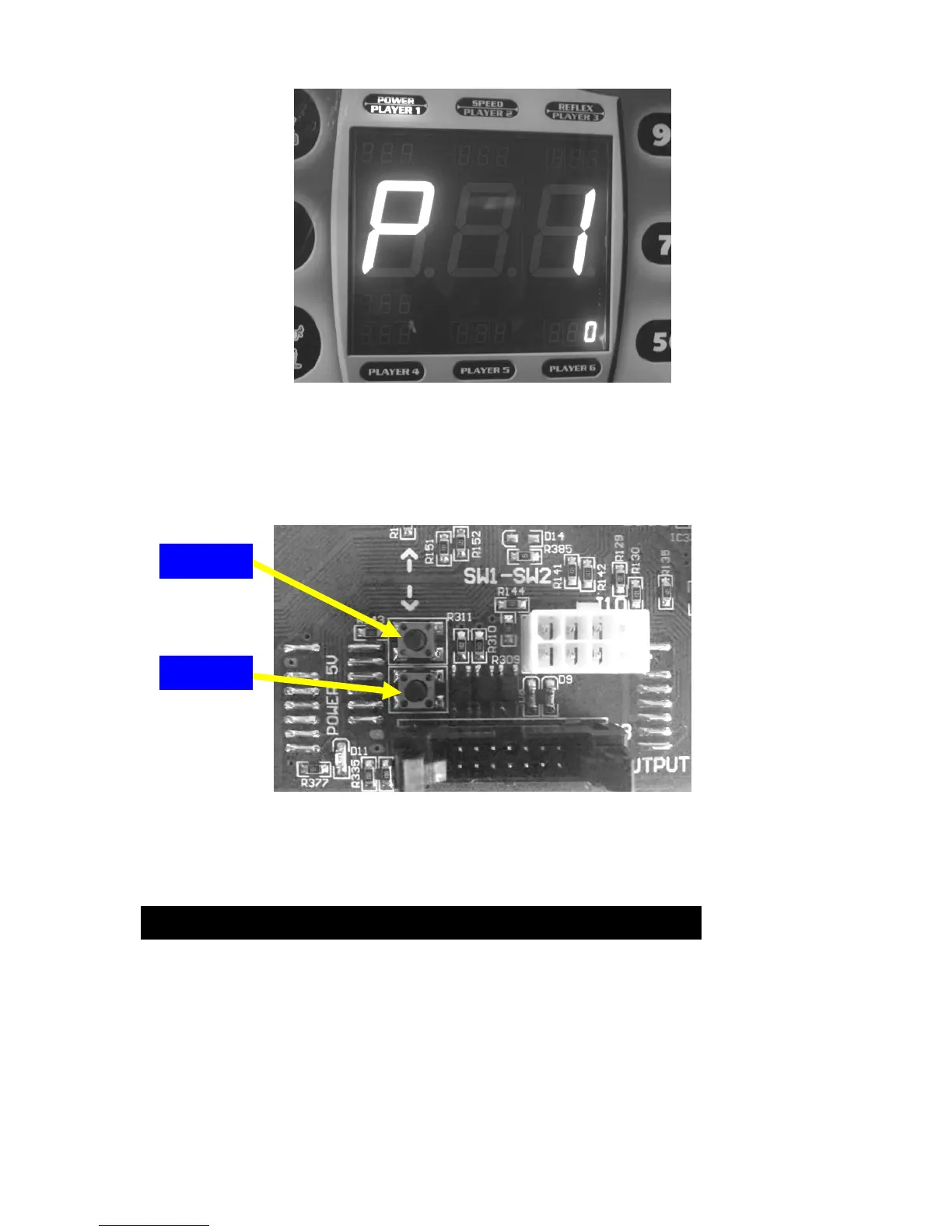
Press the SW1 button repeatedly on the main board until the main
display reads ‘P20’. If you get too far on this menu you can always
get back with the SW2 button.
Press the START button located in the front of the game. When
finished don’t forget to set DIP switch #1 back to OFF position.
HOW TO CHANGE THE PUNCHING BAG
Changing the punching bag is required in some cases. Lower the
bag arm as in the play mode and ready to punch. Take off the front
guard and unscrew the top nut using 19 mm wrench (use wrench
with a ratchet). This will release the bag assembly.


 To Next Page