15KANE 258 MANUAL
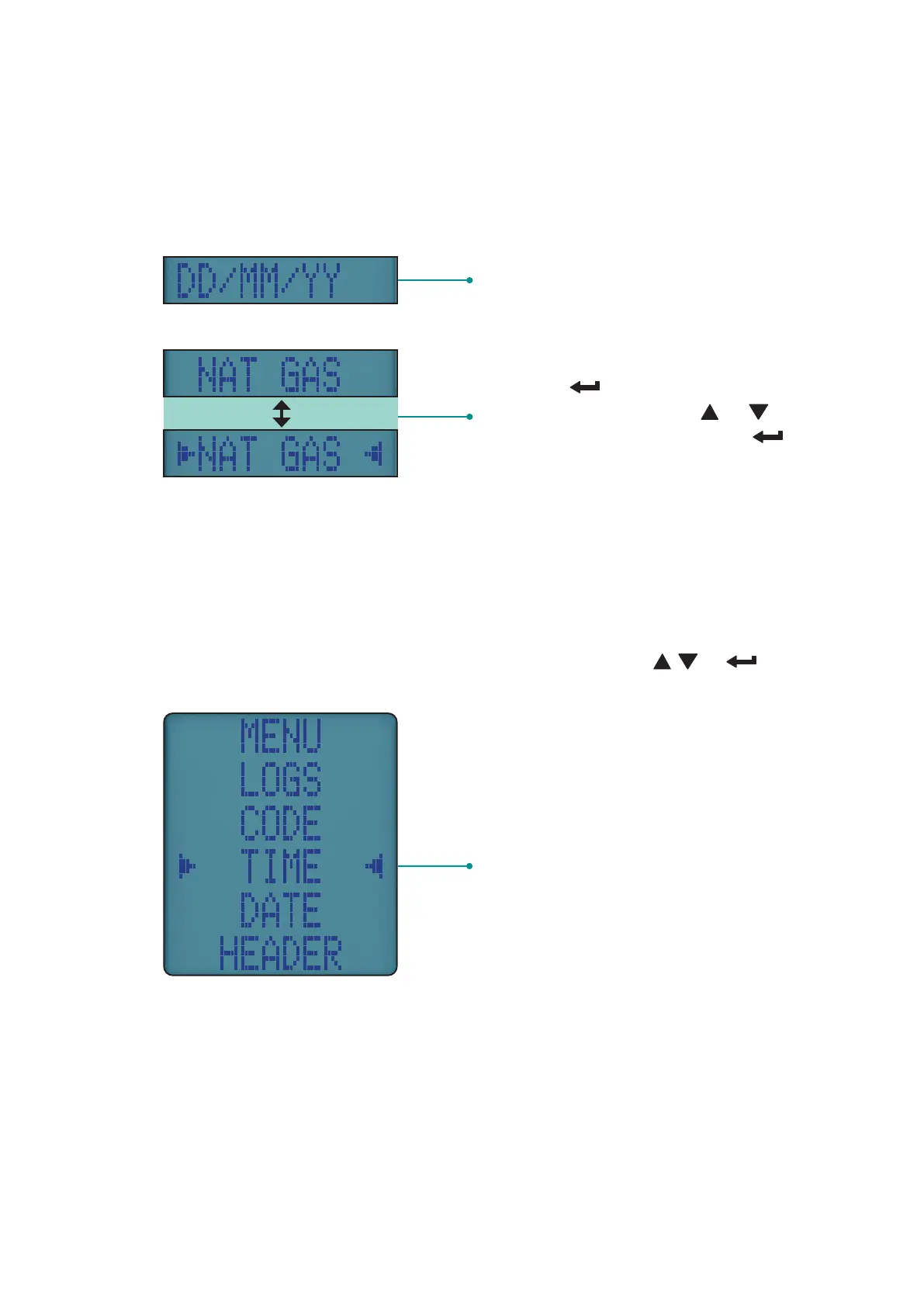
STATUS BAR MENU OPTIONS
Status Bar oers helpful menu options based on your screen.
STANDARD OPTIONS
Date
Displays selected fuel type - To change,
long press button to display
selection indicators. Press or
buttons to select fuel then press
button
USING THE MENU
Rotate dial to MENU to customise your analyser’s default settings to
your requirements.
Navigate through the Menu system using these buttons & .
Menu option to edit
NOTE: To exit Menu turn your analyser’s rotary dial to any position –
changes not entered are not stored.


 To Next Page