EasyManua.ls Logo

KanexPro HDEXT50M - Connection Procedure; Specification

KanexPro HDEXT50M
12 pages
Print Icon
To Next Page IconTo Next Page
To Previous Page IconTo Previous Page
Loading...
HDEXT50M
8 | P a g e
3.3 Connection Procedure
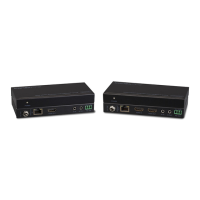
Step1. Connect HDMI source devices (Gaming consoles, DVD players, etc.) to the
HDMI input ports on the Transmitter.
Step2. Connect a CAT5e/6 cable to the CAT5e/6 port on both the Transmitter and the
Receiver.
Step3. Connect HDMI display (HDTV, projector, monitor, etc.) to the HDMI output on
the Receiver unit.
Step4. Connect the 5V power supply LAST to both units and power on the devices.
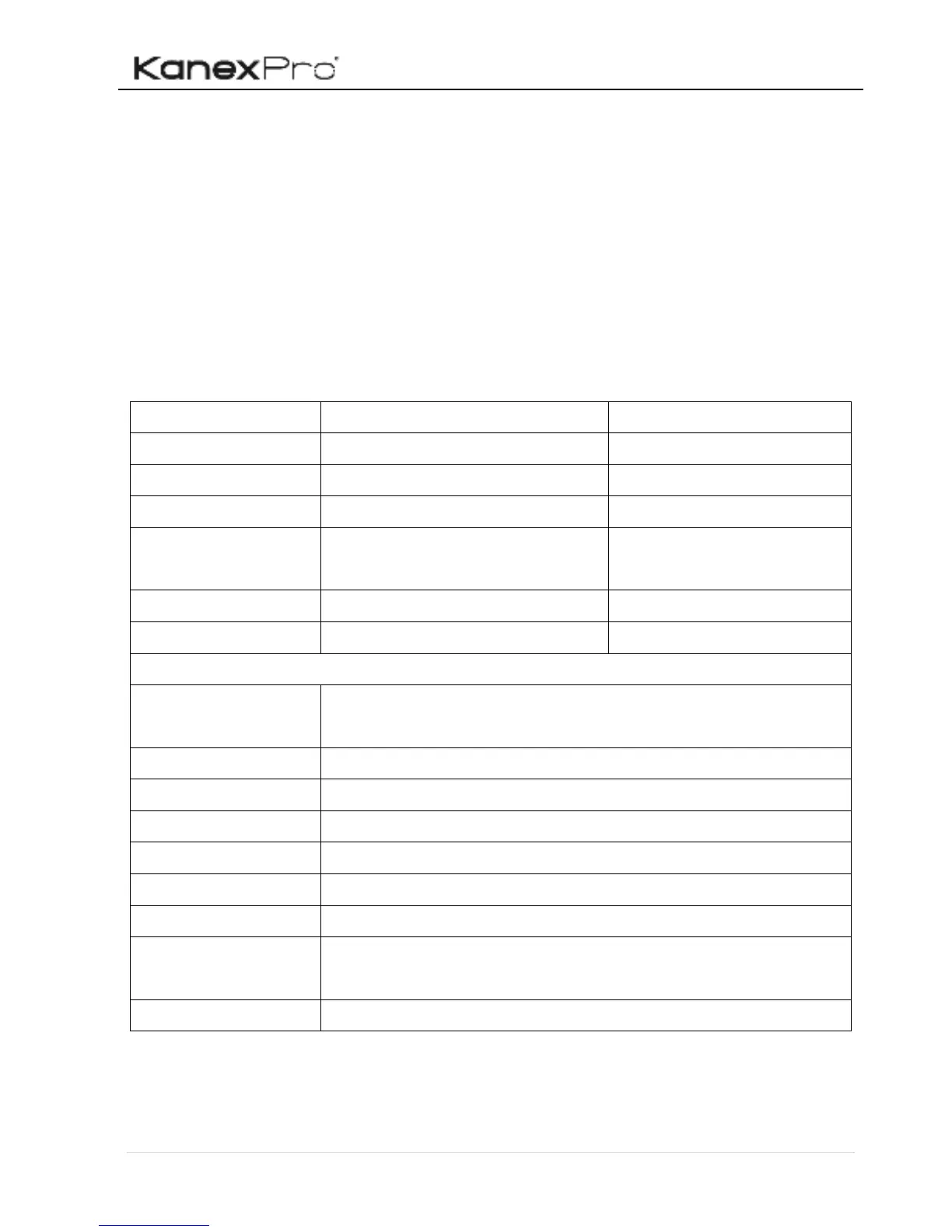
4. Specification

Receiver
Input
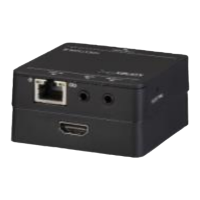
(1) HDBaseT
Input Connector
(1) RJ45
Output
(1) HDMI
Output Connector
(1) 19-pin type-A female
HDMI
Control
(1) IR IN; (1) IR OUT
Control Connector
(2) 3.5mm mini jacks
General
Transmission
Distance
1080p@60Hz≤55m
HDMI Standard
HDMI1.4, HDCP1.4 compliant
EDID Management
Built-in EDID
Power Supply
Input: 100VAC~240VAC, 50/60Hz; Output: 5VDC 1A
Power Consumption
4W (Max)
Work Temperature
-10~55
Reference Humility
10%-90%
Dimensions
(W*H*D)
66mm x 16.8 mm x66 mm
Weight
Transmitter: 36g; Receiver: 38g;

Other manuals for KanexPro HDEXT50M

Related product manuals