16
4-5 REMOTE Mode
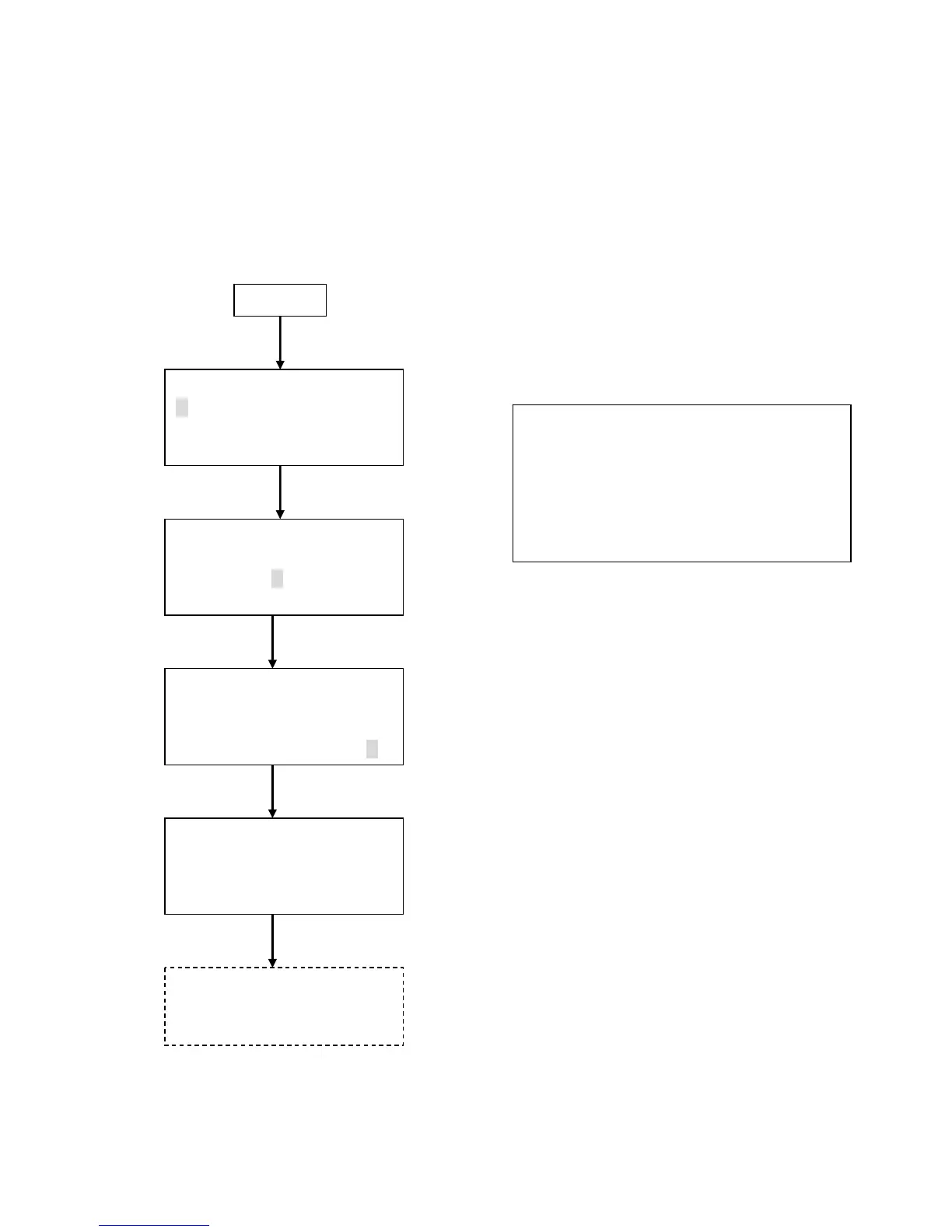
Setup procedure is shown below.
(Character positions may not correspond to the actual screen.)
Power Up
<MENU>
1.MEASURE MODE
2.DATA PROCESSING
3.OPTIONS
< MEASURE MODE >
1.REPEAT 4.CALC
2.SINGLE 5.REMOTE
3.CONT 6.ISO>4
Move the
cursor by
▲▼key.
Press ENTER key
REMOTE 0.3/0.5/5.0um
LOC.021
OK
Press ENTER key
Press ENTER key
Press ENTER key
REMOTE 30B 20:32
0.3 0.00E+0/m3
0.5 0.00E+0/m3
5.0 0.00E+0/m3
Move the
cursor by
▲▼key.
Measurement start/stop is
controlled by the software
supplied with the instrument.
Measurement Setting Screen
LOC.:
LOC number can be used for identifying room
numbers or measurements. Setting of this item
is not mandatory.
www.GlobalTestSupply.com
Find Quality Products Online at: sales@GlobalTestSupply.com


 To Next Page