31
6-4 Communication Setting
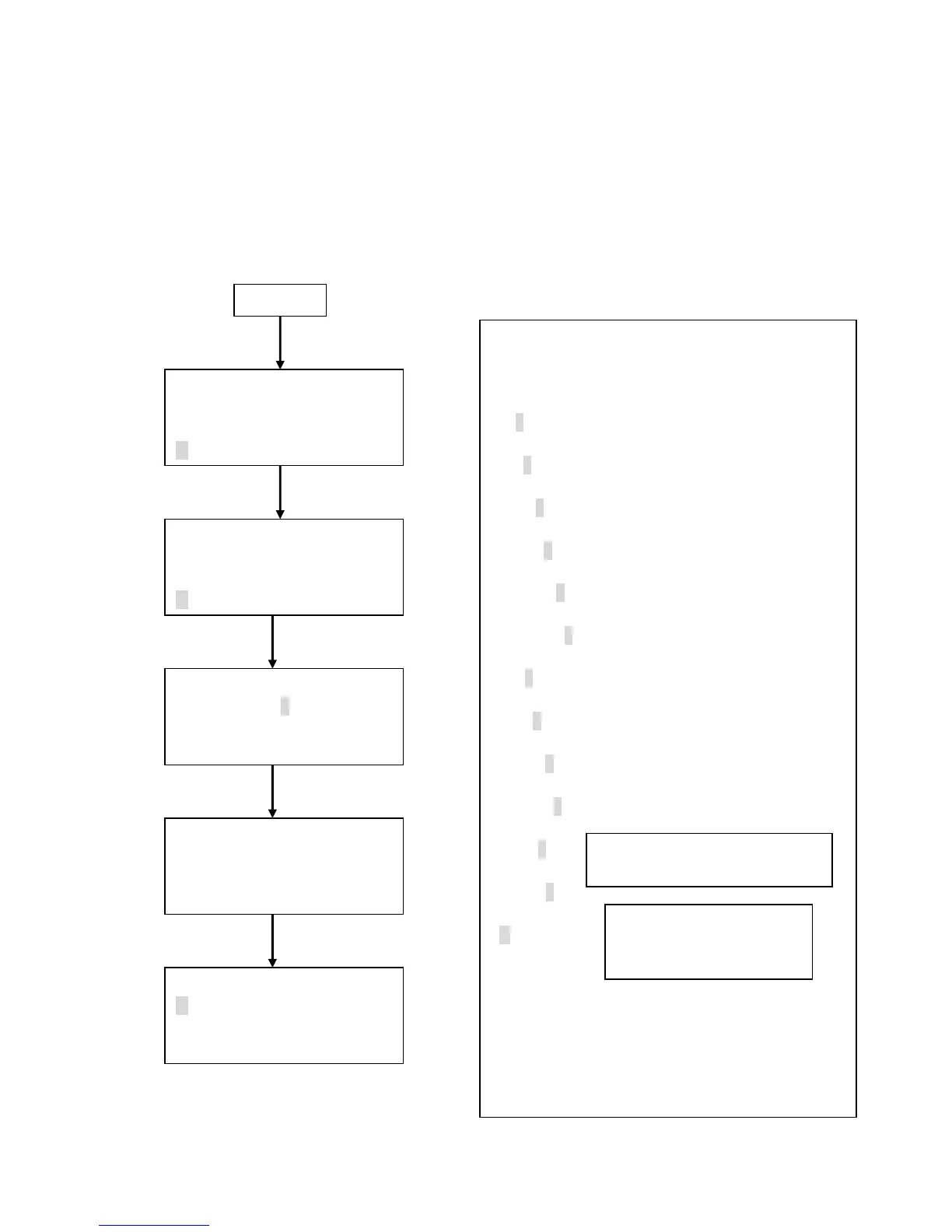
The procedure for setting the communication protocol to communicate with a computer is
shown below.
Power Up
<MENU>
1.MEASURE MODE
2.DATA PROCESSING
3.OPTIONS
< OPTION >
1. ALARM 4. HOTKEY
2. UNITS 5. AUTOST.
3. UTILITIES
Press ENTER key
< UTILITIES >
1.DATE 2005/08/05
2.TIME 13:29
3.ID 00(MAX 31)
< OPTION >
1. ALARM 4. HOTKEY
2. UNITS 5. AUTOST.
3. UTILITIES
Change the values by using the ▲▼ key.
Move the cursor to the “ID” row by pressing the
ENTER key.
2005/08/05
↓
2005/08/05
↓
2005/08/05
↓
2005/08/05
↓
2005/08/05
↓
2005/08/05
↓
13:29
↓
13:29
↓
13:29
↓
13:29
↓
00
↓
00
↓
RS232C
When using the supplied software,
“ID” must be set to “00”, and
“COMMUNICATION” must be set to “RS232C”.
Change setting by using the
▲▼ key.
RS232C←→RS485
< UTILITIES >
4. COMMUNICATION
RS232C
Press PREV key
Change ID number by using the
▲▼ key.
Press ENTER key
www.GlobalTestSupply.com
Find Quality Products Online at: sales@GlobalTestSupply.com


 To Next Page