5
1
2
3
4
5
9
8
6
7
10
11
12
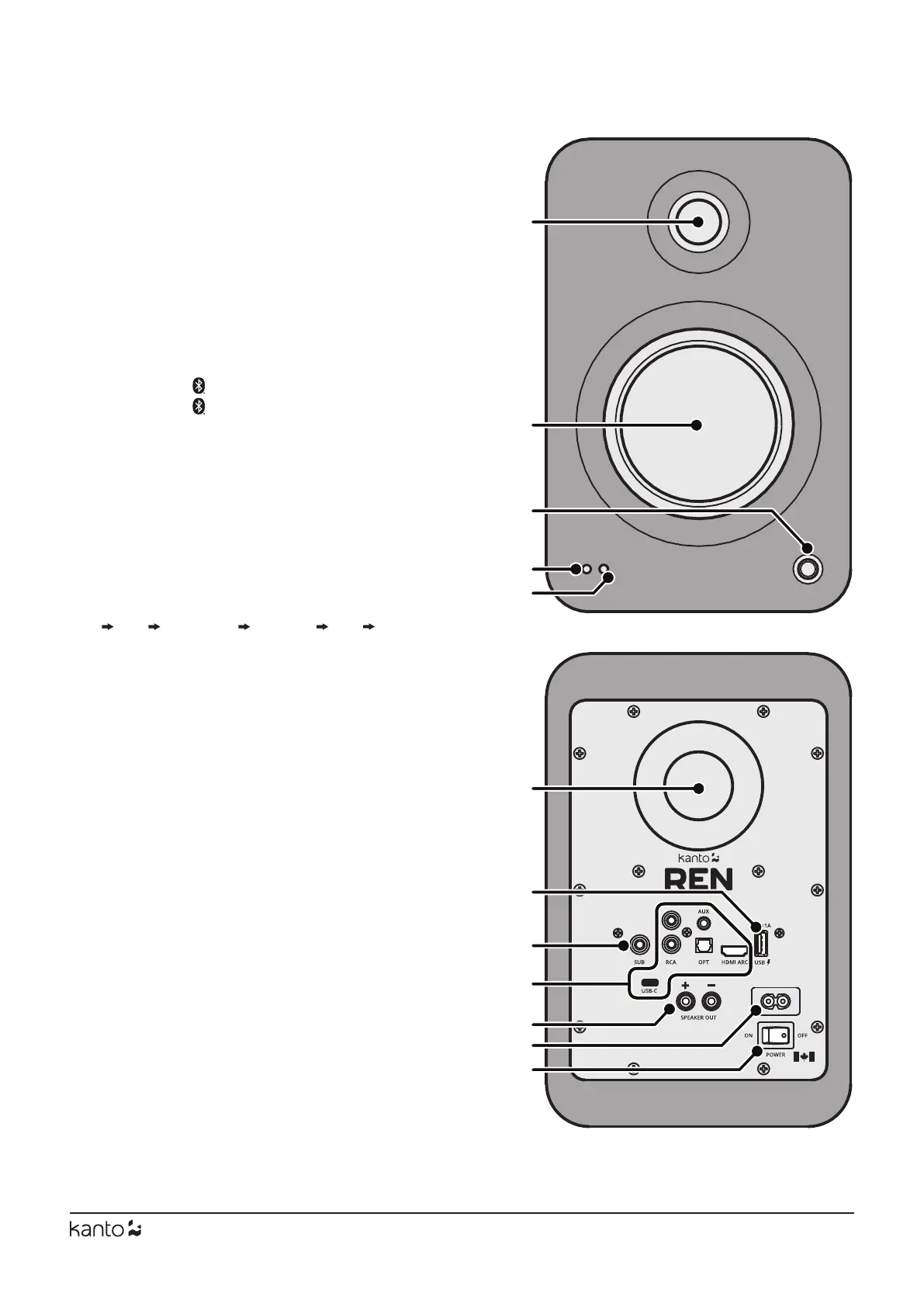
Front & Rear Panels
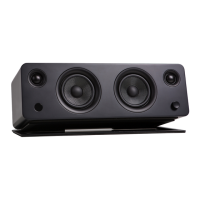
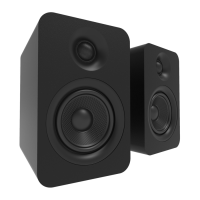
1 1” silk dome
2 5.25” aluminum concave cone
3 Control Knob
4 LED
Teal - AUX
Green - RCA
Purple - HDMI
®
ARC
Pink - Optical
Yellow - USB
Blue - Pairing (ashing)
- Paired (solid)
5 IR Receiver
REN’s control knob can be used to adjust volume,
cycle through inputs, or bring the speaker in and
out of standby.
Push the knob to select an input source - it cycles
through the following inputs depending on what
input source was last used.
AUX RCA HDMI
®
ARC OPTICAL USB BLUETOOTH
®
Push and hold the knob to enter standby or wake
up from standby.
6 Bass Reex Port
7 USB Charge Port (5 V / 1 A)
8 Subwoofer Out
9 Inputs
AUX
RCA
Optical
HDMI
®
ARC
USB-C
10 Output Terminals (+ and −) for Passive Speaker
Connection
11 AC Input Connection (100 V - 240 V)
12 On / O Switch



 To Next Page