(QJOLVK
Operation
Note
Ɣ The appliance should not be turned
on without the HEPA filter or dust
container. Ensure the HEPA filter
and dust container are properly po-
sitioned in the appliance before us-
ing the appliance.
Ɣ Press the ON/OFF button to star
t
vacuuming up dust / dirt.
Charging
Note
Ɣ The appliance will not work during
the charging process.
Ɣ The charging time is approx. 3 - 4
hours.
Ɣ The appliance must be fully charged
before first use.
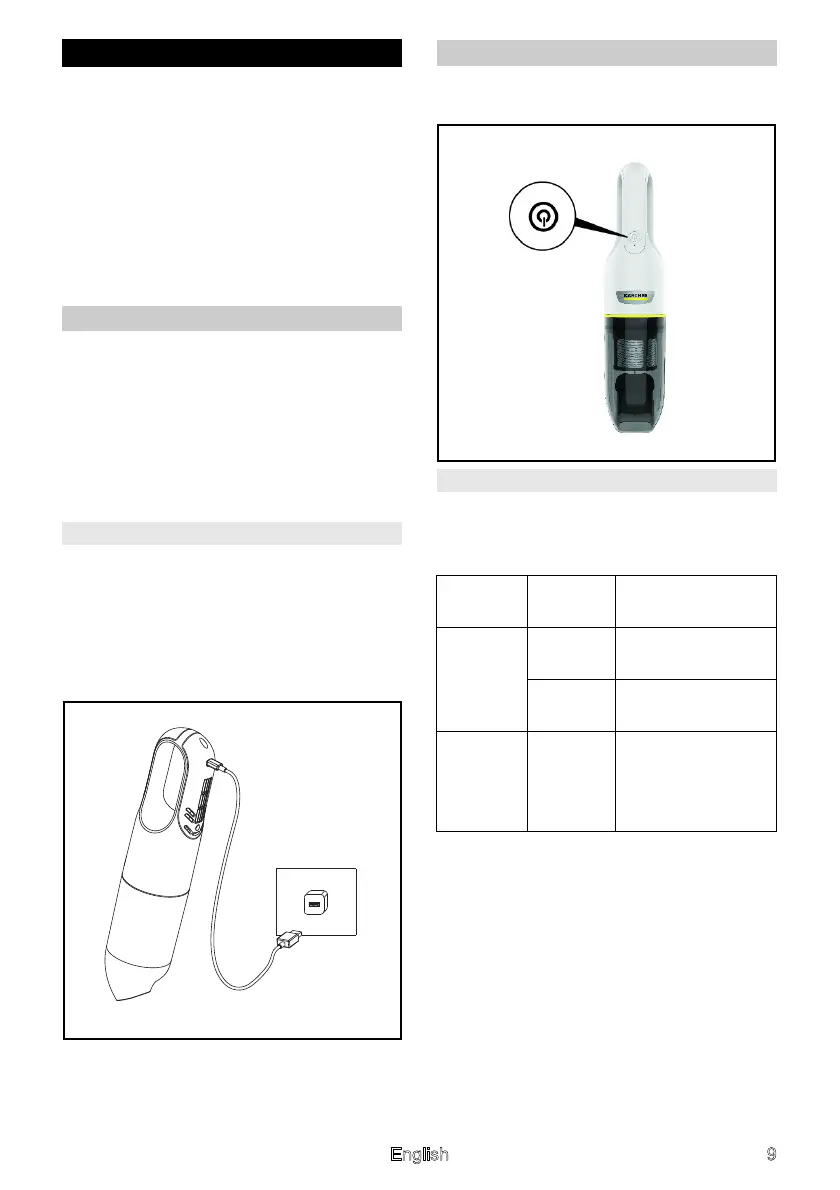
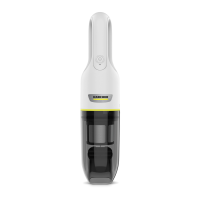
CVH 2
Insert the USB connector of the USB
charging cable into the appliance
charging port, and then connect the
other end of the USB cable to a USB A
charger (5 V 2 A charger or mobile
phone charger).
Operation
Ɣ Press the ON/OFF button to start
vacuuming up dust / dirt.
Signal
The table below describes the mean-
ings of the LED signals on the appli-
ance:
Signals Status /
Color
Description
Battery
signal
charging
Flashing
(red)
Charging
Always
on (blue)
The battery pow-
er is full.
Battery
signal
discharg-
ing
Flashing
(red)
The battery pow-
er is low.




 To Next Page