New Unit Information 02.2004
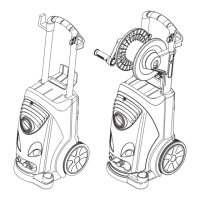
HD 5/12 Unit functions
Page 7 / 12
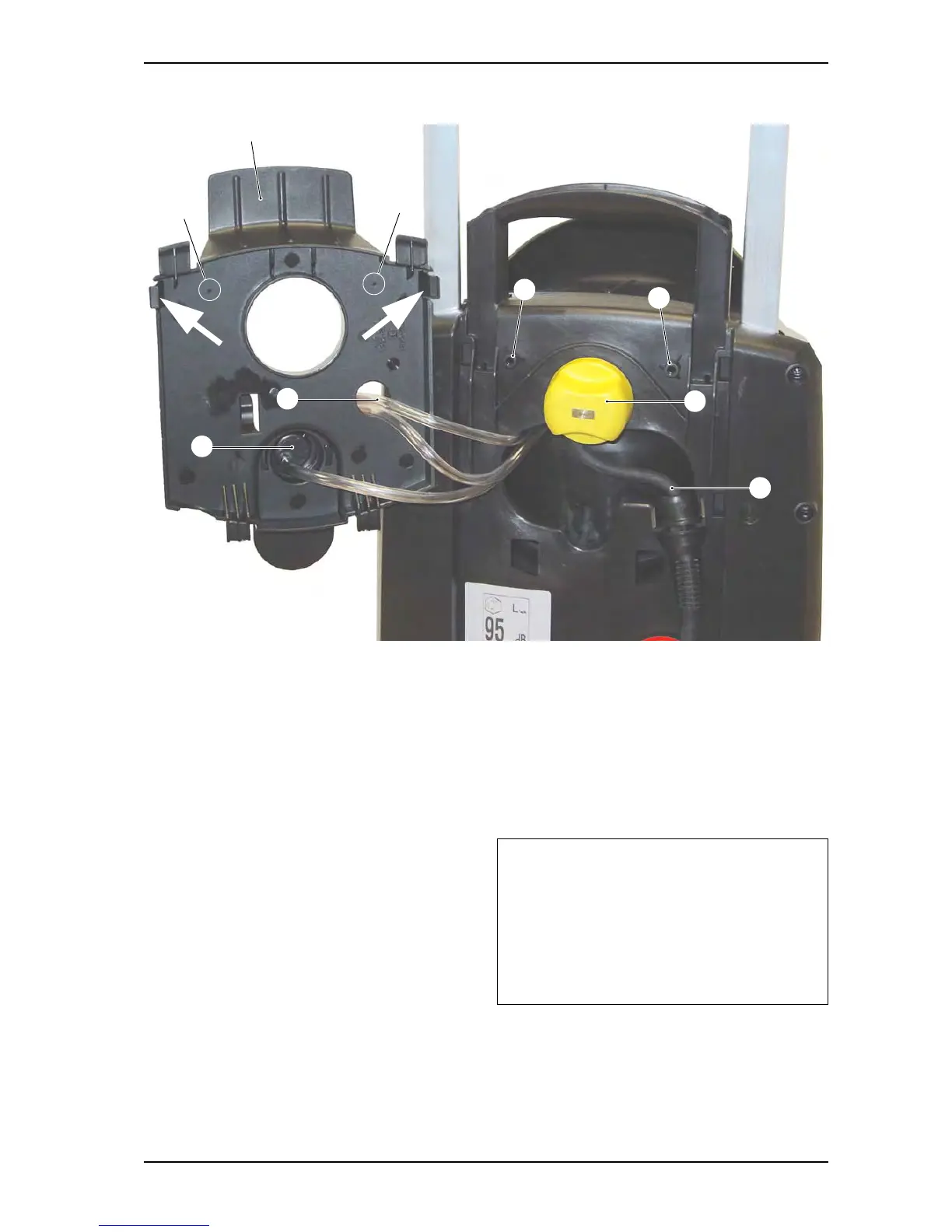
View from the rear, cover open
1 Rear cover
2 Bore markings
3 Screw holes
4 Clamping screw for adjusting handle
height
5 Mains connection cable
6 Cleaning agent supply hose
7 Cleaning agent metering valve
4
5
7
6
Rear cover open
– Pull the retainer clips (arrows) outward and
remove the cover (1).
2
2
1
3
3
Note:
If the retaining clips have broken repair as
follows: Drill through the two bore markings
(2) in the cover with a Ø 5mm bit. The cover
(1) can then be mounted with two screws
M5 x 20 (7.303-108) in the screw holes (3).




 To Next Page