MIDI Settings
5
CA99/CA79 MIDI Settings Manual
3
Local Control
The Local Control setting determines whether the instrument will play an internal sound when the keys are pressed.
This setting may be useful when using the CA99/CA79 digital piano to control an external MIDI device that is
connected to the instrument’s amplier/speakers.
Local Control setting
Local Control Description
O The instrument will transmit information to an external MIDI device only.
On (default) The instrument will play an internal sound and transmit information to an external MIDI device.
Changing the Local Control setting
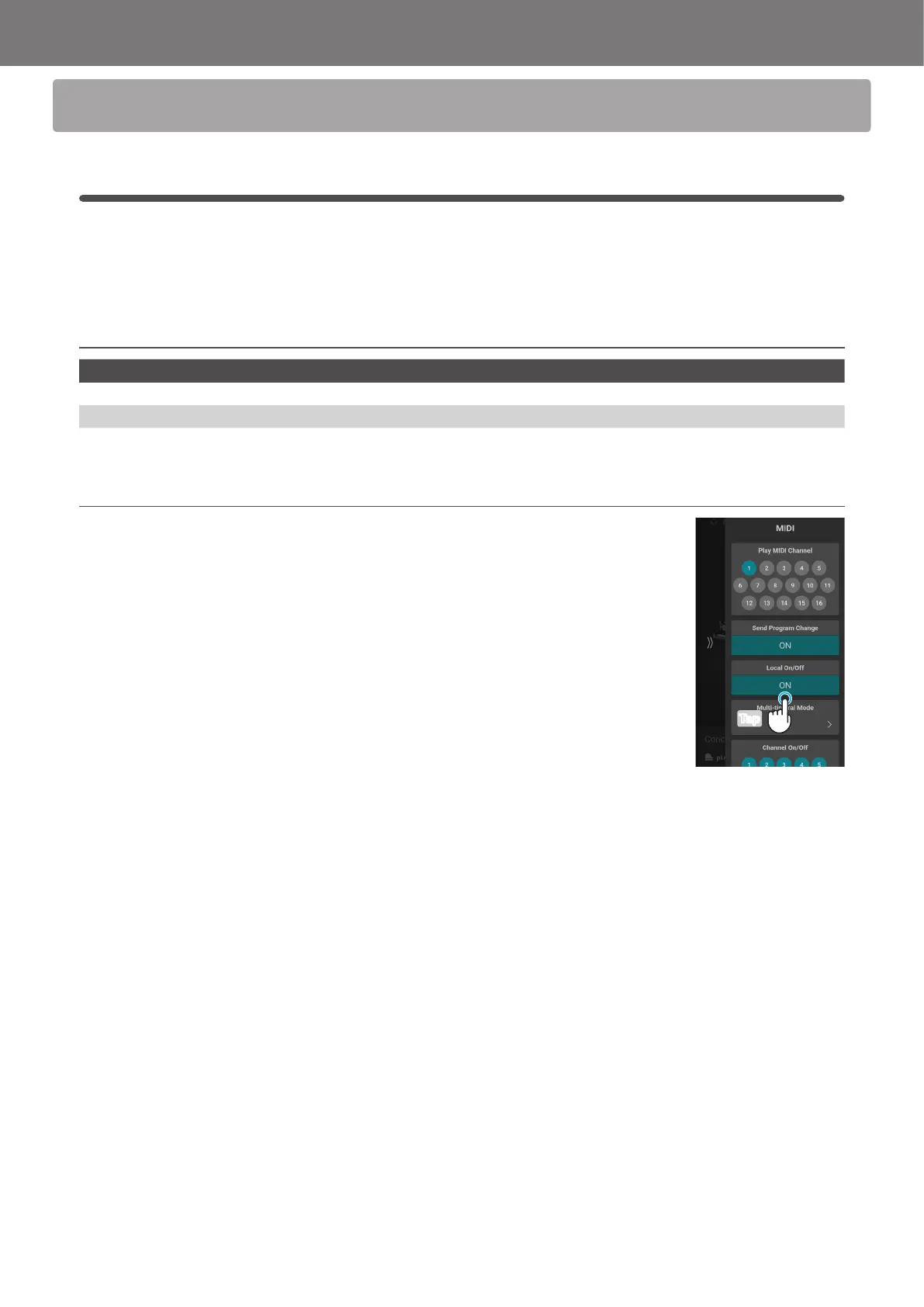
In the Local On/O area, tap the [On/O] button to turn the function on/o.
Tap



 To Next Page